Find your fit
Who it is for
A team currently handling support in a shared mailbox can forward its address into opendesk, assign each ticket, keep replies under that address and see the work in one live queue. Test both incoming and outgoing mail before switching a real support address.
A site that receives quick questions can add a chat widget, route conversations to the right team and link visitors to help articles. Keep the widget unpublished until routing and public article visibility are checked.
An operator who wants open-source control can self-host, including its database and credentials. A buyer who prefers managed service can compare the Cloud plans and paid AI usage without taking on server upgrades or recovery.
The work it supports
Core capabilities
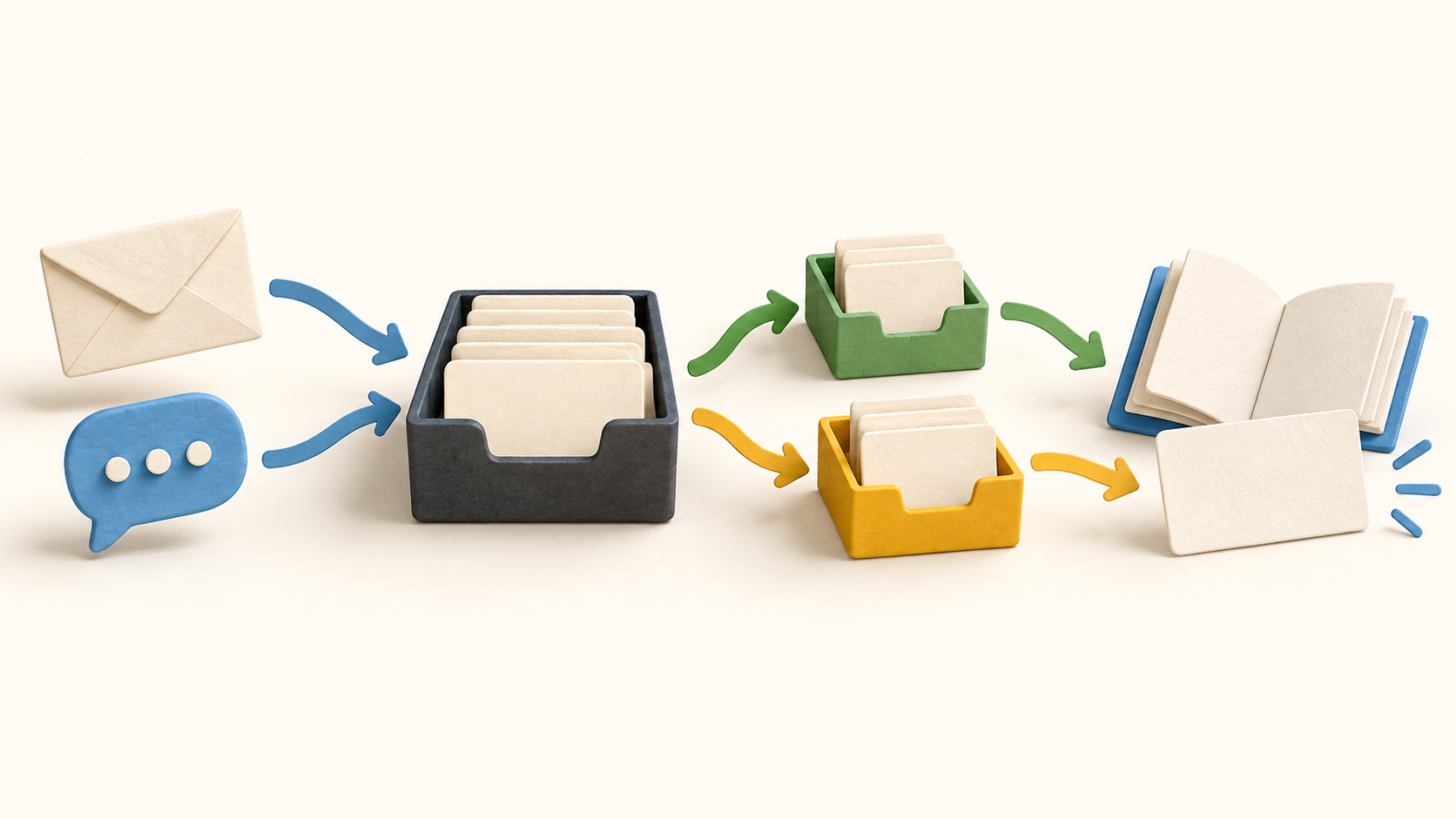
Email, chat, API and help-center portal requests feed the same inbox. A ticket timeline holds customer messages, outgoing replies, internal notes and status changes so a teammate can follow the case.
Forward a support address to receive mail. For sending, connect Google or Microsoft, SMTP or a sending service; Cloud receives by forwarding while self-hosting can also receive through IMAP. Use fictional messages to verify the chosen path.
Embed a chat widget on a site and give it a team and topics. Visitor messages become chat tickets with live replies, while another website can use its own widget and routing.
Assign, prioritize, snooze, merge or solve tickets from the shared queue. Switch the composer to Note when a message is meant only for the support team.
Start routing with the mailbox or widget team, then add ordered rules for exceptions. Test a sample email and chat before going live: the first matching rule can change the team, and later automations can move it again.
Create automations for ticket events such as arrival or replies, with conditions and actions for assignment, labels, priority or acknowledgement. Admin control and rule order matter whenever actions send customer-facing mail.
Set first-response and resolution targets by priority and team. Business-hours settings can pause the clock outside opening times; inspect sample tickets to ensure the intended policy wins.
Write help articles in collections and publish selected content to a public help center. The chat widget can link to that center, so verify what a visitor can search and read.
Optional Ollie AI can assist with reply drafts and ticket summaries or answer from configured knowledge. Automatic triage, summary updates and chat answers begin off; assess knowledge and customer-facing behavior before enabling them.
Understand the offer
Pricing and getting started
Cloud Free is currently $0 for one mailbox and one member, with $0.50 of monthly AI usage. Cloud Pro displays $18 monthly per paid seat, unlimited mailboxes and members, and $10 of monthly AI usage per paid seat pooled across the workspace. Viewer access is free; verify tax, any yearly offer and current checkout terms.
Cloud AI draws from a separate dollar balance and can be topped up or auto-recharged. Calls vary by model and usage; a workspace’s own provider key changes where most AI charges land, while some decision actions may still draw from the Cloud balance. Check these settings before automatic AI use.
Self-hosted opendesk is Apache-2.0 and has no product seat or mailbox caps. It uses your own server, database, mail setup and AI provider or local model. Budget for those operations and keep recoverable database, data-volume and credentials-key backups.
Look a little closer
Before you choose
Before forwarding a live mailbox, send harmless messages in both directions and confirm the sender address, ticket threading, internal notes and assignment. Cloud forwarding and self-hosted IMAP differ.
Create a fictional chat and email ticket for each team, then inspect rule order, automation actions and business-hour SLA timers. Confirm customer acknowledgements only go out when intended.
Publish a harmless help article, check it as a visitor and test the widget link. Only then decide whether AI should use that knowledge to answer customers.
Compare the number of answering seats and mailboxes with the Cloud plan limits, then model AI spend under the chosen provider and auto-recharge settings. Self-hosting avoids product seat charges while adding infrastructure and recovery work.
14 distinct sources behind this profile. Research observed Oct 27, 2026. Features and offers can change.
View sources and research →
