Find your fit
Who it is for
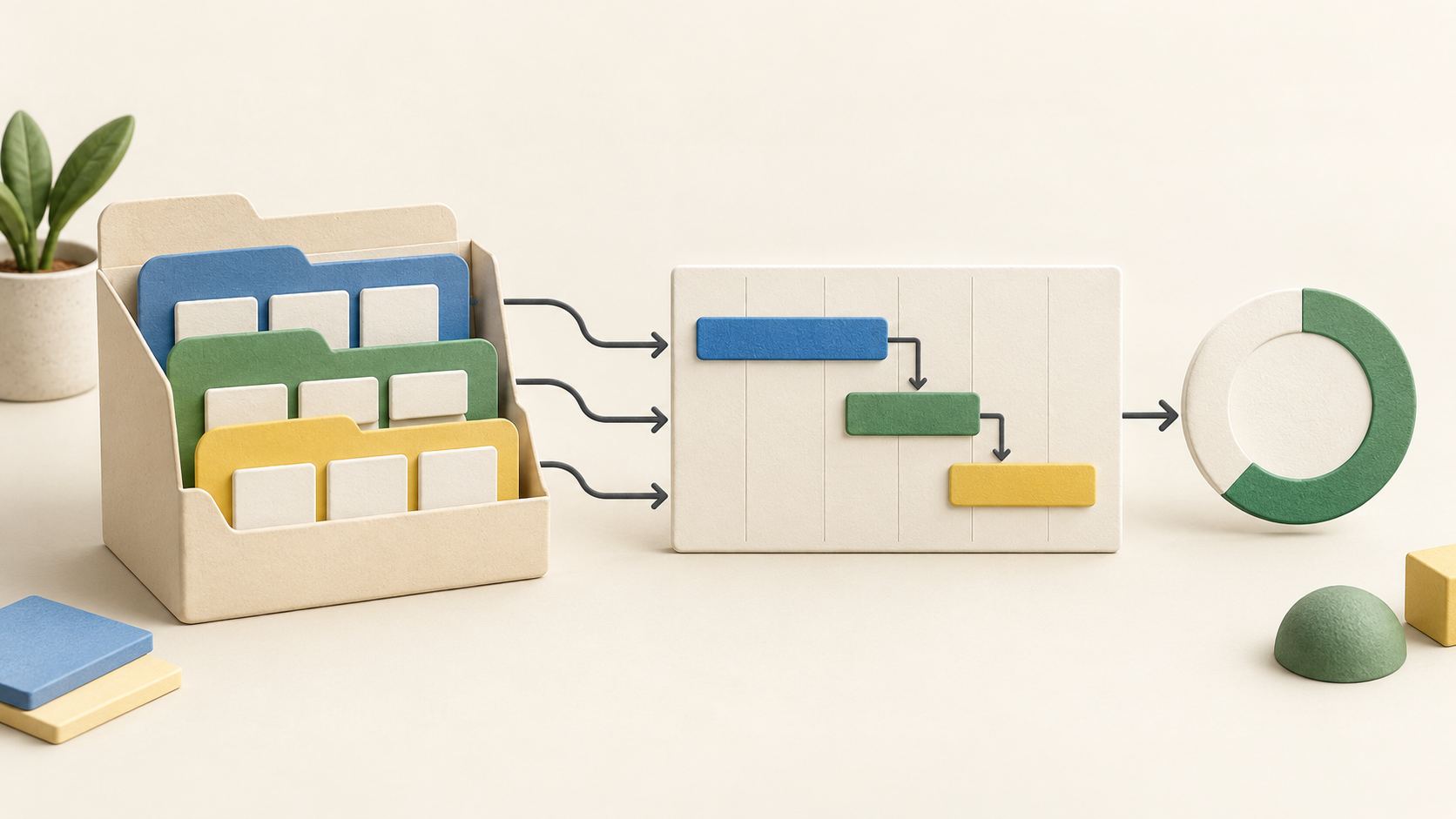
A team with several handoffs can map a small representative project first: assign owners, set the order of dependent tasks and check the resulting Gantt schedule.
A manager overseeing several jobs can use the project dashboard and reports to spot overdue work or a budget variance. Confirm the plan includes the specific report and dashboard needed.
The work it supports
Core capabilities
Task management. Assign tasks to users, set work hours and track them through completion. Milestones, lists and subtasks give larger deliverables a workable structure.
Project planning. Set dependencies between tasks in the order they must run. The Gantt view also supports different relationship types; inspect the sequence after changing dates.
Project reporting. Track progress and project status in a Gantt view. Reports and dashboards can add broader context when a deadline or budget needs attention.
Understand the offer
Pricing and getting started
The pricing table currently shows a Free plan for up to five users, three projects and 5 GB of storage. Its downgrade FAQ separately mentions two projects, so confirm the free limit shown during signup or downgrade.
Premium, Enterprise and Ultimate add different allowances. The current table puts a portfolio dashboard, critical path and baseline in Enterprise. Match a required feature against the current plan comparison before purchasing.
The vendor advertises a 15-day free trial without a credit card. Monthly and yearly billing controls appear for paid editions. Exact totals vary by selected plan and billing option; check the current checkout.
Look a little closer
Before you choose
Dependencies can express four relationship types and a lag between tasks. Zoho also lets users link unscheduled tasks before dates are set. A short pilot helps expose the effects of moving an upstream task.
The detailed list, plain list and Kanban board show the task set in different ways. Choose a view contributors will actually keep current.
The dashboard presents progress, budget health, overdue tasks and timesheet summaries. Planned-versus-actual reports and workload charts help investigate why a project is slipping. Check plan eligibility for each view.
Time logs can distinguish billable from non-billable hours, and issue records can be assigned and tracked. Zoho Projects also mentions invoicing from timesheets; this should not be confused with buying Zoho Invoice as a separate product.
The feature pages describe broad capabilities while the pricing table sets some plan gates. This profile does not confirm an account-specific feature set, integration setup, billing total or signup terms beyond the public pages.
6 distinct sources behind this profile. Research observed Oct 15, 2026. Features and offers can change.
View sources and research →
