Find your fit
Who it is for
It suits teams that need both a shared reference library and repeatable employee training. Department spaces can separate ownership of guidance, while course assignments can give new staff a defined route through the material.
Zoho also describes customer and partner training through external portals. That makes Learn worth considering when the same organization needs internal knowledge and outward-facing education, provided it checks the portal edition and user add-ons first.
The work it supports
Core capabilities
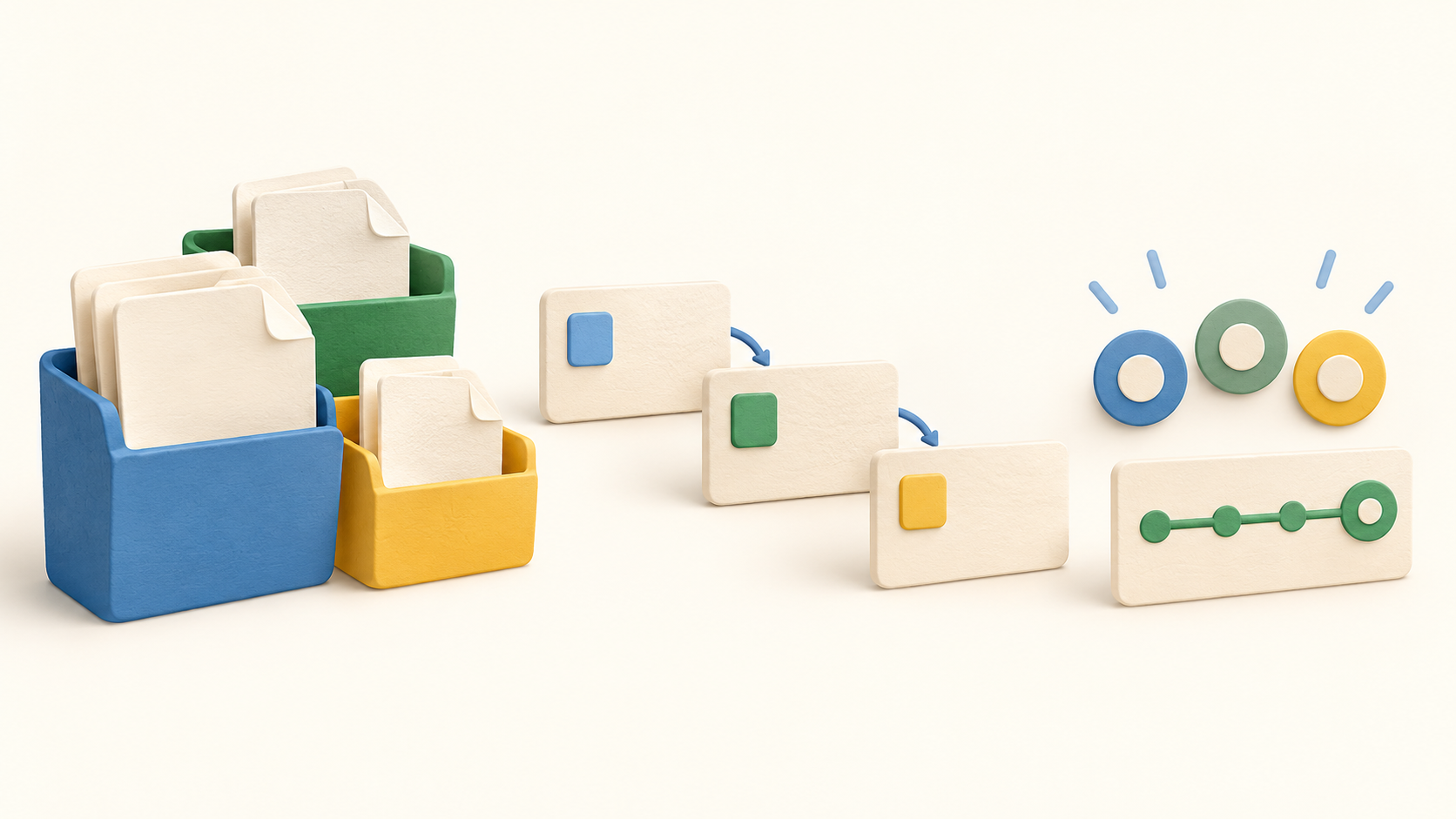
Create a hub, add spaces for departments, then group related knowledge in manuals. Manuals may live within a space or outside it, and articles can be arranged into chapters so procedures do not become one long page.
Write articles with the collaborative editor, attach files or embed PDFs, and give manual readers, contributors and admins different rights. Test these roles before putting restricted operating procedures in a shared space.
Build courses from text, video, document or mixed lessons, and add chapters to organize the sequence. Zoho Learn also describes using SCORM files as course lessons for teams with existing learning material.
Connect courses into a learning path and assign learners in sequence. Quizzes and assignments can check understanding; for assignments, an instructor can review submissions before the learner completes that lesson. Check Professional entitlement for assignments and descriptive quizzes.
Publish a course for all hub users or selected people, then inspect lesson, learner, quiz and assignment reports. Report depth varies by edition, so confirm the views a training manager actually needs.
For audiences outside the organization, custom portals can expose selected knowledge and courses. Zoho also offers mobile apps for reading articles and taking courses away from a desk.
Understand the offer
Pricing and getting started
The current Free display includes five users, three spaces, five manuals, five courses, 1 GB storage and two learning paths. These are useful for a small pilot, but a team with several departments or training tracks can hit the resource limits quickly.
Express lists ten spaces, 50 manuals, 25 courses, five learning paths and 1 GB storage per user. Its page also lists basic course reporting, external article/manual links with password protection, a 30-day article version window and PDF article export.
Professional lists unlimited spaces, manuals, courses and learning paths with 5 GB storage per user. Its listed extras include assignments, detailed course reporting, article verification and unlimited article version history.
Pricing is tied to hub user count with monthly and yearly options; the reviewed page offers several currency selectors but did not provide a dependable per-user amount in the retained text. Request a current quote for the desired user count, plan, currency, tax treatment and interval. External portals and users may add cost.
The current signup screen and pricing header advertise a seven-day trial, while a FAQ on that same pricing page says 30 days. Treat the duration as unresolved and confirm the offer shown during signup before scheduling a pilot.
Look a little closer
Before you choose
Sketch the intended structure before importing content: a few departments, their manuals, article owners and reader/contributor/admin roles. Use fictional documents to verify who can view and edit a restricted manual.
Pilot a realistic course from existing material, including a document or SCORM lesson, a quiz, an assignment and a learning path. Check which assessment and reporting tools appear in the chosen edition rather than assuming the full feature list applies to Free or Express.
If customers or partners will use a portal, test a small external audience and ask Zoho for the exact portal and external-user allowance. Keep the internal article library separate from material intended for public or partner readers.
Count hub users, spaces, manuals, courses, paths and storage against the plan limits. Check export and version-history needs before relying on Learn as a long-term procedure library, and resolve the trial and quote details directly during checkout.
4 distinct sources behind this profile. Research observed Oct 18, 2026. Features and offers can change.
View sources and research →
