Find your fit
Who it is for
Software teams tracking bugs, tasks and releases can use issue links, custom fields, Scrum or Kanban boards, and time reporting in one system. Start with a representative project before designing a large workflow around a demo board.
Cross-functional teams can also use saved issue views, board lanes by assignee or epic, and Whiteboards for early planning. Check permissions and fields with each team that will share a project.
An organization choosing its hosting model should compare Cloud’s per-user and agent billing plus storage limits with Server’s license and operating responsibility. Cloud and Server are deployment choices for the same YouTrack product, with distinct commercial terms.
The work it supports
Core capabilities
Issues can carry rich descriptions, links, custom fields and attachments. Saved filters and list or table views help different teams find the work relevant to them without requiring a separate project copy.
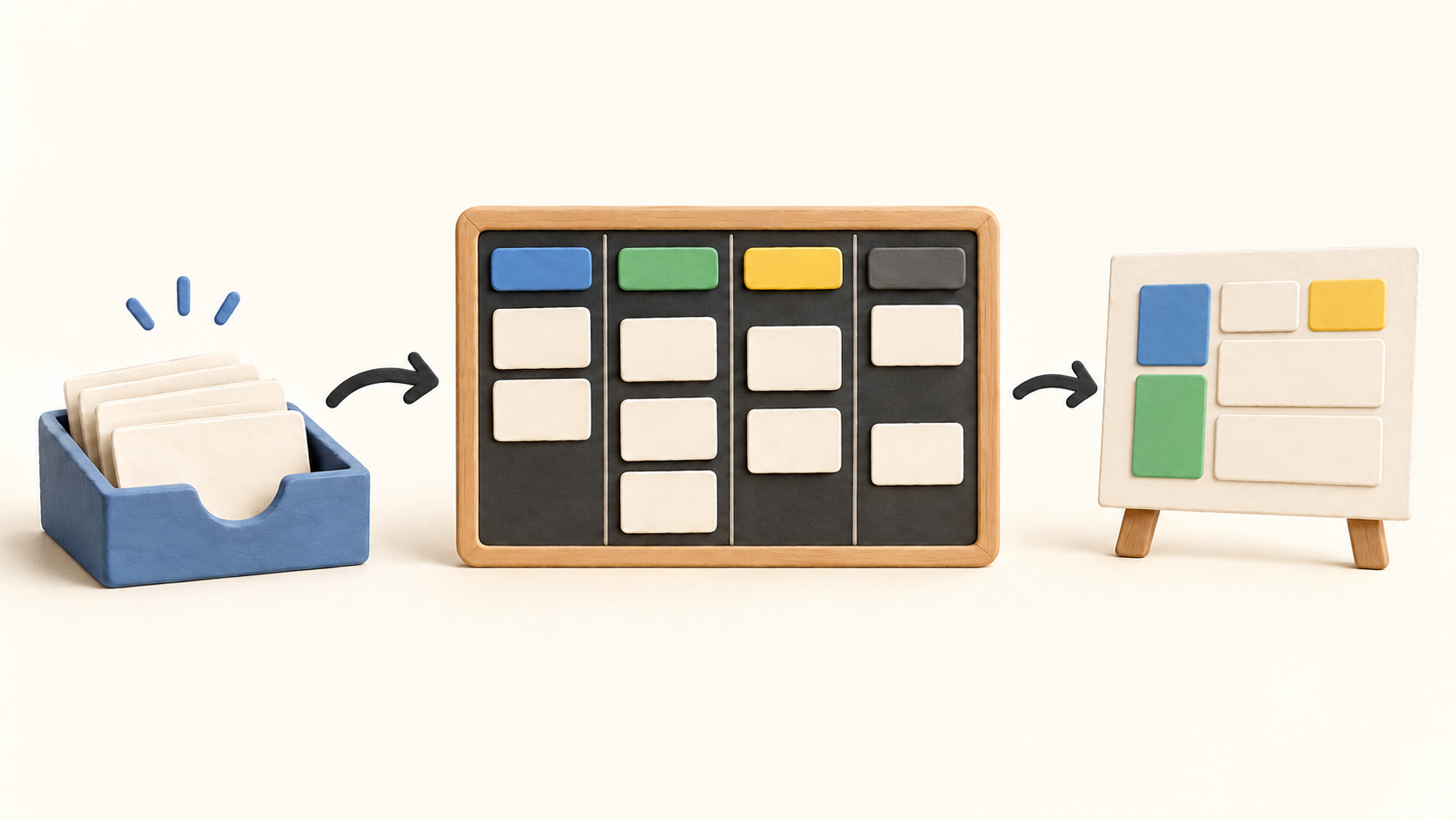
Agile boards support Scrum, Kanban and mixed approaches over work from one or more projects. Moving a card between columns changes its workflow status; configurable swimlanes can group the same work by assignee, epic or tag.
A board can enforce work-in-progress limits on status columns. This gives a team a way to make overload visible while keeping a backlog and current work in one planning surface.
With time tracking enabled, estimates and logged work items can be compared. Time reports summarize spent time, and JetBrains also documents timesheet and Gantt views; check the chosen project settings before relying on a report.
Whiteboards let a team turn planning notes into linked tasks or articles. They are useful before details are settled, while the actual issue remains the record to track through the board.
YouTrack offers import paths from Jira and several other task systems. A Jira migration needs a trial run: continuous synchronization can leave user data inconsistent if source users change regularly.
Understand the offer
Pricing and getting started
JetBrains’ current Cloud license documentation describes a free tier for up to ten users and three helpdesk agents. Paid Cloud cost and storage scale with active registered users and agents; older fixed-account subscriptions have separate transition rules.
The Cloud trial is described as 14 days, up to 100 users and 50 agents, with 100 GB storage and no card requirement. Use it to test a representative project, report and import before choosing a paid capacity.
Standard Cloud storage is tied to licensed users at 3 GB each, making the documented ten-user free allocation 30 GB. If storage overuse continues, the instance can be restricted. Estimate attachment volume along with seats and agents.
YouTrack Server also has a free ten-user, three-agent license per installation. New paid Server subscriptions use annual user packs; older perpetual licenses purchased before June 23, 2026 have separate continuation rights. Confirm the license path for an existing installation.
Paid terms vary by hosting choice, users, agents and billing term. Obtain the current JetBrains checkout or quote for the intended capacity, tax and renewal before budgeting.
Look a little closer
Before you choose
Build a small project with real issue types, custom fields and two board views. Move sample issues between columns and lanes to check the status and grouping rules before importing a large backlog.
If time reporting matters, enable it in the sample project and compare estimates, logged work and the report your managers expect. A board alone does not prove the reporting setup is useful.
Test migration on a limited project and check users, issue links, comments, permissions and ongoing updates. JetBrains specifically flags continuous Jira user-sync inconsistency, so plan a cutover rather than assuming an indefinite two-way mirror.
Compare Cloud users, agents and storage against Server hosting and license renewal needs. Recheck live commercial terms at checkout, especially for organizations growing beyond the free capacity or carrying a legacy Server license.
11 distinct sources behind this profile. Research observed Oct 21, 2026. Features and offers can change.
View sources and research →
