

Find your fit
Who it is for
A business that sends invoices and reviews cash flow can evaluate Xero by assigning staff responsibility for billing, bank review, and month-end checks. These are practical selection tests, not claims that Xero enforces those roles.
Xero says accounting reports can be shared with an adviser. Agree on adviser access and who corrects source entries before moving live records.
The work it supports
Core capabilities
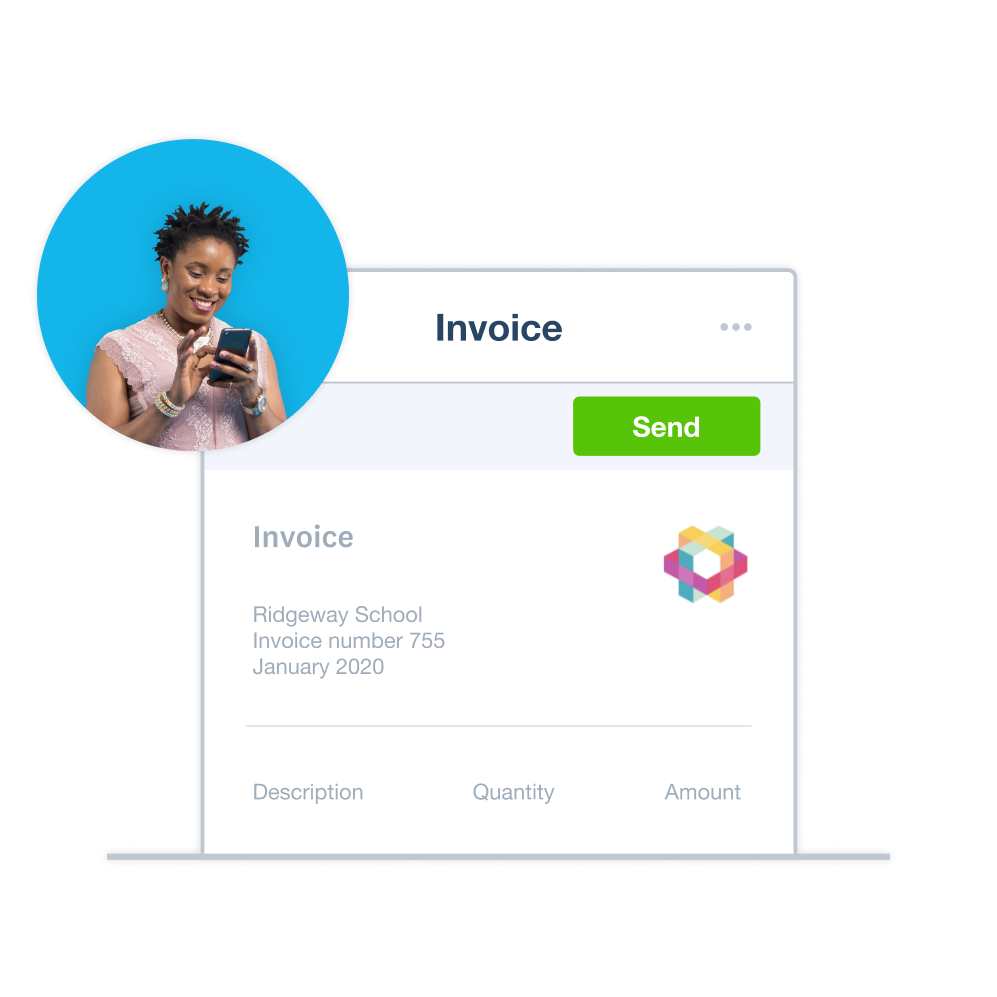
Create and send invoices and automate reminders. Test a representative invoice and unpaid-balance reminder before moving your billing workflow.
Customize the chart of accounts and run reports that track spending by category. Budget Variance can compare actuals with a budget; confirm the categories with the person keeping the books.
Xero lists profit and loss, balance sheet, cash-flow, aged-receivables/payables, and budget-variance reports, with date/category filters and exports. Review the underlying classifications before using a report for decisions.
Understand the offer
Pricing and getting started
The US pricing terms list prices in USD before tax, reserve the right to change them, and say subscriptions auto-renew monthly until canceled. Compare the regular recurring amount with any temporary promotion before signup.
The current US Early card lists 20 invoices and five bills. Its footnote says approving and sending count toward the invoice limit, and partner-initiated transactions may count; compare your normal volume with the current terms.
Look a little closer
Before you choose
Xero describes bank-reconciliation suggestions for a user to approve. Pilot a period with deposits and refunds, then check how rejected suggestions and corrections affect the books.
The Xero Accounting app can photograph paper receipts and Hubdoc can extract key details into the books. Try varied sample receipts and check recorded fields before relying on the automation.
Online invoice payments carry fees. Standard USD ACH bill payments are included on the named US plans, while same-day, international, cross-border, and other methods may cost extra; check the payment mix your business will use.
At Xero bank-feed setup, confirm that the bank is supported and which historical dates the feed supplies before uploading statements manually. Xero says feed history depends on the bank and offers manual statement uploads when needed. Reconcile a sample period against the bank statement and books to catch missing or duplicate entries; do not assume an overlapping upload is resolved automatically.
For recurring customer invoices, choose the template status deliberately: Save As Draft keeps each invoice for review, Approve still requires sending it, and Approve for Sending emails it on the scheduled creation date. Xero says the first invoice under Approve for Sending is not emailed automatically if its date is today or in the past. It also says moving an existing template's next invoice date backward creates transactions again from that date. Check the first-send date and existing invoices before enabling or changing a repeating template; use a fictional schedule to rehearse the handoff.
For an audit or handoff, check the scope of Xero’s History and notes report. It records dated, user-attributed changes to financial records such as invoices, bills, contacts, inventory items and fixed assets, with filters and PDF or Excel export. Administrator access is required. The report excludes payroll transactions and expense claims, so verify representative questions and keep separate records where those gaps matter.
Before leaving a US Xero subscription, identify the organization's subscriber: only that role can cancel or change plans. A paid cancellation includes one month of billed access. Xero describes a pause as canceling and later reactivating; after the notice period it archives organization data, with reactivation possible within its retention period after confirming a plan purchase. There is no read-only plan. During the notice period, export the chart of accounts, contacts, invoices, bills, fixed assets and needed reports from their separate areas, checking report permissions, and cancel connected app subscriptions separately. A downgrade is a separate plan choice, available after 30 days on the current plan, with feature limits taking effect immediately. Check exports and current terms before deciding.
Before correcting a Xero sales invoice, check its status and agree on the accounting trail. Xero Central says Draft and Awaiting Approval invoices can be deleted; an Awaiting Payment invoice can be voided, but voiding cannot be reversed. A Paid invoice needs its payment removed before it can be voided. For an invoice already sent to a customer, Xero recommends a credit note to preserve an audit trail. Rehearse these paths with fictional entries and confirm the correction policy with the bookkeeper before touching live records.
Xero lock dates can stop covered users from adding or editing transactions dated on or before a chosen cutoff, but the help article still permits draft invoices, bills and expense claims, as well as draft manual journals. Before month-end close, walk through a fictional late bill and needed correction: decide who may set or temporarily remove the lock date, which roles it covers, and how reopened-period changes will be reviewed. Confirm the role rules in your organization; a lock date does not itself prove that earlier entries were reconciled.
For a fictional US month-end review where a bank feed and manual file cover overlapping dates, compare Xero's Statement Balance with the actual bank balance on the same date. Use the Bank Statement and Statement Exceptions reports to investigate missing, deleted, manual or duplicate lines. Xero says its Duplicate Statement Lines report flags potential matches by date and amount, but does not show partial matches or duplicates it already removed during import. Check each suspected line against the bank statement and agree on the correction with the bookkeeper before importing, restoring or deleting anything. Confirm these report steps in your US organization.
17 distinct sources behind this profile. Research observed Oct 27, 2026. Features and offers can change.
View sources and research →
