Find your fit
Who it is for
Administrators who need centralized protection for several computers can use one UrBackup server to watch client status and restore files. Plan the server storage, access and monitoring before deploying agents widely.
Teams seeking both everyday file recovery and supported whole-partition recovery should test each target operating system and filesystem. A client download for macOS or FreeBSD does not by itself establish image-backup support there.
The work it supports
Core capabilities
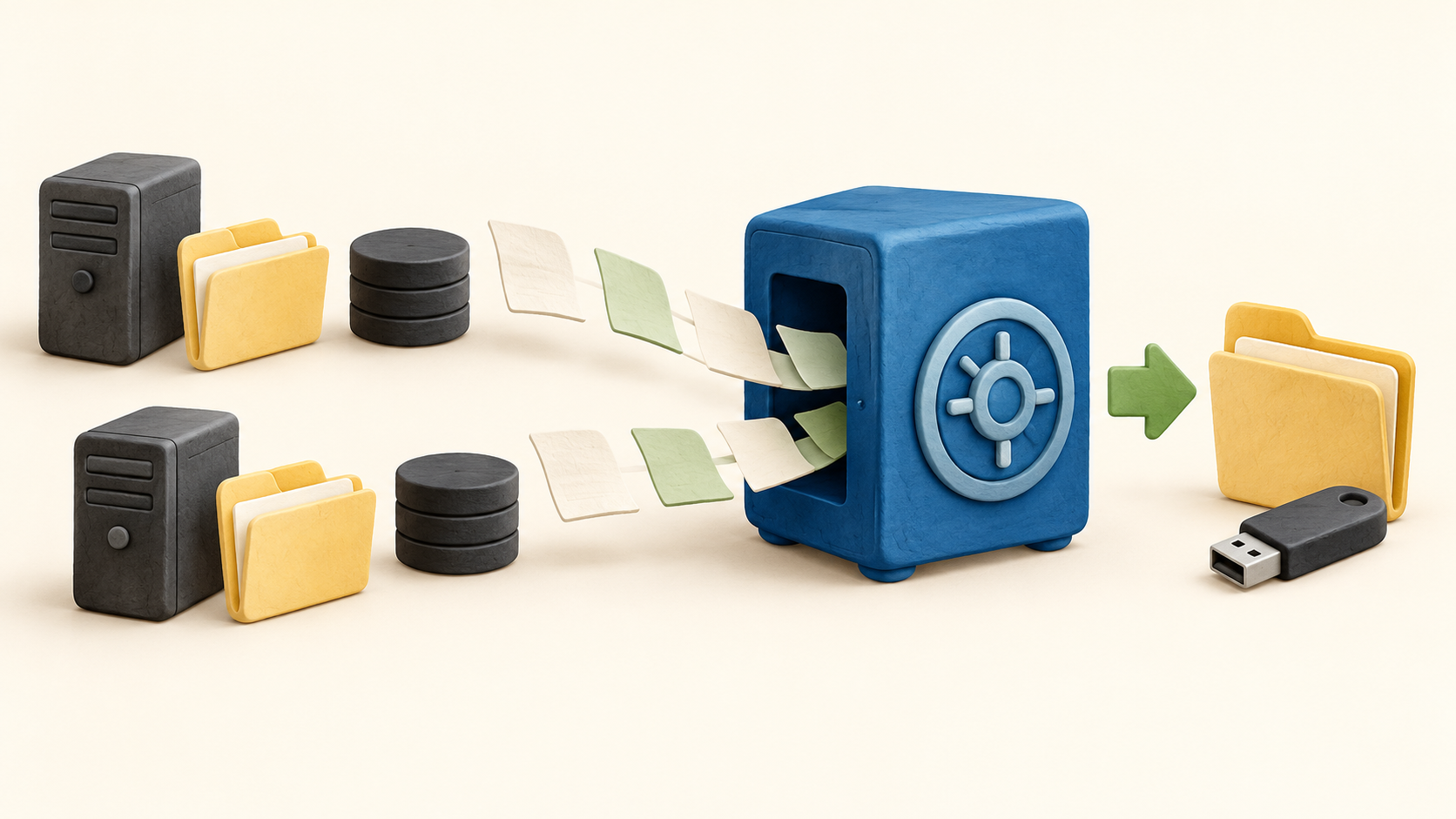
Full and incremental backups. UrBackup can copy selected directories as files and create supported partition images, with subsequent backups transferring changed data. Decide which machines need file-level recovery and which need an image before setting retention.
Backup while systems are in use. The vendor says file and image jobs can run without interrupting the machine's normal processes. Still verify a restore from the applications and open files that matter most to the organization.
Server console. A web interface shows client status, current activity and statistics and lets administrators browse file backups. Assign someone to review failed jobs rather than assuming a configured schedule means a usable backup exists.
File and image restore. Individual files can be recovered through the web interface or client; volume-image restoration uses bootable USB media. Prepare that recovery media and test a spare machine before a real outage.
File-level deduplication. When identical files occur on several computers, the server can store one copy. Estimate storage from a representative backup set instead of assuming deduplication will reach a particular ratio.
Missed-backup alerts. UrBackup can email when a machine has not backed up within a configurable period. Choose an interval that matches laptop travel and server criticality, then verify the alert reaches the right administrator.
Platform and image limits. The server supports Linux, Windows and FreeBSD, and the system-support page lists clients on Linux, Windows, macOS and FreeBSD. The current feature page restricts image backups to supported NTFS/Windows or extX/XFS/Linux setups with primary MBR/GPT partitions; dynamic volumes are unsupported.
Understand the offer
Pricing and getting started
Core UrBackup is free open-source software under AGPLv3+, including commercial use when its license terms are followed. There is no automatic vendor-hosted service in the core client/server setup; plan for server hardware or hosting, storage, monitoring and recovery operations.
The commercial page sells Windows change-block tracking separately, with a license for each client that uses the driver. Its faster incremental behavior should not be described as part of an unlicensed core deployment.
A special Microsoft Hyper-V client is also a separate commercial offering licensed per Hyper-V server. Buyers backing up virtual machines should verify whether that licensed client matches their restore needs.
Look a little closer
Before you choose
Test two restores before relying on a backup policy: one everyday file and one bootable image recovery from a supported volume. Document the time, credentials and media needed to make either restore work.
Inventory client OS, filesystems and partition layout before promising image backups. Current documentation limits image support and explicitly excludes dynamic volumes; treat other client platforms as file-backup candidates until verified.
Set alerts, retention and storage using actual backup sizes and an owner who can respond to failures. File-level deduplication can help storage but does not replace capacity planning or restore tests.
If fast Windows incrementals or Hyper-V snapshots are required, scope the separate commercial licenses in writing. Keep those enhancements apart from the open-source core when comparing costs.
4 distinct sources behind this profile. Research observed Oct 18, 2026. Features and offers can change.
View sources and research →
