Find your fit
Who it is for
It suits teams that must collaborate while continuing to work in different project or development systems. The official site also describes incidents, deals and contacts, so buyers should evaluate the particular connector pair and record type rather than assume every Unito workflow is a project board.
A team using Jira for development and another project tool for planning can pilot a single project before widening access. Decide which system owns a task at creation, which fields each team may edit, and how completed or historical records should behave. The exact options depend on the connector and plan.
The work it supports
Core capabilities
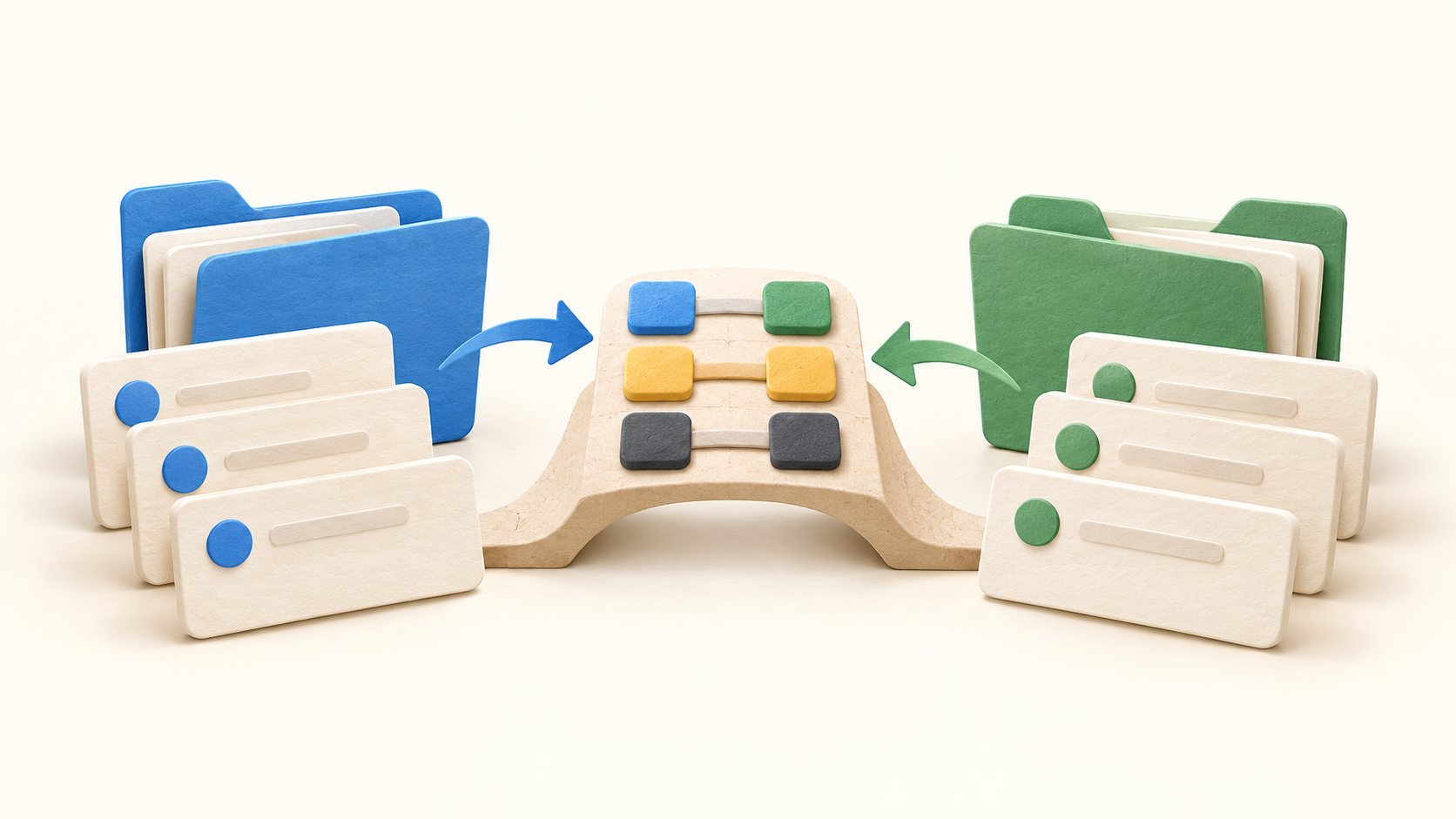
A flow begins by connecting the two tool accounts and selecting the project, sheet, table or other container whose work should sync. The classic guide and the newer Enterprise guide show related but different builders. Check which experience the selected plan provides before following a setup tutorial.
Choose the direction for creating new records. A one-way flow can create a corresponding item in the destination when work appears in the source; a two-way flow can create linked items from either side. This creation choice is separate from how later edits to individual fields travel.
Map details such as title, description, assignee and status between the two tools, then set each field pair’s update direction. Some fields may only support one direction because of a connector or API limit. Pilot an edit on both sides, especially for statuses and assignees, to catch an unexpected overwrite.
Rules decide which records enter the flow. Unito documents filters based on tags, assignees and status and actions such as assigning a new destination item. Start with a narrow test rule so a connection does not unexpectedly copy an entire backlog.
The default Created at rule is designed to avoid pulling older work into a new flow. Historical synchronization may be available by changing that rule, but the relevant entitlement can depend on the plan. Check the date rule before importing a live backlog.
Connected accounts need permission to read and update the chosen work. Unito’s tool-specific Help lists differences such as board membership or administrator rights. Have each system owner approve the scope and test access with a small non-sensitive project.
Understand the offer
Pricing and getting started
Unito prices by the number of items kept in sync and the features needed. The public pricing page does not show a fixed self-serve amount; it says exact prices appear in-app during a trial, while enterprise arrangements are quoted. The official Help says plan prices use U.S. dollars. Ask for the applicable tier, billing cycle and total before enabling a large flow.
A task represented in two connected apps generally counts as two items in sync, because Unito watches both versions. Synced subtasks or checklists can add to the count, while mapped fields and edits do not themselves increase it. The newer Enterprise experience has separate counting guidance; estimate volume for the chosen plan.
Some connectors, including ServiceNow and Salesforce, are restricted to specific Enterprise plans. If a flow needs a premium connector or trial-only fields, confirm its entitlement in writing rather than assuming the trial reflects the purchased plan.
The official Help describes a 14-day trial with up to 500 items in sync and broad flow/field mapping access, while excluding closed-work-item sync. Its Help pages disagree on attachment streaming during the trial, so confirm that entitlement for the intended connector. A trial flow using custom fields, sub-items or too many active flows may need changes before a lower plan can be selected.
The pricing page says Unito notifies customers when they exceed an item limit; a sustained overage can move the account automatically to an appropriate plan at the next billing cycle while flows continue. Set an internal owner to watch the count and model the cost of new projects or sub-items before expanding.
Look a little closer
Before you choose
Test one realistic cross-tool handoff with fictional tasks: create an item in each permitted source, change a mapped status and assignee, and confirm the intended direction of each update. Check whether an unmapped or restricted field stays local.
Review the exact tool permissions, date filter, excluded statuses and expected item volume before connecting production work. Reconcile the plan’s connectors and historical-sync rights with the pilot; an item-count or entitlement surprise matters more than a long feature list.
Budget against the live item count, sub-items and possible growth rather than a per-user assumption. During the trial, compare the desired paid plan with the fields and active flows actually used, and obtain written confirmation of price and overage terms.
12 distinct sources behind this profile. Research observed Oct 21, 2026. Features and offers can change.
View sources and research →
