Find your fit
Who it is for
Twos makes sense for someone who currently splits quick notes, daily tasks and reminders across several apps. The Today list gives that person one starting point without requiring a folder hierarchy or a detailed project setup.
People who need assigned owners, workflow statuses or Gantt schedules should look elsewhere for team project management. Twos explicitly says it lacks those controls; its lists, tags and sharing are lighter ways to organize personal material.
The work it supports
Core capabilities
The capture bar is meant for fast entry. A new thought can land in Today, the date-titled list Twos creates automatically. Notes and checkable tasks can sit in the same running record, with that day’s reminders and connected calendar events visible above it.
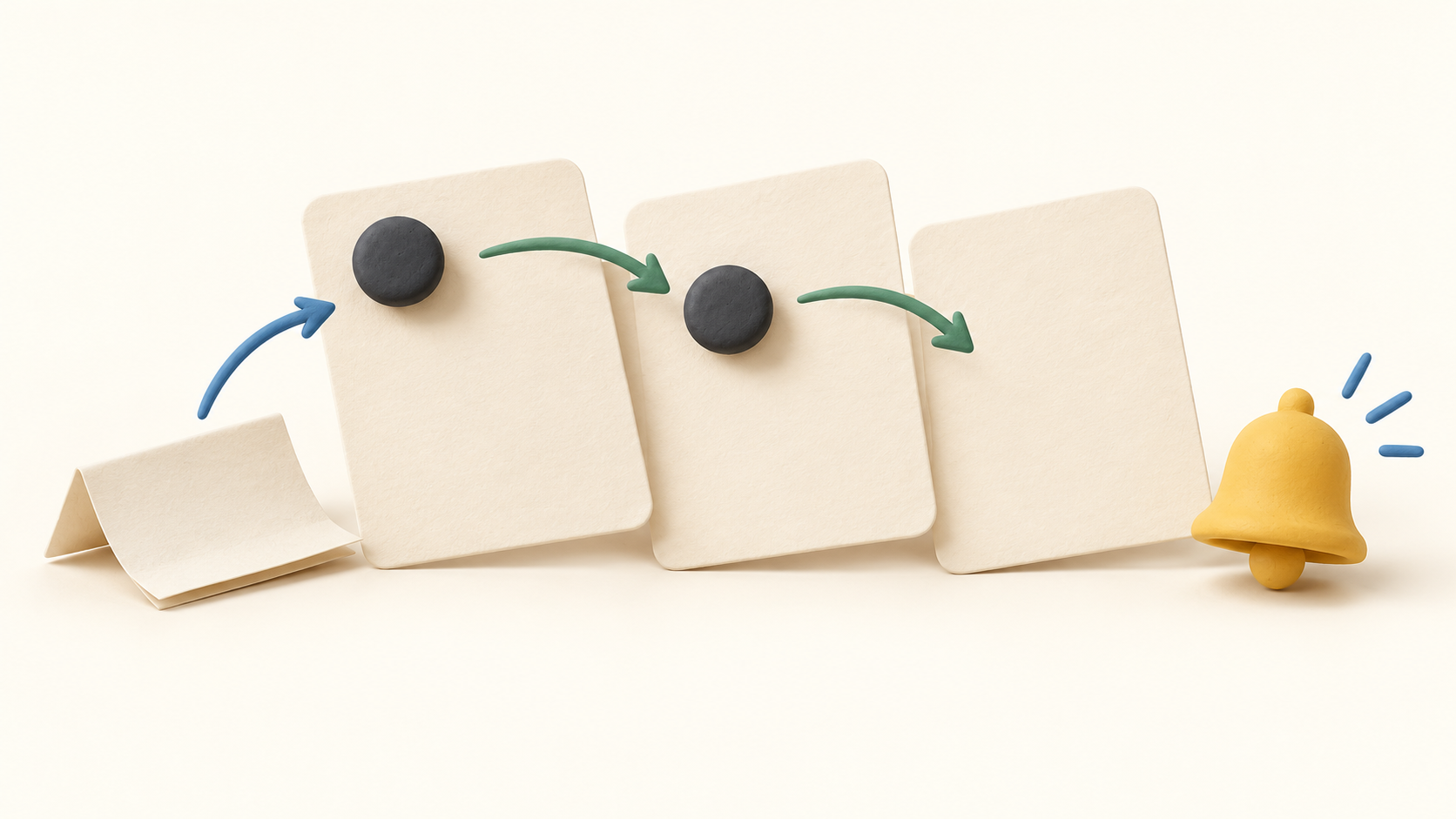
An unchecked to-do can move forward to the next day without being replanned. A checked item stays with the day it was finished. Twos runs this carry-over when the app opens and only moves work from the last day used, so a much older day may need its manual carry-over button.
Use a reminder for an item that needs an alert rather than for every task. The reminder guide covers repeating and location choices. Alerts still depend on the device’s notification permission, so try one harmless test reminder before relying on a time-sensitive one.
A reminder is not automatically an event on an outside calendar. Twos says it goes there when a calendar is selected for that reminder or the applicable push setting is enabled. Buyers who need their calendar to reflect tasks should test that choice with a sample item.
Twos can show events from calendars already present on an iPhone, iPad or Android device. Setup happens in the mobile app; the web and desktop apps display synced events afterward, but cannot start that connection themselves. Google or Outlook calendars first need to be added to the phone’s calendar system.
Lists, tags and sublists help separate recurring topics from the daily stream. Search is another route back to old material, including text in photos according to the official overview. A simple trial is to capture a note and find it again a few days later.
Sharing and collaboration are among the free core functions. For handoffs with a colleague, check how a shared list works with harmless entries; do not assume it provides assignment, status or approval controls from a project management suite.
Twos documents exports in Markdown, plain text, CSV, JSON, OPML and PDF on any plan. JSON is described as the most complete format; Markdown is easier to read elsewhere. Export a small sample before moving years of notes so you can check the structure and attached material you need.
Understand the offer
Pricing and getting started
Writing is free with no stated cap. The vendor lists daily lists, carry-over, reminders, search, sharing and collaboration in Free. Try the core daily workflow before paying for extra organization or AI tools.
Twos Plus adds templates and other organization features, additional views, customization and AI. Check the vendor’s current feature matrix for the particular feature you want because some entries are free, some are Plus, and older accounts can retain earlier rights.
The current homepage advertises a seven-day Plus trial. Twos also describes monthly, yearly and lifetime purchase options, but says the amount depends on country and whether purchase is through an app store or Stripe. Use the price shown in your own checkout, with the selected term, rather than assuming one worldwide figure.
Twos says cancelling Plus keeps what you wrote, while Plus-only features may become read-only. Earlier coin-bought unlocks and some grandfathered rights can differ by account. Review the exact entitlements before a plan change if those features hold important material.
Look a little closer
Before you choose
For a realistic trial, capture three harmless items: a note, an untimed to-do and a timed reminder. Reopen the app on another day to see what carries forward, then search for the note and check whether the reminder actually fired on the device.
If calendars matter, configure sync on a phone first and verify one event appears on web or desktop. Keep the difference between viewing an outside calendar and pushing a Twos reminder back to it clear during setup.
If you are choosing between Twos and a team task tracker, write down whether you require assignees, stages or a schedule view. Those are outside Twos’ stated scope; its value is personal capture, daily carry-over and retrieval.
10 distinct sources behind this profile. Research observed Oct 26, 2026. Features and offers can change.
View sources and research →
