Find your fit
Who it is for
A person keeping research, procedures or long-running reference notes can start with a few parent notes, add children where topics need depth, and use labels or relations when one idea belongs in several contexts.
A desktop user who moves between computers can work offline and sync through a self-hosted server. Edit conflicts retain the newer change, so check note revisions if the same note was changed on two devices before sync.
Someone storing sensitive personal notes should understand that ordinary notes are readable from the database by default. Protect selected notes deliberately and keep a separate, restorable backup.
A team seeking simultaneous document editing should look elsewhere: Trilium’s sync serves one owner’s devices, while public sharing is read-only and requires a server.
The work it supports
Core capabilities
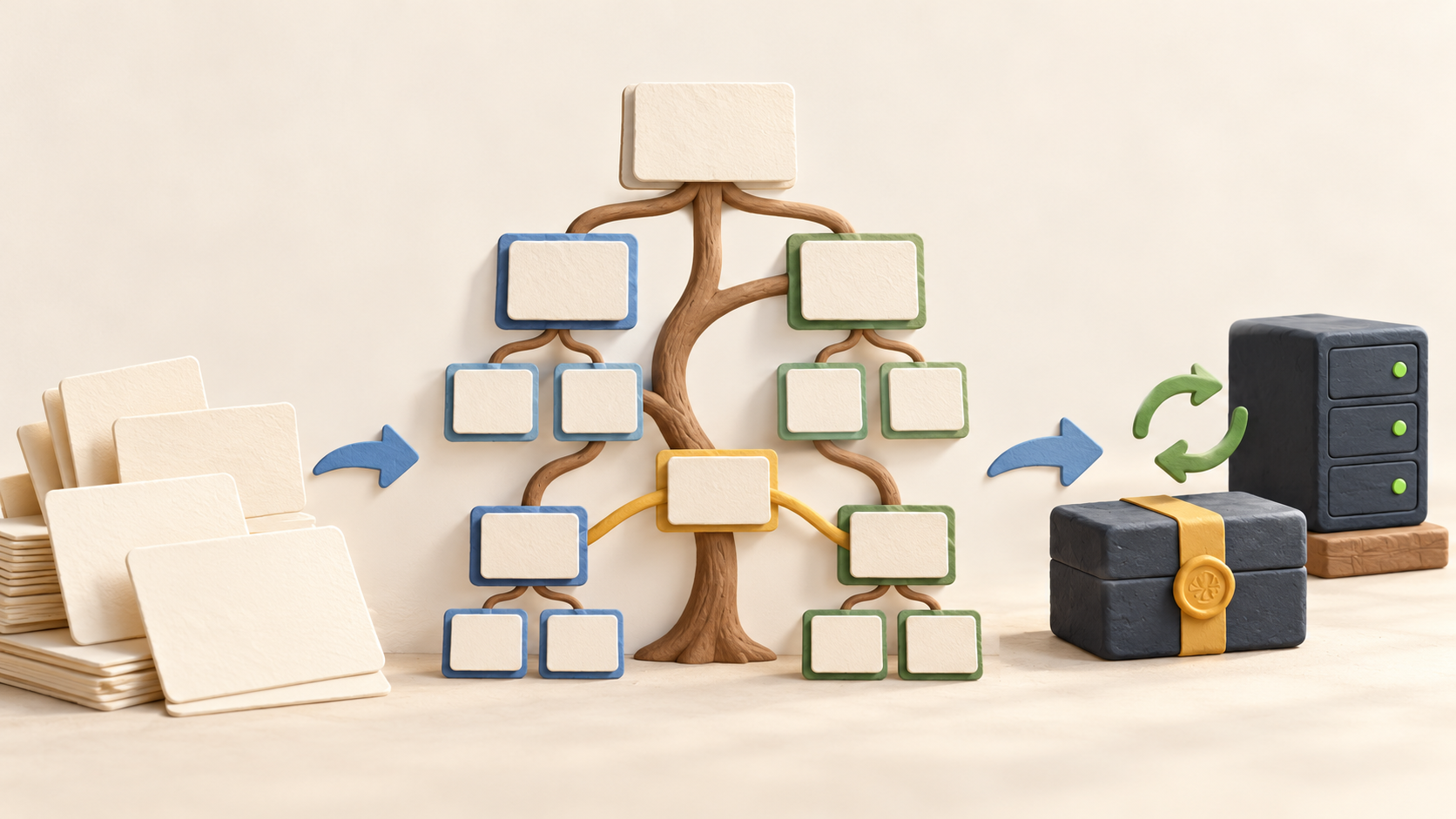
Build a hierarchy without separate folders: a note can hold content and child notes, and the same note can appear in more than one branch. Labels, relations and workspaces add another way to group material.
Find content with quick title navigation or full-text search, including OCR text from images and PDFs. Use rich text, code or diagram note types as the material requires.
Keep editing on the desktop without a connection, then synchronize with a configured server. If two devices changed one note before sync, Trilium retains the newer edit and leaves the other in revisions rather than merging both.
Review an earlier note revision or save a named snapshot before a significant edit. Restoring a revision replaces current note content while saving the displaced current content as another revision.
Use the built-in local database backups and download a manual backup when needed. The guide calls the automatic copies a basic safeguard and recommends an additional off-device copy; the standalone client requires manual backups.
Restore a backup into a new instance or replace an existing database through the guided flow. Keep the decryption password if the backup is encrypted, and practice with harmless notes before an emergency.
Protect selected notes with a password session to encrypt their title, body, images and attachments. Structure, some metadata and attributes remain visible, and encryption does not stop someone with database access from moving or deleting a note.
Import or export HTML, Markdown and OPML, and test app-specific imports on a small sample. Check internal links, formatting and file handling before moving a large archive.
Publish a selected note or subtree as read-only pages from a server installation. Inspect all child notes first: an unprotected URL is available to anyone who gets it and its randomness is not a security control.
Optional AI can chat with or work on notes after a provider is configured. It is off by default; enabled requests may send note context, and an unlocked protected note can become accessible to AI tools.
Understand the offer
Pricing and getting started
Trilium Notes has no product subscription, account requirement or feature paywall. The open-source license is AGPL-3.0; hosting, storage and any optional AI provider may have separate costs.
You can use the desktop application alone or run a server for browser/PWA access and synchronization. There is no official hosted version or native mobile app; the project identifies third-party hosting as separate from its own offering.
The app is designed for a single owner and stores its notes in a local SQLite database. Use the documented sync server rather than a shared network drive, and plan independent backups when several devices matter.
Look a little closer
Before you choose
Before adopting it, build a small note tree, link one note into two branches, search for it and export a sample. Confirm the output preserves the structure and references you need.
Test a harmless same-note edit on two devices and inspect the retained revision. Keep off-device database backups and rehearse restoration; sync and a short soft-delete window do not replace recovery copies.
If you will protect private notes, verify what stays unencrypted and preserve the password. If you will publish notes, check the entire subtree and its public URL. Recheck AI context settings before enabling an external provider.
10 distinct sources behind this profile. Research observed Oct 27, 2026. Features and offers can change.
View sources and research →
