Find your fit
Who it is for
Trello suits teams that can make work visible as cards moving through a clear process, such as a marketing calendar, a launch checklist or a small cross-team project. Start with the actual handoffs and owners: one board for the work, lists for stages, and cards for deliverables.
It is less natural when the buyer needs detailed portfolio controls without changing tiers. Premium and Enterprise add alternate views and broader administration, so a team should compare the board-only workflow with the paid view and permission requirements before migrating a complex project.
The work it supports
Core capabilities
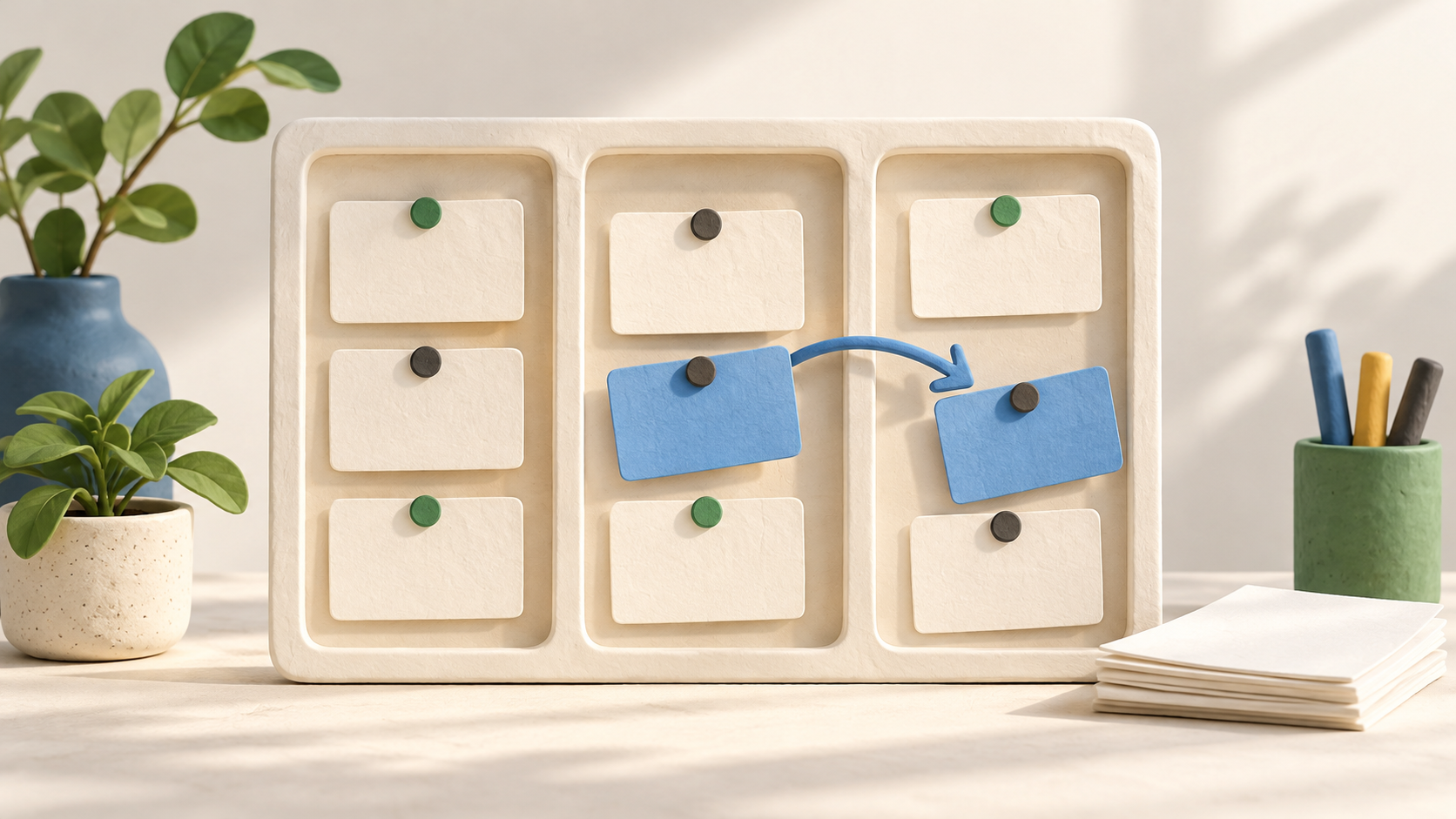
A board holds a project or workflow. Lists can be named for the team’s stages, and a card can represent a task, idea or item to track. Dragging a card between lists shows its progress while retaining the detail inside the card.
Cards can carry assignees and due dates, even on the Free tier. A simple starting pattern is one owner, a due date when timing matters, and a short checklist or definition of done so the next person can act without deciphering the board.
The board menu brings together membership permissions, card search, activity, Power-Ups and automation. Decide who can edit a board and review its visibility before adding outside collaborators or sensitive work.
Power-Ups connect Trello boards with other tools. The current Free plan lists unlimited Power-Ups per board, but a buyer should verify each third-party Power-Up’s own fees, permissions and data access before enabling it.
Built-in automation can react to a rule, a card or board button, a due date, or a calendar interval. Prototype one harmless rule on fictional cards and check the Workspace command quota before automating a busy board.
For teams needing another view of the same cards, Premium and Enterprise offer Calendar, Timeline, Table, Dashboard and Map. The guide distinguishes board views from Workspace views. Check which perspective answers the team’s actual planning question and which tier supplies it.
Understand the offer
Pricing and getting started
The viewed Free plan allows up to ten collaborators and ten boards per Workspace, with unlimited cards and 250 Workspace automation command runs each month. It can cover a small team’s basic board workflow, but board and collaborator limits matter before inviting a larger group.
On the viewed USD pricing page, Standard starts at $5 per user/month billed annually or $6 monthly. It adds unlimited boards, advanced checklists, Custom Fields and 1,000 monthly Workspace command runs. Confirm the final seat count, country price and tax.
Premium is displayed at $10 per user/month annually or $12.50 monthly and adds multiple views, unlimited Workspace command runs and admin/security features. Enterprise is displayed at $17.50 per user/month annually with organization controls and Atlassian Guard Standard. These are viewed plan cards, not a guaranteed quote for every region or organization.
A paid Workspace member or admin is billable, and a guest on more than one board can become a billable multi-board guest. Model the real collaboration pattern, including outside partners, rather than multiplying only the number of employees.
Look a little closer
Before you choose
Test the project’s list and card structure with fictional work before inviting the team. Agree on who moves cards, what a completed card means, and when due dates or automation are useful; otherwise a visually tidy board can hide uncertain ownership.
Choose the tier by the features the team will actually use: Free board/collaborator caps, Standard fields and automation quota, or Premium/Enterprise views and controls. Trello says a downgrade from Standard or Premium retains paid rights only through the prepaid period, after which the Free ten-board limit applies.
Trello is cloud-only. Before placing confidential work or installing Power-Ups, review board visibility, member/guest permissions and connected-app access. This profile describes public product information; it does not verify the organization’s specific security configuration.
6 distinct sources behind this profile. Research observed Oct 26, 2026. Features and offers can change.
View sources and research →
