Find your fit
Who it is for
It fits an individual who wants a deliberate daily plan alongside longer-term projects. Tasks can be grouped into projects and ongoing areas, then surfaced when their start date arrives. Someone whose main need is a shared team board should account for the vendor’s explicit lack of real-time list collaboration.
The Apple-device boundary matters before adopting it across work and home. There is no browser view, and each Mac, iPhone, iPad or Vision platform has its own purchase. A person using only one device can skip a Things Cloud account, while cross-device sync needs one.
The work it supports
Core capabilities
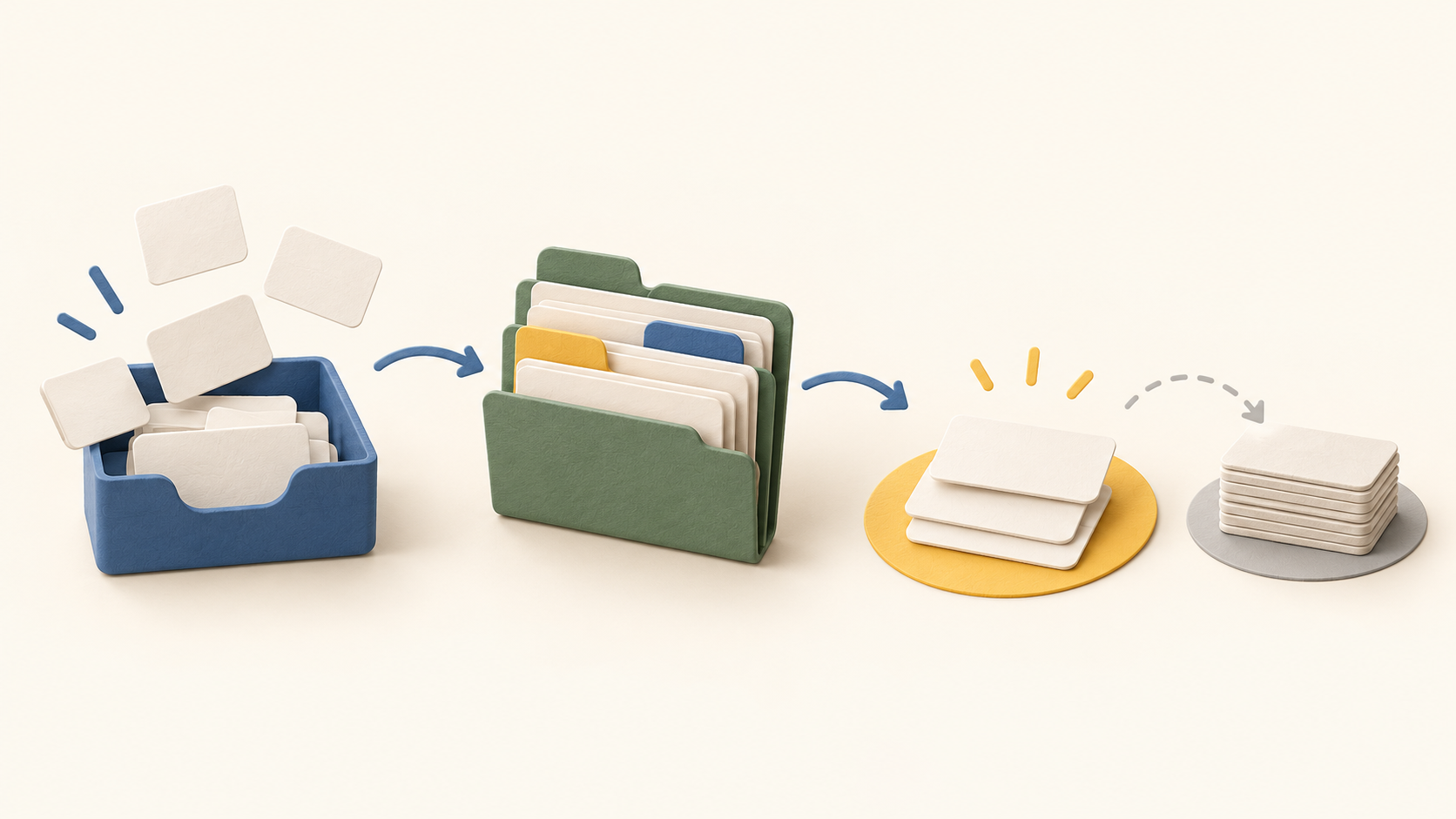
Capture a to-do in Inbox without immediately deciding where it belongs. During a regular review, send it to Today if it needs attention now, Upcoming for a chosen future start, Anytime if it can be tackled whenever there is room, or Someday if it remains only a possibility. This separates collection from the decision about when to act.
Today gathers work whose start date, deadline or repeat rule matches the day. Reorder the items into a practical sequence, and move later-day tasks into This Evening. Unfinished items can be rescheduled; this makes a brief daily review part of the workflow rather than treating the list as a fixed schedule.
Upcoming provides a future agenda, showing the next seven days separately. A task with a future start date stays out of the active list until that day, then moves into Today. The start date means “begin on this day”; it does not reserve a timed appointment or imply that the task must finish that day.
Use a deadline for the date by which work must be completed, and set an earlier start date when the work needs several days. A time-specific reminder can produce a notification for something that must not slip. Trying these on a sample task clarifies the difference between seeing work, beginning it and being alerted.
Turn a multi-step outcome into a project, add headings to divide the project into stages, and place related work under an area such as an ongoing personal or professional responsibility. For a short sequence inside one task, use a checklist rather than creating a separate project.
Tags give another way to categorize to-dos across projects and areas. Quick Find can locate a to-do, project or tag and filter the app by tag. This can help retrieve tasks for a context such as an errand without moving them out of their main project.
Calendar integration can show existing events beside to-dos in Today and Upcoming, so the daily task plan can be reviewed next to fixed appointments. Enable it on the devices where that context is wanted; a Things start date remains a day-level planning choice rather than a calendar time block.
Things Cloud keeps to-dos updated across supported Apple devices after a free account is set up. The vendor says a single-device user can use Things without that account. Test the actual Mac, phone or watch combination before relying on sync as a daily workflow.
Understand the offer
Pricing and getting started
Things 3 is sold as an upfront, one-time purchase rather than a subscription. Mac, iPhone, iPad and Vision versions are separate purchases; the Watch app is included with iPhone. An existing purchase can be installed on another device of the same kind under the vendor’s stated terms.
Things Cloud sync has no additional service charge, although using two different platforms still means buying both apps. Apple determines local App Store prices, so compare the current price for each intended platform in the buyer’s own region instead of assuming a single bundle price.
The Mac version offers a 15-day trial with full features from first launch. The vendor says it cannot provide an equivalent trial for iPhone or iPad under its upfront purchase model. Verify the device’s current operating-system compatibility and trial availability before purchase.
Look a little closer
Before you choose
Try a small real-life workflow: capture a few items in Inbox, give one a start date and a separate deadline, add a reminder, and check what appears in Today and Upcoming. Create a project with headings and a checklist to see whether the structure stays useful at your normal task volume.
For mixed-device use, check the current App Store charge for every required platform and confirm that each device can run the supported OS. Set up Things Cloud if the same task list must appear across devices. Work that requires browser access or live shared lists needs a different workflow.
10 distinct sources behind this profile. Research observed Oct 21, 2026. Features and offers can change.
View sources and research →
