Find your fit
Who it is for
It fits a team with the skills to operate its own PHP application, database, TLS and backup process. A small IT group can start with the free server; larger teams can use the same server's governance controls without a paid server edition.
The project is maintained by a small core team. Organizations that require defined response times should plan their own operational coverage and discuss paid assistance, rather than assuming a large vendor support desk is included with the free server.
The work it supports
Core capabilities
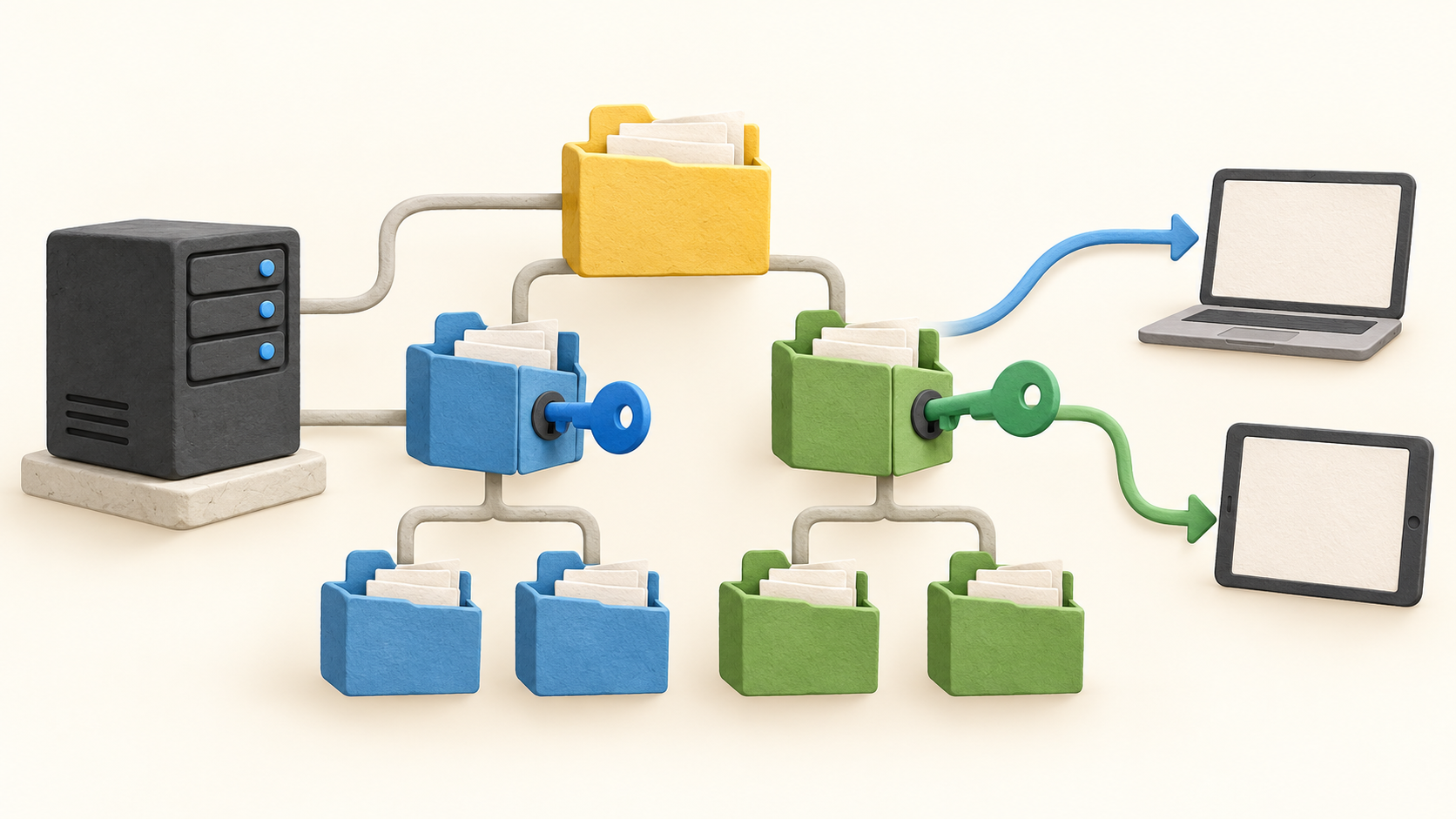
Folder and role rules determine who can read, write or not access a credential. Custom groups, per-user overrides and a rights matrix help administrators verify the effective model. Build a pilot folder tree before importing all credentials so inherited rights do not become hard to untangle.
Items can store a URL, login, password, description, custom fields and attachments; users can find permitted items through tags and search. Personal folders have a narrower decryption boundary: their owner and recovery account. Store the recovery account securely and test its process.
Teampass 3.2.1 uses authenticated AES-256-GCM with per-secret salts. New installs use the format by default, but an upgraded instance keeps older encryption until the administrator enables migration, after which secrets are migrated on read. Audit that state before declaring the whole vault migrated.
The dashboard can surface weak, reused, breached and overdue credentials, while the generator helps create replacements. Item history and activity logs provide evidence of views, edits and shares; recertification campaigns and CSV exports support periodic access review.
Authentication options include TOTP, OAuth2/Entra ID SSO and LDAP/Active Directory. Test the chosen directory mapping, second factor and emergency access before moving an entire team to a single login route.
Secure Send offers expiring or view-limited links with an optional recipient passphrase. Treat the public recipient route as a deployment decision: confirm network exposure, recipient verification and link limits before sending real credentials.
The REST API and Bash/PowerShell clients can connect credential workflows to scripts, and several import/export routes help migration. Try a small sample so fields, attachments and access boundaries survive the move.
The paid extension adds browser autofill and capture in Chrome, Firefox and Edge. Evaluate the server alone if web form convenience is optional, then test the extension separately for teams that enter credentials in browsers all day.
Understand the offer
Pricing and getting started
The self-hosted server has no user limit or feature gate and is free under the project's open-source model. Its security, access control, SSO, API and governance tools are part of the server; the organization still supplies hosting, maintenance, backups and operator time.
The commercial add-on is the browser extension. Annual capacity packs currently list 3 users at €49, 10 at €150, 25 at €350, 50 at €600 and unlimited at €1,200, excluding tax. Buy a pack sized for extension users, not a seat license for the free server.
A new instance can trial the extension for 30 days without a card. Paid extension licensing includes updates and email support for its period; deployment, migration and priority services are quoted separately. Confirm service expectations before relying on the tool for critical access.
Look a little closer
Before you choose
For a production pilot, install the server with TLS, a supported database and scheduled background tasks. Import a small credential sample, assign folder rights, verify the rights matrix and test the recovery account before broader migration.
If upgrading from an older Teampass release, confirm whether authenticated encryption has been enabled and how much of the legacy vault has been migrated. Test restoration from backups as well as normal sign-in; possession of a running vault alone is not a recovery plan.
Decide whether browser autofill is worth the extension pack and whether community or paid support fits the team's needs. The free server remains the same; extension capacity, tax and support expectations affect the real operating budget.
5 distinct sources behind this profile. Research observed Oct 20, 2026. Features and offers can change.
View sources and research →
