Find your fit
Who it is for
Someone who plans their own day around appointments and short tasks can see those commitments together and move tasks into realistic gaps. The product is especially relevant when a plain checklist gives too little sense of when work will happen.
People managing recurring chores or habits can use repeating tasks when completion matters and standalone repeating reminders when a notification is enough. Longer personal plans can be grouped in project boards and broken into checklists.
The work it supports
Core capabilities
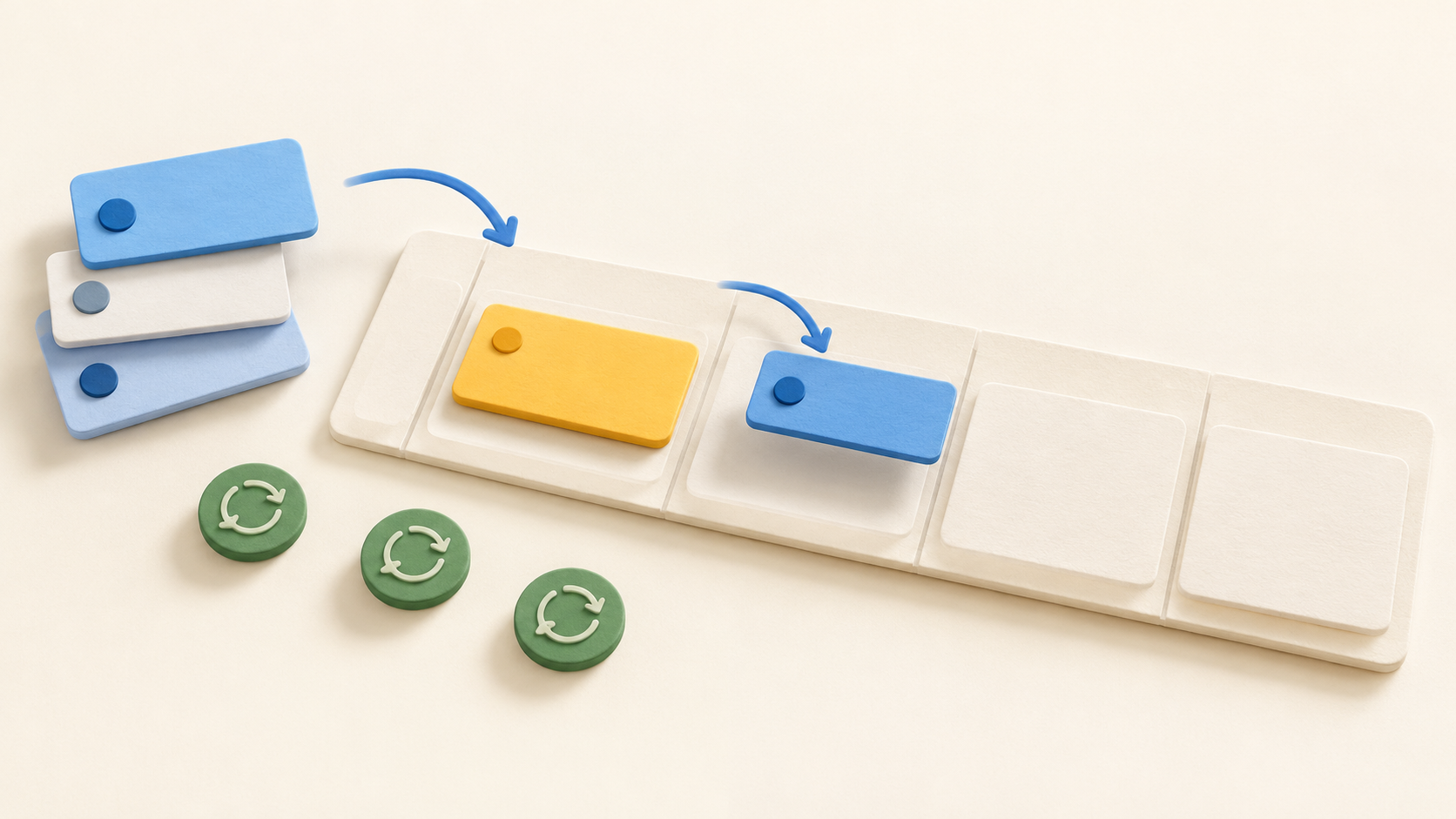
Create a task, place it on the timeline and drag it into an Agenda View time block. Calendar events appear beside tasks, making it easier to spot conflicts and move work when the day changes.
Quick Add Smart Parsing on Android and iOS reads a single line for a date, time, duration, priority, project, tags and reminders. Recognition follows the language set in the app, so try a few tasks in your own language before relying on it for rapid capture.
Project boards hold related work, while checklists break a larger task into steps. Repeating tasks and separate repeating reminders cover routines with different completion expectations.
Mobile notifications can expose snooze and mark-done actions. Home-screen widgets can keep the day in view without opening the app; check the exact layout and controls on the device and launcher you use.
Premium calendar import can show Google Calendar or Outlook events in the Android timeline only after those events reach the phone’s system calendar. Taskito reads the device calendar; it does not directly connect to those calendar servers or edit the source event.
The browser-based Taskito Web workspace can sync the plan to a desktop, but it requires Premium and a signed-in account. Upgrade and subscription management happen in the mobile app or app store, and feature availability can differ across platforms.
Understand the offer
Pricing and getting started
Taskito Free includes core timeline tasks, up to three projects, three repeating tasks, three repeating reminders, one reminder per task and sync for two active devices. It is a useful way to test the planning flow before paying.
Premium raises sync to five active devices, adds web access and calendar import, allows three reminders per task and removes stated project and repeat counts subject to fair usage and practical system limits. A new device sign-in can sign out the oldest active session once the limit is reached.
The official pricing page does not give one universal price. Monthly, annual and possibly lifetime options, trials, taxes and offers vary by country and app store; check the price in the Taskito app or your own store before purchase. Link a Premium purchase to your account if you need it across supported platforms.
If paid access ends, existing premium items remain accessible and manageable, while creating more items above Free limits may require a new Premium membership. Check that behavior against the particular workflow you plan to retain.
Look a little closer
Before you choose
Try a week of ordinary tasks on Free: add tasks, move them into Agenda View, set a small repeat and see whether the three-project and repeat limits suit your routine.
If calendar events matter, check the Android system calendar path before buying Premium. Confirm the intended Google or Outlook calendar reaches the phone, appears in Taskito and remains read-only as expected.
For work across mobile and desktop, verify the Premium web requirement, sign-in and subscription link, active device cap and the current store price in your country. Test mobile reminders and widgets on the actual devices you carry.
8 distinct sources behind this profile. Research observed Oct 27, 2026. Features and offers can change.
View sources and research →
