Find your fit
Who it is for
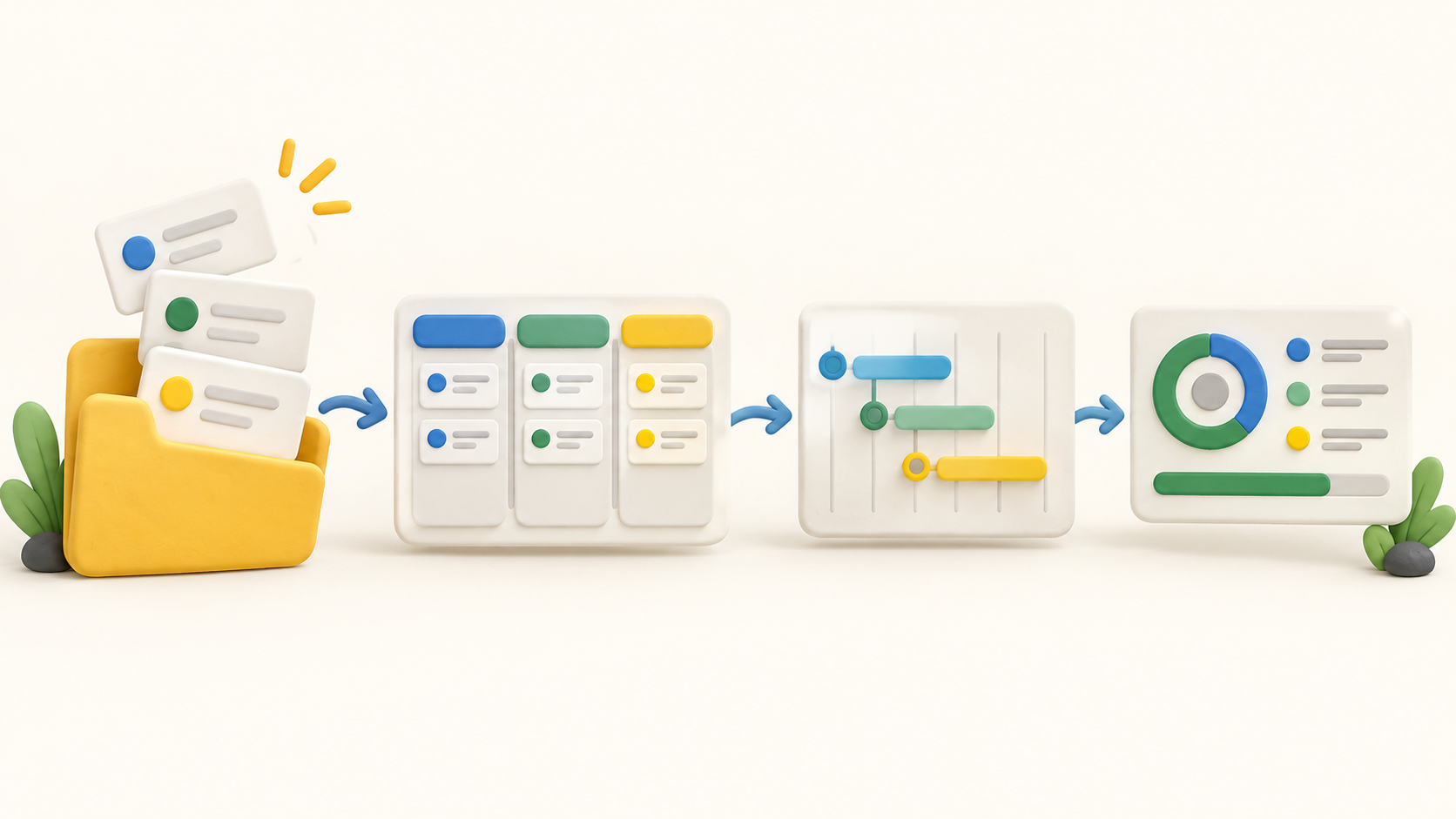
Small teams can group workspaces, folders and projects, then break a project into nested tasks with owners, due dates, comments and files. A task board is useful for following stages; the calendar gathers dated work across workspaces.
Project managers can plan dated work in a Gantt view, link dependencies and mark milestones. Gantt is a paid-plan view, so teams should check that the selected plan includes the scheduling surface they need.
Teams building their own internal workflows can connect project data to Taskade agents, automations and Genesis apps. The vendor shows a configured project tracker that generates a weekly status report, which is a custom workflow example rather than a default report promised for every project.
The work it supports
Core capabilities
Task management. Create tasks and subtasks, assign owners, set dates and keep comments with the work.
Project planning. Use project views and a paid Gantt timeline to schedule dated work, dependencies and milestones.
Project reporting. Track project progress in shared views and configure status collection or a custom AI summary when the team needs a report.
Understand the offer
Pricing and getting started
The current pricing page shows Free at $0 per month with two included users. It starts with no monthly AI-credit allowance; users can earn or buy credits. Free is suitable for testing the basic project workflow, while Gantt, Actionsheet and Org Chart are identified as paid views.
The current plan matrix lists Pro at USD $10 per month equivalent when billed annually ($120 per year), with ten users included on the pricing page. Paid plans give monthly AI credits. The vendor’s older help FAQ lists different plans and prices, so confirm the actual billing selector, currency, seat allowance and AI-credit terms at checkout.
The pricing page says plan changes are unavailable in the App Store version. If your team subscribed there, check the vendor’s account guidance before planning an upgrade or downgrade.
Look a little closer
Before you choose
Try a representative project in List and Board, then switch to Calendar. Confirm which task fields, filters and comments your team actually needs and whether the same project data stays easy to understand across views.
If dependency scheduling is central, test real dates and links in the paid Gantt view. The source describes milestones and dependencies, but we did not verify how a changed predecessor affects later dates in an account.
For reporting, distinguish progress visible in shared project views from an AI-generated status report. The latter is a configured project-tracker example; check the required setup, review process and credit use before relying on it.
Review project, folder and workspace permissions with the people who will edit tasks, check off work, comment or only view status. That matters when sharing one workspace across clients or departments.
Taskade’s project tools now sit inside a wider AI app-builder offering. Compare both the standard project features and the work needed to build custom dashboards or automations, rather than assuming they are ready-made PM reports.
No account, task, collaboration session, app generation, automation, report, paid view or checkout was exercised. This profile uses current public official pages checked in October 2026; ask the vendor to confirm disputed pricing and any workflow your purchase depends on.
14 distinct sources behind this profile. Research observed Oct 15, 2026. Features and offers can change.
View sources and research →
