Find your fit
Who it is for
It can suit DevOps, IT and security teams that need remote access to servers, internal tools or equipment spread across offices and clouds. It can also serve an individual connecting personal devices, provided the Personal plan limits fit.
The main fit is network connectivity. Tailscale can let one device reach another across networks, but the destination still needs to run the application service, such as SSH or a web server. Buyers should list the exact services, people and devices involved before rollout.
The work it supports
Core capabilities
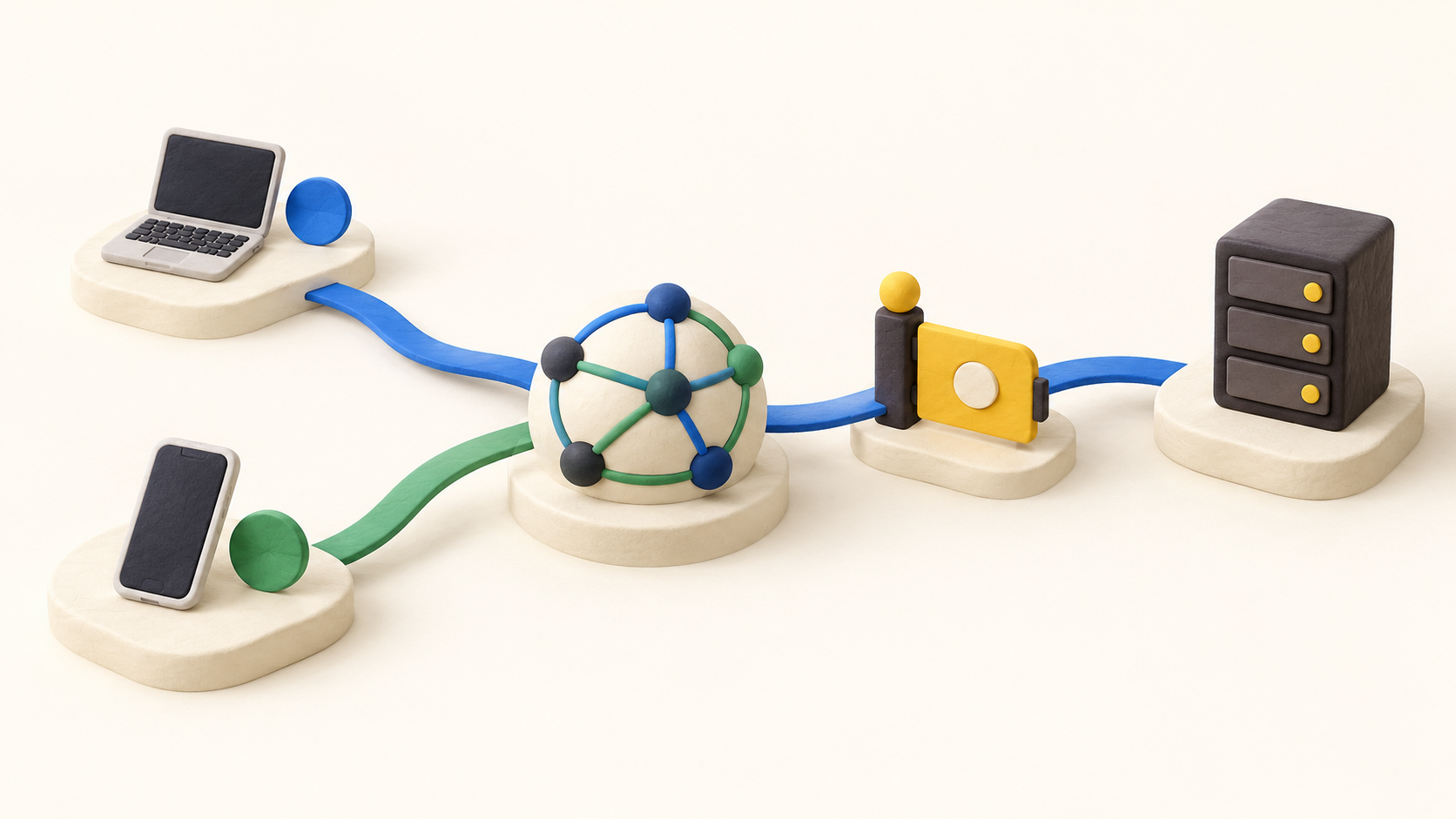
Create a tailnet by signing in, install and authenticate the client on a first device, then add a second device. The admin console provides a place to see devices and manage users, DNS and permissions. Each joined device has a Tailscale address and MagicDNS name to use for a stable connection.
Connect directly between devices where the networks permit it. When a direct path is unavailable, Tailscale can use a relay. Test the actual connection type and application experience on the networks the team uses rather than assuming every path behaves the same.
Use grants to specify which users or devices can reach a resource and what actions they may take. A new tailnet begins with allow-all connectivity between joined devices, so an administrator must replace that starting policy with narrower tested rules when the use case requires separation.
Use a subnet router when the team needs access to a private network device that cannot run Tailscale, such as a printer or camera. The gateway advertises routes and still needs the appropriate access controls; pilot one small subnet before opening a broader route.
Use an exit node when a device should send its internet traffic through a selected tailnet device. This differs from a subnet router, which exposes selected private subnets. Choose the route deliberately because it changes where traffic goes.
Tailscale does not turn a reachable device into an SSH server, web app or database by itself. Start the intended service on the destination and test both an allowed device and one that should be denied by policy.
Understand the offer
Pricing and getting started
The current Personal plan is free with up to six users and unlimited user devices; it also lists limits for ACL groups, tagged resources and short-lived resource minutes. Count servers or other shared infrastructure as tagged resources rather than assuming every node is an unlimited user device.
Standard and Premium are paid per-user plans. Standard adds unlimited users, SCIM and more policy groups; Premium increases selected limits and adds features such as just-in-time access and network flow logs. The current page has a sales-led Enterprise tier with custom quantities and bundling. Confirm the current quote and which advanced features are needed.
The pricing FAQ describes seat billing. A user occupies a seat after first login or device authentication, while an invite alone does not; seats can rise as users join and the added cost can be prorated. Removing a seat does not erase the current month’s charge, and the count cannot fall below occupied users.
Look a little closer
Before you choose
Before inviting a full team, replace the new tailnet’s initial allow-all policy with a small set of grants matching the needed connections. Verify that a permitted user can reach the intended service and that an unrelated user cannot.
Plan a realistic test across the networks where staff will connect. The direct-versus-relayed path depends on those networks, and a subnet route or exit node changes reachability and traffic flow in different ways.
Count people, tagged servers, subnet routers and ephemeral workloads separately. Compare the plan’s limits with the buyer’s topology, then review seat approval and billing settings before adding many users or shared resources.
9 distinct sources behind this profile. Research observed Oct 20, 2026. Features and offers can change.
View sources and research →
