Find your fit
Who it is for
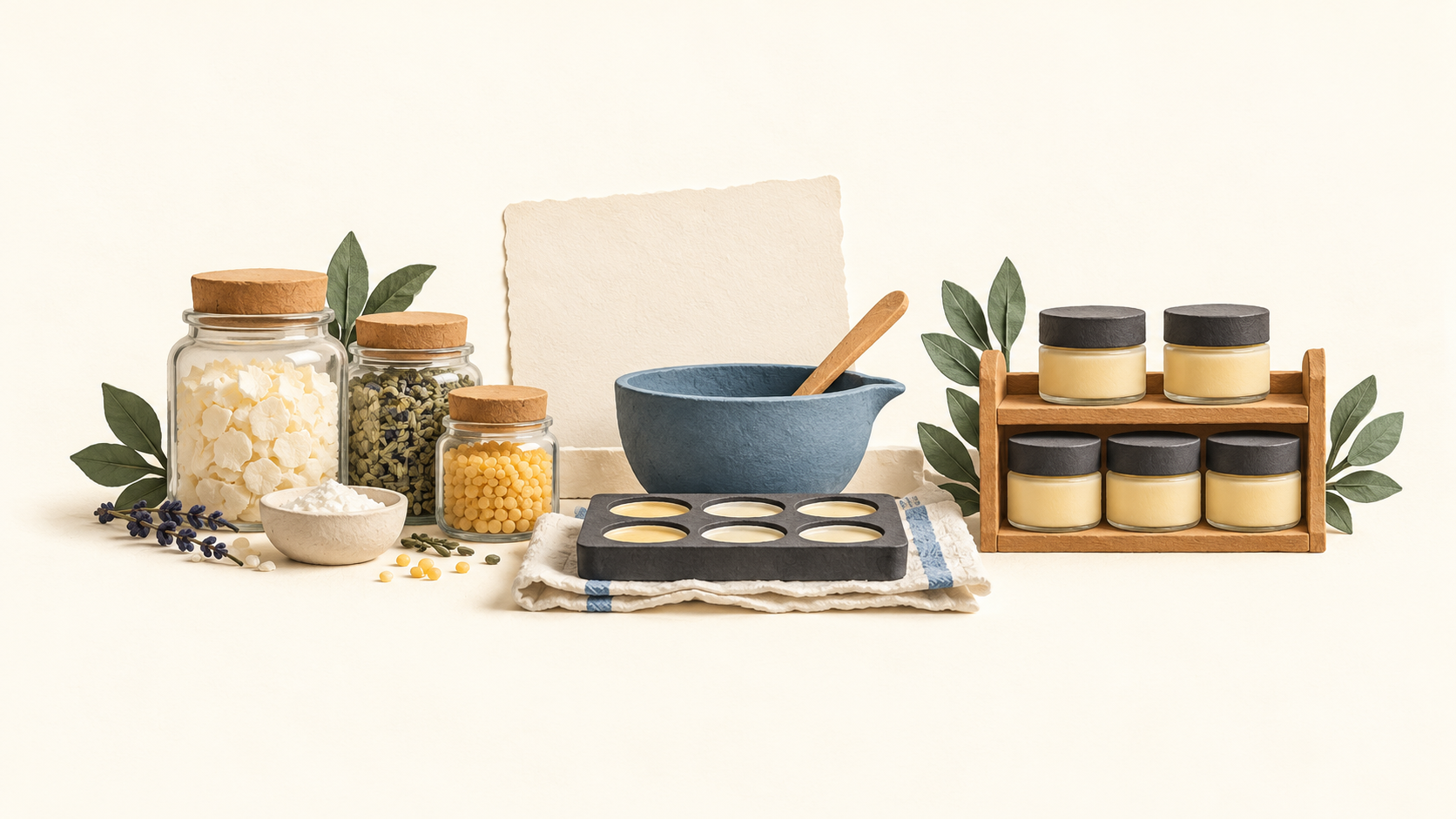
A small-batch maker buying ingredients or components can record what is on hand, specify the inputs for each finished product and see how a manufacture changes material and finished-goods counts. This is relevant to cosmetics, food, candles and similar products assembled from inputs.
A seller receiving orders from more than one channel can bring supported orders into one stock calculation. It should check both the subscription tier and the direction of each integration: order import, manual or automatic stock push, and direct channel stock edits are different behaviors.
A team that needs lot history or planned production should compare tiers before subscribing. Lot tracking starts with Indie in the current help table, while production scheduling starts with Business.
The work it supports
Core capabilities
Stock across stages. Track raw materials, components or work in progress, and finished goods together so a batch affects both sides of the inventory record.
Recipes and costing. Use a recipe or bill of materials to specify inputs and calculate the product cost from materials, labor and overhead as costs change.
Batch production. Record a manufacture to deduct recipe materials and add completed units to finished stock, leaving a production record.
Replenishment. Set material reorder points and use low-stock alerts to identify supplies to buy before the next batch.
Orders and channels. Import sales from supported channels into the stock calculation. Stock push back to a storefront is a separate function; the current help page names Shopify, Etsy, WooCommerce, Square and Faire, while other channels remain pending. Manual edits on a channel outside sales do not automatically flow back.
Traceability and production planning. The current plan table puts lot and expiry tracking at Indie and above, and production scheduling at Business or Growth. These are useful buyer checks if a maker needs batch history or to plan what to make next.
Cost reports. Stocksmith describes COGS, cost-per-unit and production reports, with reporting depth varying across plans.
Understand the offer
Pricing and getting started
The current Stocksmith help table lists USD $24/month or $240/year for Pro and $49/month or $490/year for Studio. The main pricing grid lists Indie at $99/month or $990/year, Business at $199/month or $1,990/year, and Growth at $349/month or $3,490/year. Annual totals are billed upfront; displayed monthly equivalents are rounded.
The tiers are tied to monthly order-line volume. The help table gives Pro 0–25, Studio 26–250, Indie 251–1,000, Business 1,001–5,000 and Growth 5,001–20,000 order lines. A line means a distinct product in an order, not the number of units. Stocksmith says the account automatically upgrades at the full average threshold and charges the prorated difference immediately; buyers with seasonal peaks should inspect the averaging rules.
Pro supports one channel connection and one user. Studio adds unlimited connections and users; automated assemblies and traceability begin with Indie, while production scheduling starts with Business. Grandfathered accounts can differ from the current public table.
A 14-day trial is advertised without a credit card. The product page says trial users can access every feature, which does not mean every feature is included after subscribing to a lower tier.
Look a little closer
Before you choose
Map the actual workflow before choosing a tier: number of unique order lines, channels, users, recipes and batches, and whether lot tracking or scheduled production is required. A trial can demonstrate a higher-tier function that the chosen paid plan does not retain.
Test the direction of the needed sales-channel integration in a trial. Incoming orders update Stocksmith’s calculation, but external stock edits outside sales do not flow back automatically; outward stock push is supported only for the named channels in the current help page.
Review usage and billing before committing, especially if volume fluctuates. Stocksmith describes an immediate automatic upgrade and prorated charge when the order-line average reaches the plan threshold. No live account, order import, batch manufacture, stock push, trial signup or checkout was tested for this listing.
8 distinct sources behind this profile. Research observed Oct 18, 2026. Features and offers can change.
View sources and research →
