Find your fit
Who it is for
Finance teams can use Soldo when staff, departments or projects need company money before a purchase. Prepaid physical and virtual cards, assigned budgets and spending policies make the approval question more specific than a general shared credit-card limit.
It also fits organizations that receive both card transactions and claims paid personally by employees. Soldo can bring those out-of-pocket records into the same review process, then produce a reimbursement report. The report identifies amounts to pay; the team still needs to confirm its actual payment route.
The work it supports
Core capabilities
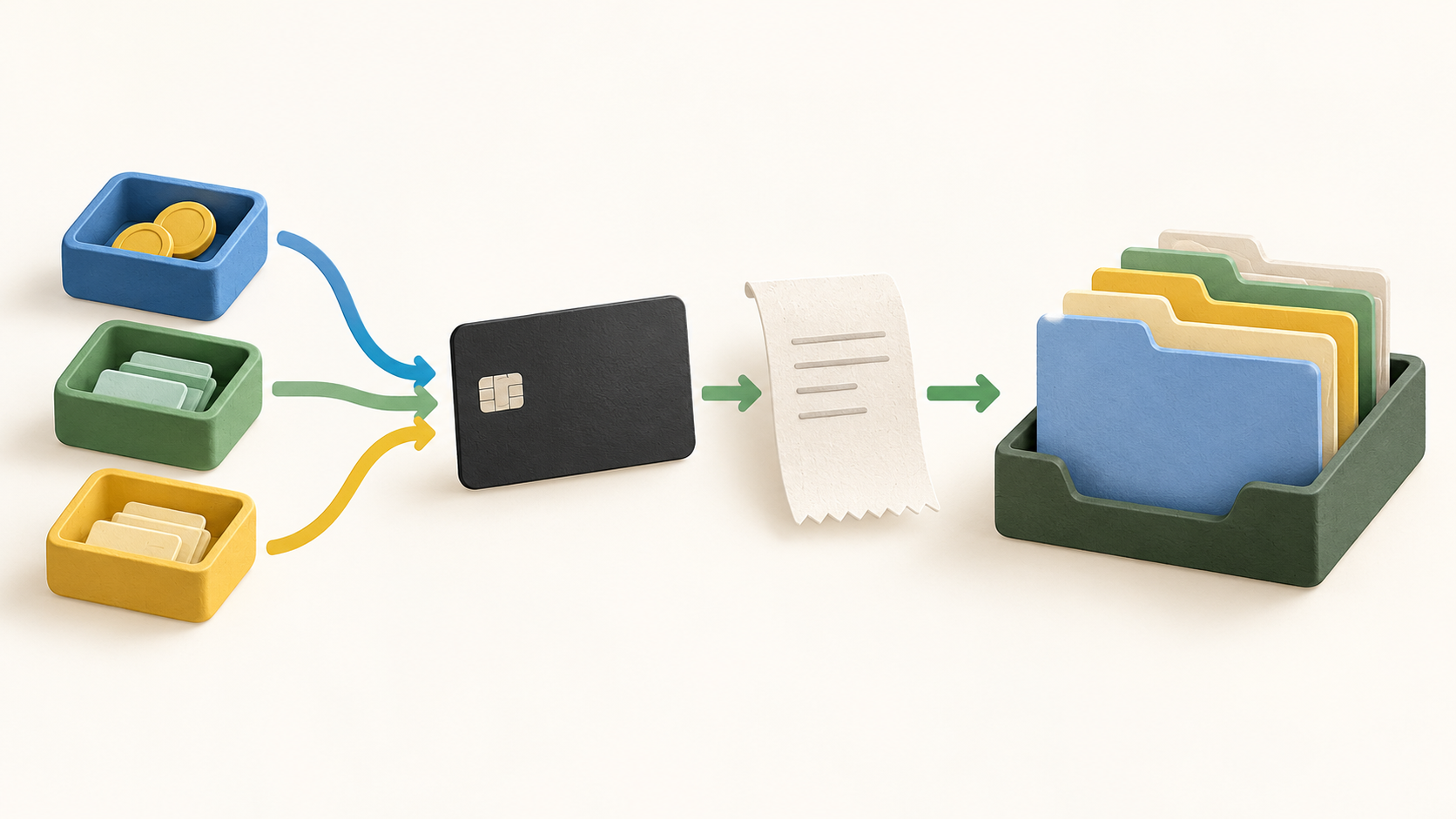
Start by assigning spending access to the right person, team or project. Soldo supports physical and virtual company cards with built-in limits and rules; its reloadable prepaid model makes the funded amount a practical ceiling for card spending.
Set spending policy profiles and category allowances before staff spend. After transactions arrive, out-of-policy reports can flag amounts beyond agreed allowances, helping reviewers focus on exceptions rather than inspecting each purchase from scratch.
An employee can capture a receipt in the mobile app and attach the context to a card expense. Soldo also accepts out-of-pocket and cash expense records, so the review queue can cover purchases that never touched a company card. OCR receipt automation is shown on Plus; check the chosen plan before assuming it is included.
For a complex purchase, Soldo can split one transaction and assign amounts to different employees. Reviewers can validate and approve expenses in the app, delegate post-approvals and request missing information with reminders.
Expense reports and downloadable reimbursement reports provide a closeout view. For a pilot, use harmless sample expenses and check whether the report matches the company’s approval and payment process, especially where the person submitting an expense is not the final approver.
Accounting handoff can use integrations with Xero, QuickBooks Online or NetSuite, or transaction exports for another system. Confirm which fields, receipts and categories reach the chosen ledger in a small sample before relying on a month-end sync.
For teams that need separate budgets, Plus lists company wallets and multi-currency spending. Standard and Plus also describe eligible outbound bank transfers through UK Faster Payments or EU SEPA, including reimbursements. Transfer access and currency needs should be checked in the relevant market and plan.
Understand the offer
Pricing and getting started
The current EU pricing page offers Standard, Plus and quote-priced Unlimited. Standard covers the basic cards, mobile receipt capture and accounting connection; Plus adds multiple wallets, OCR and broader controls; Unlimited lists more configurable workflows and support. Compare the actual feature grid against the intended rollout.
Soldo advertises a 30-day trial for Standard and Plus but says there is no continuing free plan. The displayed EU plan prices exclude VAT; card issuance, cash withdrawals and other financial services can add separate charges. Get a current market-specific quote or fee schedule before forecasting total cost.
Eligibility matters before plan selection. Soldo says its service is for incorporated businesses rather than sole traders. Its prepaid-card page states EU/EEA availability, while the legal terms identify UK service separately; a card’s international acceptance does not mean a business in every country can open an account.
Look a little closer
Before you choose
Soldo combines software with regulated payment services, and the responsible entity changes by market. The legal terms name Soldo Software Ltd. for UK/EEA software, Soldo Italia S.r.l. for Italian software, Soldo Financial Services Ireland DAC for EEA financial services, and Soldo Financial Services Ltd. for UK financial services. Check the correct local terms, card issuer and fees before rollout.
The prepaid card is a way to control funded company spending, while a personal out-of-pocket expense follows a different reimbursement path. Test both paths separately with fictional examples, including what happens when a receipt is missing or a manager disputes a split expense.
Soldo works alongside an existing business bank account. Before moving from spreadsheets or another card program, check how funds enter the service, how eligible transfers leave it, and whether the accounting export reconciles with the original bank records.
Plan rights and transaction fees can affect a seemingly small rollout. List required users, physical or virtual cards, wallets, OCR, transfers and currencies; compare those against Standard and Plus, then request a fee schedule for the actual country and expected card use.
5 distinct sources behind this profile. Research observed Oct 26, 2026. Features and offers can change.
View sources and research →
