Find your fit
Who it is for
A small business with an established marketing site can add buy buttons and a cart for a focused physical-product catalog, then configure shipping, taxes and stock in the merchant dashboard. Test real destination and inventory scenarios before going live.
A publisher or creator selling digital content can use the same embedded checkout approach, but should check delivery, payment, tax and customer receipt requirements for its own goods. Snipcart’s homepage describes digital product support; the business still runs the surrounding site.
A development team can adapt checkout styling and connect other tools through APIs and webhooks. That flexibility brings responsibility for maintaining product markup, URLs and integrations when the site changes.
The work it supports
Core capabilities
Install Snipcart’s JavaScript on the existing site and use a public API key. This is a site-code integration, so confirm access to templates or components and keep a separate Test-mode path for changes.
Define each item on a website element with HTML data attributes for its product details, usually a buy button. The site remains the place where shoppers see the product; Snipcart uses those definitions in its cart.
Add a cart or checkout trigger so shoppers can review items, counts and totals. v3 supports changes to checkout steps, fields and styling when the standard flow needs to match the website.
Snipcart checks product definitions against the merchant site before an order is created. Keep product URLs reachable and prices synchronized during deployments; a stale or dynamically missing item definition can disrupt a checkout.
In the hosted dashboard, staff can review orders, change status, download invoices and export filtered orders to CSV for later reconciliation. Decide who will own fulfillment and financial recordkeeping outside the cart.
Enable inventory management and set stock for products or variants when stock control is needed. Test an out-of-stock purchase path and keep any external warehouse system aligned through the chosen integration.
Connect a supported payment gateway or build a custom method with development work. Gateway eligibility, settlement, disputes and gateway charges are separate from Snipcart’s own pricing.
Configure shipping methods and tax rates in the merchant dashboard for the goods and destinations being sold. Test combinations of addresses, products and discounts rather than assuming one checkout example covers every order.
APIs and webhooks can link order events to fulfillment, accounting or other applications. Build and verify error handling on the receiving side; the existence of a webhook does not prove that another system acted on it.
The public pricing page includes subscription products, but the current v3 basics page still marks recurring subscriptions as under development. Confirm the required billing flow and version directly before relying on subscriptions.
Understand the offer
Pricing and getting started
Development testing is described as free, with no credit card required. The docs recommend configuring a store in Test mode before Live; this is a practical way to validate the website integration without processing real sales.
The public Standard price is 2% of transactions plus payment-gateway fees for stores above the low-volume threshold. Gateway pricing is separate, so calculate the combined cost for the expected order mix.
For monthly sales below $1,000 USD, Snipcart currently replaces its 2% charge with a $20 USD monthly fee. Check the exact threshold, billing currency, tax and current terms before choosing it for a very small store.
Look a little closer
Before you choose
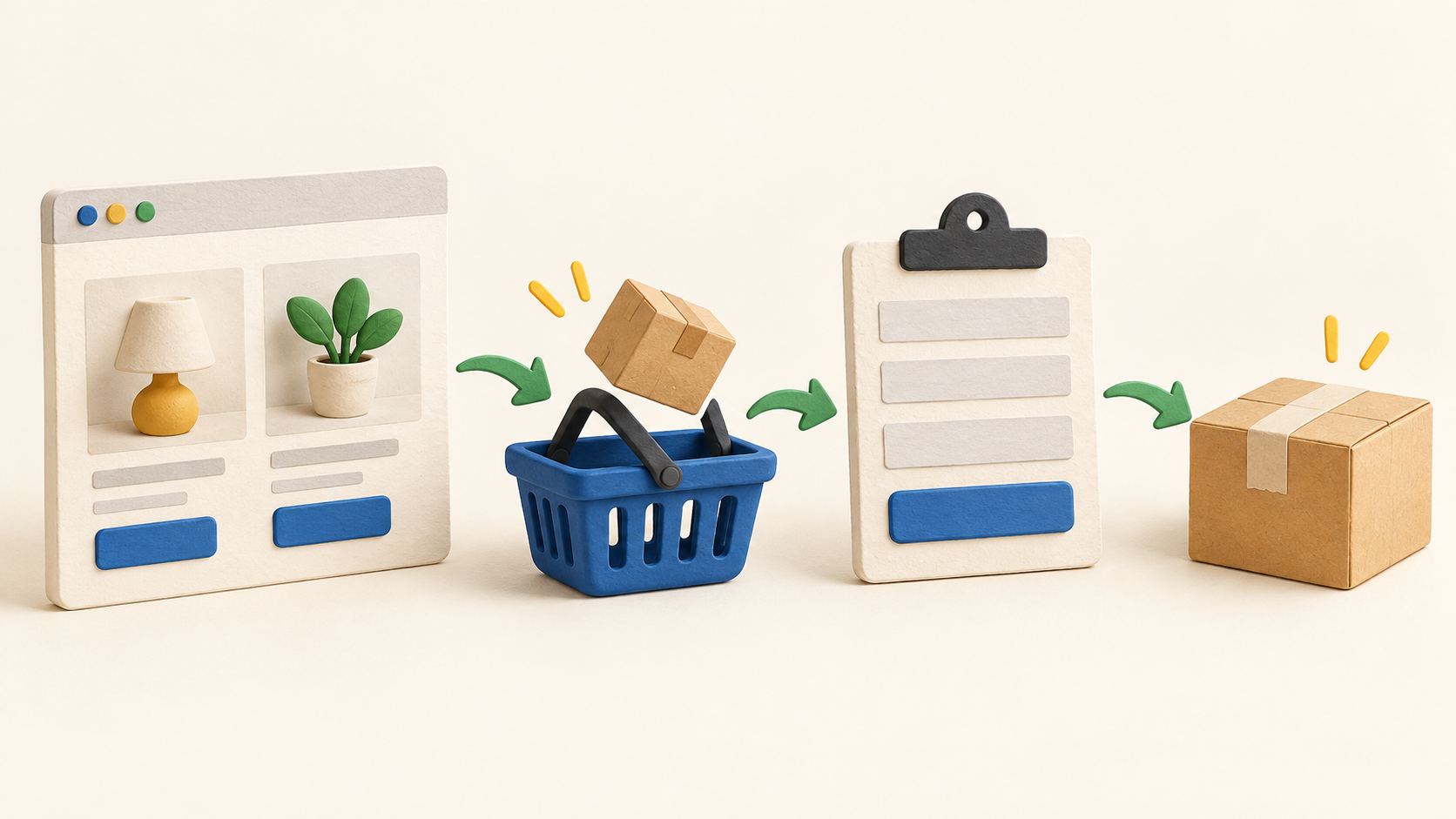
Build a fictional product and complete a Test-mode purchase path from buy button through cart, shipping, tax, gateway test flow and merchant order readback. Inspect product validation and receipts before enabling a live checkout.
Price the full stack: Snipcart’s transaction or minimum charge, the payment gateway, development time, content management and any external fulfillment connection. The existing website remains part of the commerce system.
Verify the product version and specific use case when selling subscriptions or using complex variants. Current official pricing and v3 docs conflict on recurring subscriptions; do not infer a working recurring billing path from a pricing bullet.
Before launch, assign ownership for product URL changes, stock, shipping, tax rules, discounts, refunds and exported order records. These choices determine whether the embedded checkout fits the business’s operational workflow.
15 distinct sources behind this profile. Research observed Oct 26, 2026. Features and offers can change.
View sources and research →
