Find your fit
Who it is for
The vendor addresses growing ecommerce businesses as well as retailers, manufacturers and wholesalers that hold stock in more than one place or sell through several channels. A team with one simple shop may need only basic counting, while a busy warehouse can evaluate guided picking, supplier orders and carrier labels together.
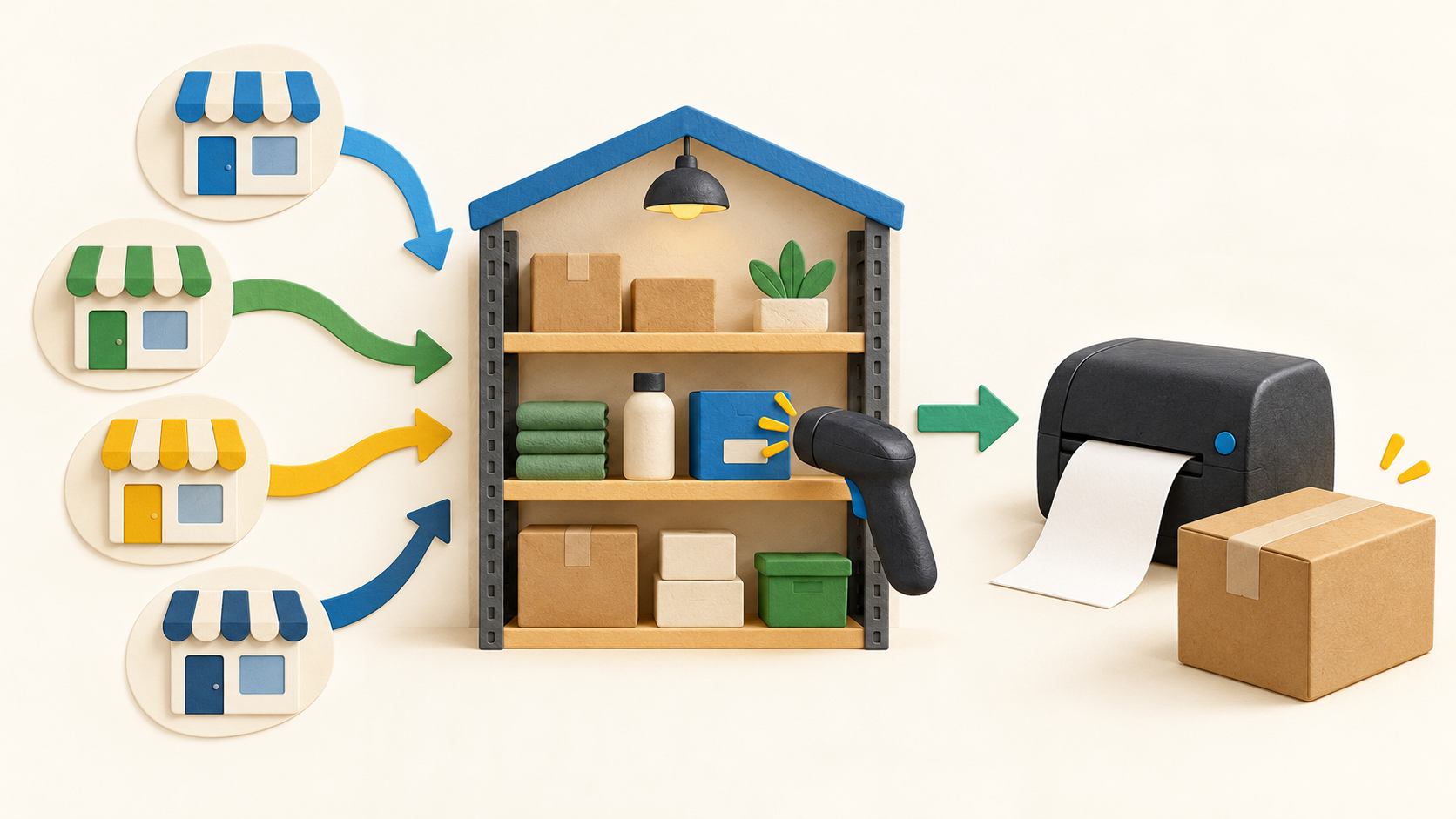
SKULabs is most compelling when the same item appears across several storefronts and warehouse staff must know what is on hand, reserved and ready to ship. Before rollout, map each store listing to the correct SKU and test how the system treats the last available unit across channels.
The work it supports
Core capabilities
SKULabs describes real-time stock synchronization across connected sales channels. Its inventory view separates on-hand, allocated and available quantities, while stock rules control the number shown for sale. Test a sale, return and manual adjustment on a sample SKU to ensure those quantities flow as expected.
The inventory page describes stock by warehouse, store or fulfillment center. Transfer orders can move items between locations; receiving records incoming purchases and returns. Confirm location limits in the chosen plan before creating a multi-warehouse design.
Barcode scans can verify picks against orders. The site also describes single-order and guided batch picking, but the pricing page puts richer guided and batch functions into higher tiers. Rehearse a missing item, substituted item and partial shipment before relying on the picking sequence.
Cycle counts can focus on selected locations or item groups. Use a small count to compare physical stock with on-hand and allocated quantities, investigate discrepancies, and decide who can approve an adjustment.
The purchase-order workflow can send POs to suppliers and generate bulk orders from open orders or replenishment rules. Receive one test PO in stages and check that quantities become available only when the operator expects them to.
The FAQ describes returns with RMAs, return labels, restocking and reason tracking. Define when a returned unit can be sold again, and confirm whether the chosen plan includes the full return flow before using it for customer orders.
During fulfillment, the system can compare carrier rates, print labels and update stock as work moves through picking and shipping. The rate shown for a parcel and its postage cost depend on the carrier/account and destination; test the carrier path separately from the inventory count.
Understand the offer
Pricing and getting started
The official pricing page displays Starter at $299 per month for core inventory and order management with basic barcode scanning. Basic, Growth, Pro and Enterprise are higher monthly tiers, with Ultimate by quote. Recheck current amounts and currency before buying, since public pricing can change.
Plan descriptions put multi-location and returns in Basic, batch processing and forecasting in Growth, and warehouse automation, API integration and AI-driven fulfillment in Pro. Verify any feature needed for day-one operations in the actual quote rather than relying on the broad feature pages alone.
The pricing page displays allowances for orders, users, channels, warehouses, SKUs and API usage, with extra-unit charges. Forecast peak monthly order volume and the number of operators/locations before selecting a tier; a low headline subscription may not be the full bill at higher volume.
SKULabs advertises no per-label platform fee for USPS, UPS and FedEx labels on its plans. That describes its software fee for creating labels, not free postage or a guaranteed carrier rate. Compare actual parcel quotes, insurance and carrier-account terms separately.
The FAQ describes month-to-month billing without annual contracts, a 30-day money-back guarantee and no setup fee. Read the current service terms and confirm how onboarding, data export and cancellation work before connecting live stores.
Look a little closer
Before you choose
Pilot the complete inventory loop: connect a sales channel, map a SKU, receive stock, allocate an order, verify a pick, buy a label, and process a return. Compare the source storefront, SKULabs count and physical shelf after each step.
Confirm plan fit with actual order volume, users, sales channels, warehouses and API usage. Features such as guided picking, batch processing, advanced automation and AI appear at different levels on the pricing page; buying a lower tier can change the available workflow.
Check the shipping economics and operations separately from subscription price: carrier postage, usable services in each country, label output hardware and what happens when a parcel or order is voided. The vendor's zero per-label platform fee does not answer these questions.
5 distinct sources behind this profile. Research observed Oct 20, 2026. Features and offers can change.
View sources and research →
