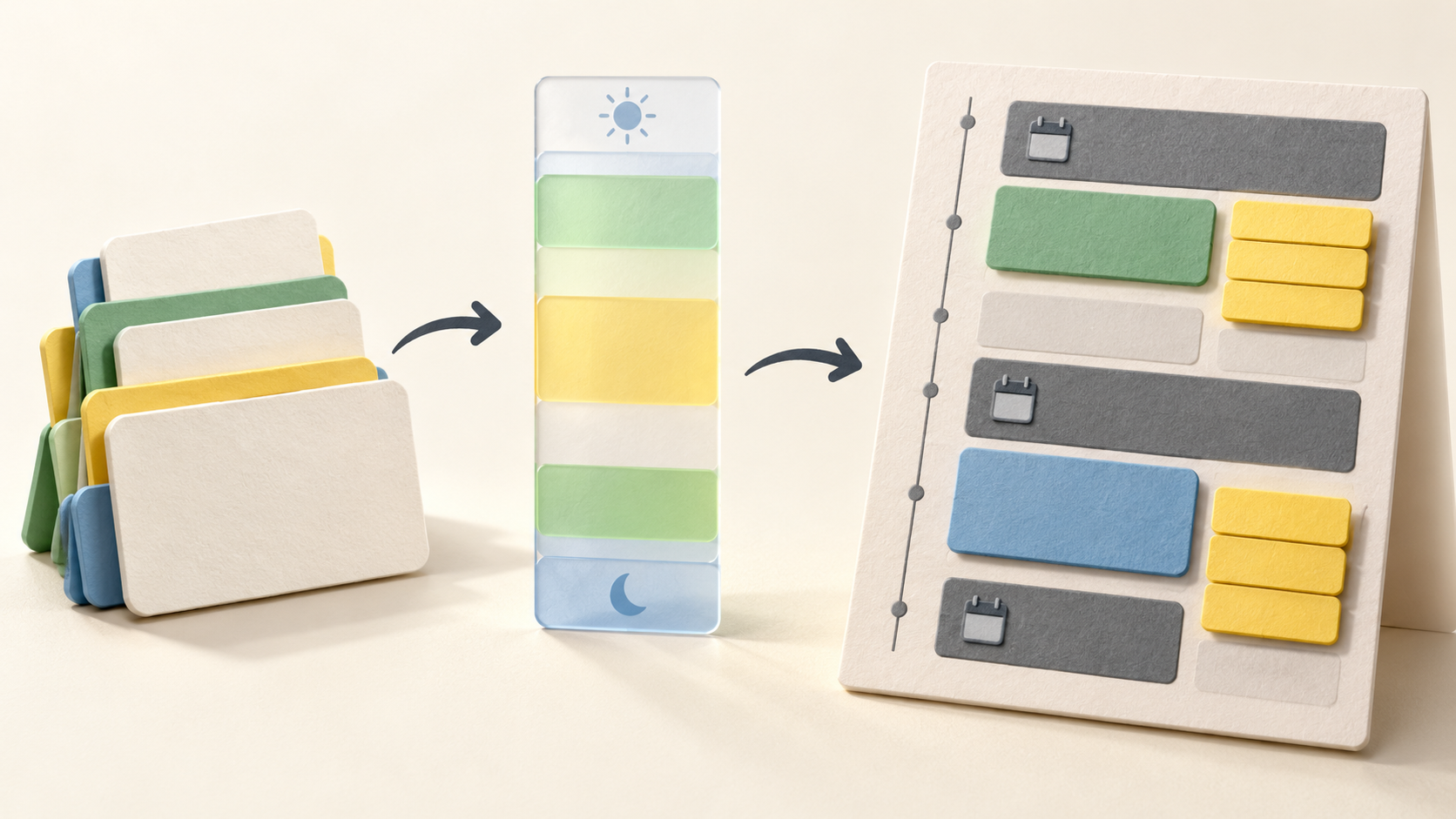
Find your fit
Who it is for
SkedPal suits an individual juggling a changing mix of appointments and independent tasks, especially when there is more work than obvious free space. Its prioritization board and Time Maps make the order and preferred hours explicit before tasks are placed on the calendar.
It can also fit someone who wants a realistic trial of time blocking without forcing every small errand into its own meeting-sized slot. The scheduler distinguishes exclusive time blocks from bundles of shorter tasks, while Core and Pro set different forward planning windows and calendar-account limits.
The work it supports
Core capabilities
Start in the Outline with a few projects and tasks. Add a plan to each task you want scheduled, specifying a useful time frame. The Outline can preserve nested work, but the scheduling decision depends on task properties rather than merely storing a to-do item.
Rank the tasks that matter most on the prioritization board. The vendor describes priority as an input to its scheduling choices; a short pilot with competing tasks is more informative than assuming everything marked important can fit immediately.
Use Time Maps to describe when different kinds of work are preferred, such as general work hours, evening personal tasks or a deep-work period. Assign a task to the appropriate map; SkedPal then looks for working time in those windows.
Choose between a dedicated time block and bundling. A block gives focused work its own calendar slot, while bundled smaller tasks share a calendar interval as a list. This distinction helps keep the calendar readable when the work mix includes both long tasks and quick follow-ups.
Flexible plans can move within their intended window if an interruption or changed priority takes space away. A fixed-time plan is different: it generally stays at its selected time, with a documented auto-defer exception after a missed fixed slot.
SkedPal separates a plan from a deadline. The plan is what the scheduler uses; a deadline is a target date. Its guide says setting a deadline can automatically create a matching plan, so inspect both properties when a task appears later than expected.
Connect a supported calendar to bring appointment busy times into the scheduling calculation. The Google guide explains that synced appointments are read-only in SkedPal and synced SkedPal tasks are read-only in Google Calendar; make schedule changes in their originating app.
After changing tasks, check whether an Update Schedule action is needed for the calendar to reflect the new inputs. If a time-bound task still cannot fit, SkedPal may surface it as an all-day unscheduled item rather than silently placing it in an impossible slot.
Understand the offer
Pricing and getting started
Core currently includes a 21-day AI scheduling window, synchronization with one external calendar account, nested task lists, a prioritization board and time budgeting. Its pricing grid names Google, Office 365 and iCloud as supported calendar account types; confirm the exact account and calendar selection before relying on sync.
Pro extends the scheduling window to 60 days and lists unlimited calendar accounts, instant update of today’s schedule, Status Tracker, notifications and integrated time tracking. These are Pro additions, not promises for Core.
The captured yearly-billed display shows Core at $9.95 and Pro at $14.95 per month equivalent, with a separate Monthly selector. The page offers a 14-day trial without a credit card. Confirm the current billing selection, currency, tax and final checkout terms before subscribing.
Look a little closer
Before you choose
A due date should not be confused with a scheduling plan. SkedPal may add a matching plan when a deadline is set, but it is the plan window and priority that govern placement. Check both fields on a sample task to avoid treating a reminder date as reserved working time.
Calendar sync has directional limits. SkedPal can read a connected Google calendar’s busy times and put scheduled tasks into the calendar, yet the synced copies are read-only in the other app. Test one harmless appointment and task to see where each change must be made.
Review privacy and availability settings before syncing a work calendar. The Google connection guide allows appointment titles and notes to be withheld while start and end times are shared. Shared calendars and all-day events can change what SkedPal treats as busy, so select only the calendars and statuses needed for the trial.
A task that will not fit can remain unscheduled and appear as an all-day item. Compare a small set of realistic deadlines, Time Maps and duration estimates, then inspect those exceptions rather than assuming the generated calendar proves every commitment is feasible.
7 distinct sources behind this profile. Research observed Oct 26, 2026. Features and offers can change.
View sources and research →
