Find your fit
Who it is for
It suits small businesses, creators and ecommerce teams that need an approachable newsletter tool with room to add behavioral follow-ups. The ongoing free tier provides a starting point, but its subscriber and monthly send limits should be checked against the expected list and cadence.
Teams with different customer interests or engagement levels can build dynamic segments and choose a segment when sending a campaign. Because membership updates as data changes, check the segment count again before a scheduled send.
The work it supports
Core capabilities
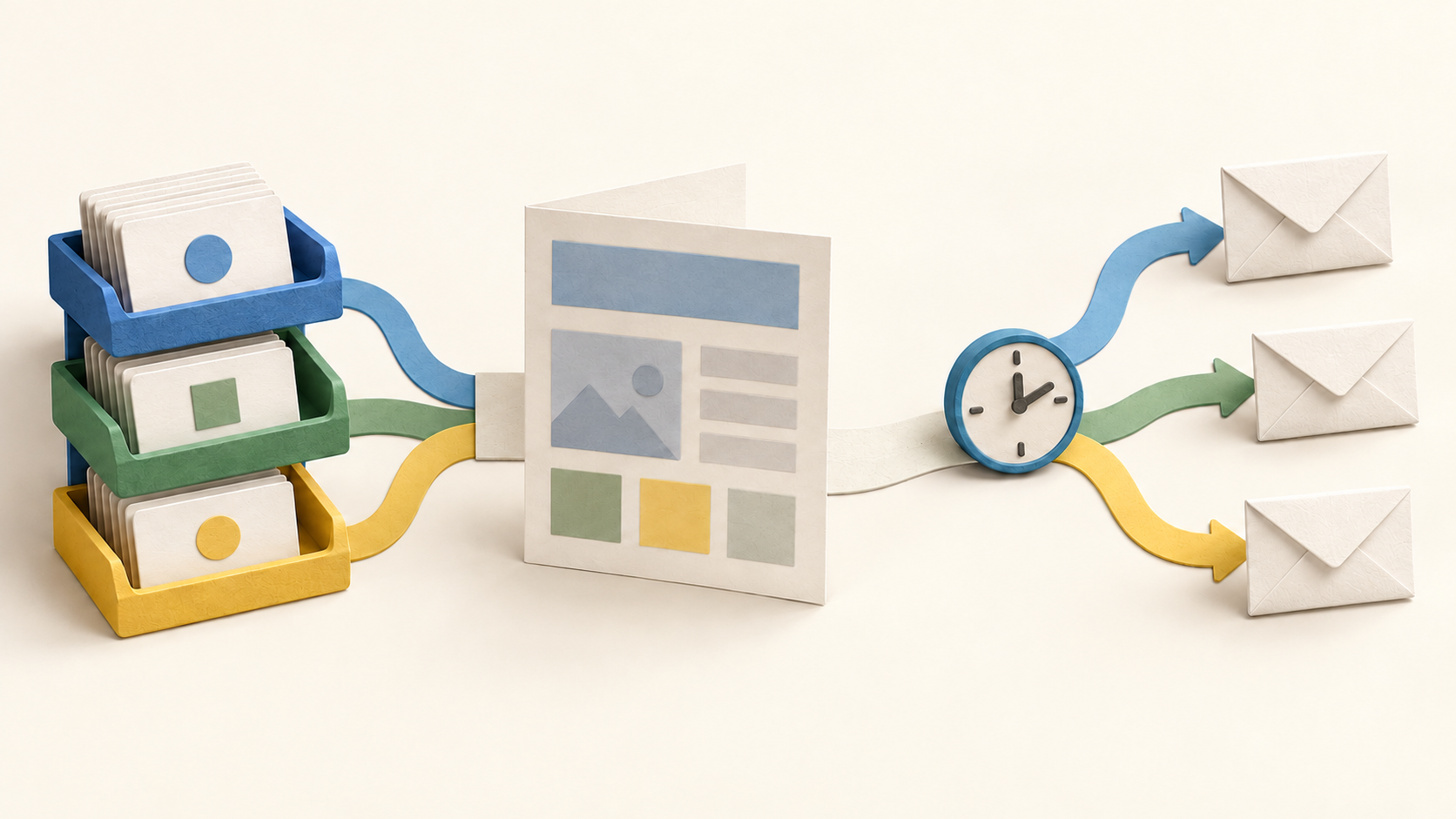
Email campaigns. Create newsletters with the drag-and-drop email builder and premade templates.
Email automation. Create automations for onboarding, retention or ecommerce follow-ups without coding.
Audience segmentation. Create segments based on subscriber settings.
Understand the offer
Pricing and getting started
Sender’s Free Forever plan does not expire and currently covers one seat, up to 2,500 subscribers and 15,000 emails a month; the free card includes Sender branding. A new free account first gets a 14-day Professional trial without a credit card and returns to Free Forever when it ends.
Email automation is available on the Free plan, but automated sends count toward the same monthly email allowance as campaigns. Paid pricing changes with subscriber count and billing choice; the pricing page’s 30% annual discount is described as first-time only, so compare the renewal amount in checkout.
Look a little closer
Before you choose
Build and test segments before a scheduled campaign. A dynamic segment can change between setup and delivery, so the recipients at send time may differ from the previewed list.
Confirm domain verification and sender identity before real campaigns. The help guide warns that an unverified domain can affect inbox placement, though it does not promise a specific delivery result.
Plan each automation around the actual trigger and total email allowance. Review delay, condition and split steps in draft before activation, and verify that the intended subscriber group or event starts the sequence.
Research scope. Official public pages were checked October 15, 2026. No account, imported contacts, campaign, automated send, domain, trial signup or checkout was tested.
9 distinct sources behind this profile. Research observed Oct 15, 2026. Features and offers can change.
View sources and research →
