Find your fit
Who it is for
Operations and training teams can document a repeated software task once and give new staff a visual guide. Start with a short, stable process and compare the generated steps with how an experienced user actually completes it.
Consultants or small teams documenting desktop as well as browser work should assess Pro Personal or Pro Team; Basic is described around browser-based web apps. Test one real target app before buying seats.
Larger organizations considering automatic workflow discovery should examine which teams and apps an admin approves, what data is captured, and who reviews the resulting guide. Confirm the exact Autocapture and Enterprise terms before enabling it.
The work it supports
Core capabilities
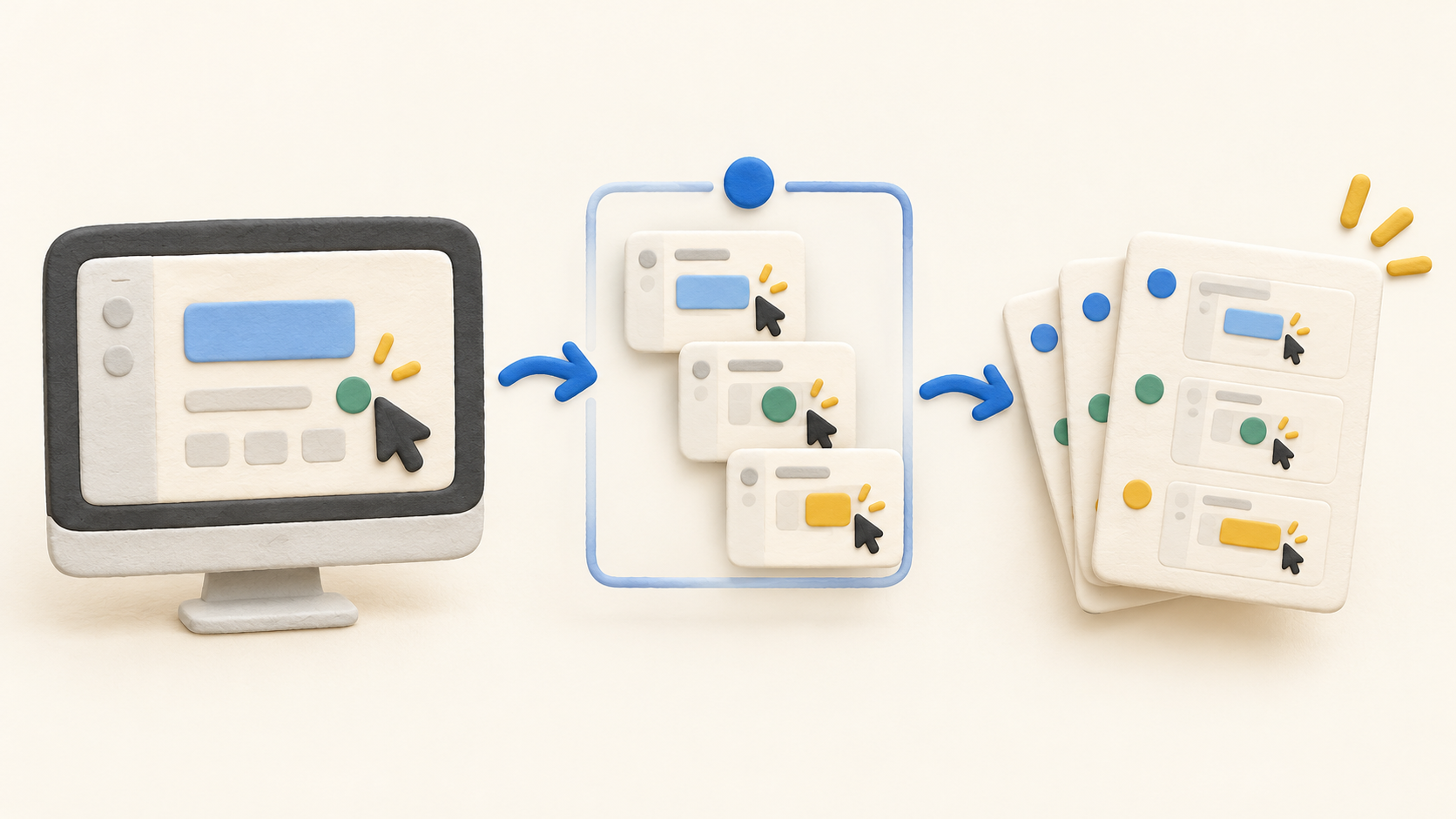
Create a guide. Scribe Capture turns recorded work into a draft guide for review, rather than requiring staff to write each instruction from scratch. Check the screenshots and step order, then edit the result before colleagues rely on it.
Browser-first entry. Basic generates browser how-to guides and allows quick customization and link or embed sharing. It is suitable for piloting a web process before expanding capture to other app types.
Wider capture on Pro. The current plan grid lists web, mobile and desktop app workflows for Pro. Validate how each target platform is captured in practice; a team should not assume a browser guide proves desktop coverage.
Edit and export. Pro lists screenshot editing and redaction, plus PDF, HTML and Markdown export. Review captured names, account details and other sensitive content before any link, embed or file is shared.
Team collaboration. Pro Team adds comments to the Pro Personal feature set. Use a sample guide to agree who maintains instructions when the underlying software changes.
Autocapture controls. The newer Autocapture offering detects recurring work only within approved teams and apps, then requires human review before a discovered guide is published. Its page also says screenshots, clicks and entered text may be collected in that scope, so a privacy pilot matters.
Enterprise controls. The pricing grid lists automatic PII/PHI redaction, SSO, roles and central management. Ask Scribe which of these apply in the quoted Enterprise package and test the actual policy enforcement.
Understand the offer
Pricing and getting started
Basic is listed as free for browser guide creation, customization, and link/embed sharing. Use it to test the core documentation workflow with non-sensitive sample content.
Pro Personal is a paid per-seat plan starting at one seat. Pro Team is paid per seat and starts at five seats, with team collaboration added. Pricing varies with the selected offering and billing term; confirm the full seat total in the live checkout or quote.
Enterprise is custom priced and the vendor says advanced security and multi-team features vary by plan. Get the specific redaction, identity, viewer and Autocapture entitlements in the quote before comparing it with Pro.
Look a little closer
Before you choose
Capture policy is the central buying check. A guide may contain screenshots and workflow details; automatic discovery can also collect clicks and entered text within approved apps. Decide what must never be recorded, review sample guides before publication, and test redaction with synthetic sensitive content.
Plan scope changes materially: Basic covers web guides, Pro broadens capture and export, Pro Team adds comments, and Enterprise controls vary by contract. Ask separately whether Autocapture is included, especially if the team expects activity discovery rather than manual guide recording.
This profile is based on current public Scribe pages. No account, browser extension, desktop capture, Autocapture enrollment, guide sharing, trial signup or payment was operated.
5 distinct sources behind this profile. Research observed Oct 18, 2026. Features and offers can change.
View sources and research →
