Find your fit
Who it is for
A table-service restaurant can use V5 Pro to keep menus, tables, special requests, kitchen handoffs and bills in one service flow. A café or bar can assess the same register with simpler counter service; the site also markets delivery and takeaway operations.
The product may suit an operator that wants to configure its own menus, floor layout and reports rather than accept a fixed service pattern. Test those changes with the staff and hardware that will use them, especially if multiple terminals or separate kitchen stations are planned.
The work it supports
Core capabilities
Build the menu around the venue's dishes and modifiers. The product page describes photos, themes, submenus and order modifications, which can help staff enter special requests. Rehearse a changed order before service to see what the kitchen and final bill actually receive.
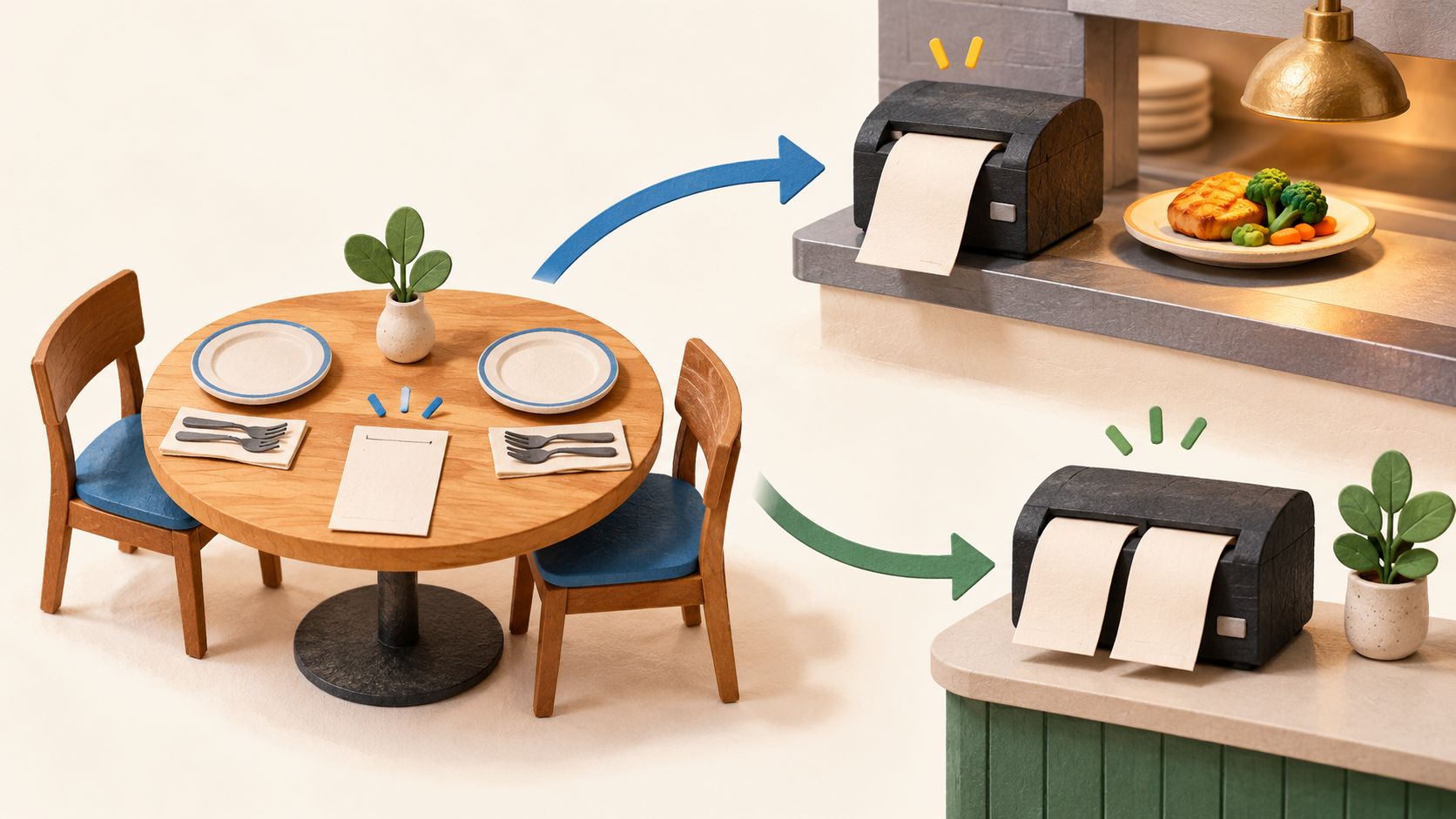
For table service, V5 Pro describes the journey from order to kitchen communication and bill payment. The site says orders can go to a kitchen printer or display and bills can be printed or split at the table. Confirm which printer or display hardware and any separate KDS license are needed.
Operators can arrange and test a table layout. Put the real floor plan into a pilot and check occupied tables, a move between tables and the final split bill so servers can identify where each open order belongs.
Delivery service management is listed in the V5 Pro license. The vendor describes caller ID and stored customer details for takeaway or delivery; test order changes, address lookup and who can view customer information before using those records in production.
The product page lists inventory, sales and cost tracking and reports on staff shifts and other topics. Compare a sample shift's orders, voids and payments with the reports and stock movement to see whether the configuration gives managers useful numbers.
The page describes cash, card and other payment options. A venue should test its selected processor and terminal with a harmless transaction and refund before relying on any integration; the general product page does not establish a universally compatible card setup.
Understand the offer
Pricing and getting started
The official V5 Pro page currently displays $339, a one-time payment and a lifetime license for its listed base offer. Recheck the store before buying because price, currency, taxes, transfer rules, support and future-upgrade rights are not fully explained by this page.
The homepage advertises a one-month trial of the fully featured product. Use it to test the restaurant's actual menu, hardware, reports and payment path; check what happens to the installation and data when the trial ends before committing to a rollout.
The V5 Pro page lists Windows 10 or higher and multiple-terminal usage. Check the edition, number of allowed terminals, database setup and supported printer hardware with the vendor rather than extrapolating from the short feature list.
Mobile Client, KDS and GO Kiosk are separately named products. The core V5 Pro page mentions some mobile, display and kiosk workflows, but does not prove those extra products or their licenses are included. Ask for an itemized quote for the exact service stations and channels.
The vendor says V5 Pro can integrate multiple payment options. Verify the processor, terminal, geography, merchant agreement and processing charges for the venue; a list of integration names does not by itself establish activation or pricing.
Look a little closer
Before you choose
Run a rehearsal from a modified table order through kitchen routing, a changed bill, payment and end-of-shift reporting. Include a second terminal if the venue needs one, and confirm which data appear on each station.
Decide whether the purchase needs only V5 Pro or also separate Mobile Client, KDS or Kiosk components. Obtain the license and hardware terms for each part, especially if the restaurant expects tableside ordering or a paperless kitchen.
Before launch, confirm Windows device requirements, printer and payment integrations, customer-data permissions and recovery of open orders. The marketing pages describe capabilities but do not verify the venue's exact configuration or local fiscal rules.
4 distinct sources behind this profile. Research observed Oct 20, 2026. Features and offers can change.
View sources and research →
