Find your fit
Who it is for
Saleor fits commerce and development teams serving multiple regions, brands or business models from one backend. Channels can vary what shoppers see and buy, while the Dashboard gives staff an administration surface alongside the API. The team still needs to plan the storefront and connected services.
There are two materially different operating paths: run the open-source stack yourself, or buy managed Saleor Cloud. A free Cloud sandbox is for development and experimentation, not a live commercial shop. That boundary matters before loading real inventory or planning launch costs.
The work it supports
Core capabilities
Model each sellable item as a product and variant. Even an item with no size or color choices needs one variant because Saleor attaches price and stock at variant level and only variants can enter checkout and orders. This is a practical catalog-import check for teams moving from a different data model.
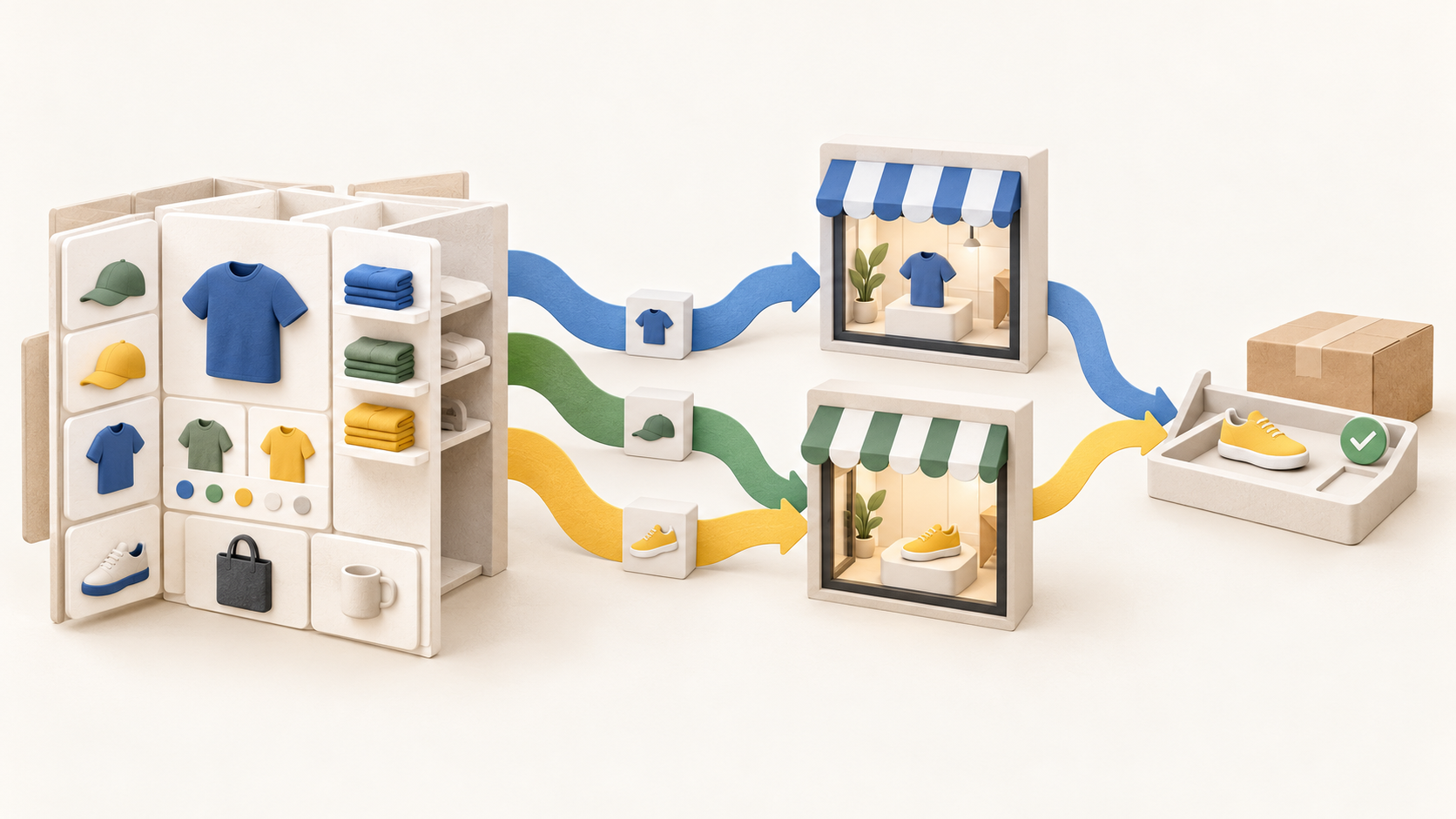
Use channels to represent regions, brands or different customer-facing offers. Saleor can set product visibility and variant availability or price per channel; checkout is contextualized to channel stock, price and tax. Each channel uses one currency, so a multi-currency plan needs deliberate channel design.
Build the shopper-facing experience against Saleor’s GraphQL API. Its Dashboard supports the administration side, while the storefront team connects catalog browsing and checkout to the backend. The vendor also documents app extensions, so the implementation plan should identify which parts are Saleor core and which are separate services.
Saleor treats the cart and checkout as one Checkout object. It supports adding variants and promo codes, then completing checkout; payment may be processed and stock reserved before an order is created if requirements are met. This gives developers a concrete sequence to test with fictional items.
Payment is an integration decision. The documentation describes payment apps or legacy plugins, and Saleor’s app catalog covers payments as well as tax, content, search and notifications. Confirm a provider’s actual country, currency and flow with the selected integration before assuming checkout is ready.
Cloud users can install from the Saleor App Store; self-hosted operators install apps manually. The same named integration can therefore carry different installation and maintenance work under the two deployment paths.
Understand the offer
Pricing and getting started
The open-source stack can be cloned and run without a Cloud account or credit card. That does not supply managed hosting or a finished storefront: a self-hosted team must plan deployment, upgrades, integrations and operations. Saleor Cloud instead provides a managed SaaS environment with infrastructure, performance, updates and security handled by Saleor.
Saleor Cloud offers free test projects and a free Sandbox card, but its docs say sandboxes are for development or staging and are not meant for commercial use. A production store needs an appropriate paid Cloud arrangement or a separately operated open-source deployment.
The current Cloud pricing page displays Select at $1,599 per month with up to $200,000 monthly GMV and a 0.8% rate on orders exceeding that allowance. Volume displays $3,999 per month with up to $1 million monthly GMV and a 0.4% rate above it. The page uses a dollar symbol without spelling out currency, tax, contract term or detailed overage mechanics in those cards; confirm them in the offer.
Enterprise is quote-led and advertises a negotiable rate as low as 0.2%. Paid cards also refer to a fair API usage policy. Ask what usage, GMV and support are included in the written agreement rather than treating an advertised rate as a complete cost model.
The Cloud pricing page describes delivery and support help such as onboarding sessions and direct support. Check the scope for the selected plan and the cost of any implementation assistance or optional accelerators; the vendor’s public card alone does not price a finished storefront or payment-provider service.
Look a little closer
Before you choose
During evaluation, use fictional products with and without options, create two channels with different visibility and prices, then follow a sample checkout through order creation. Check the chosen payment app and the manual-installation implications if self-hosting. No real customer or payment details are needed for that comparison.
Before a launch decision, get the Cloud currency, contract, GMV overage calculation, fair API policy, support scope, storefront engineering and integration costs in writing. Keep the free noncommercial sandbox separate from any production plan, and plan for inactivity/suspension if a test project will be left unused.
A move between self-hosted and Cloud deployment is possible but may require version alignment or data migration. Treat that as a project to test, rather than a one-click escape route.
10 distinct sources behind this profile. Research observed Oct 26, 2026. Features and offers can change.
View sources and research →
