Find your fit
Who it is for
The fit is strongest for AV and event production, equipment rental, party rental and media teams that move reusable gear between concurrent jobs. A buyer with ordinary retail stock should test whether project dates, return handling and equipment bundles are useful for their operation.
Rentman connects planning and warehouse execution, but the required license depends on who edits projects, who only packs or returns gear, and whether the team needs optional tracking or multiple warehouses. Count those roles before comparing its quote with a simpler inventory tool.
The work it supports
Core capabilities
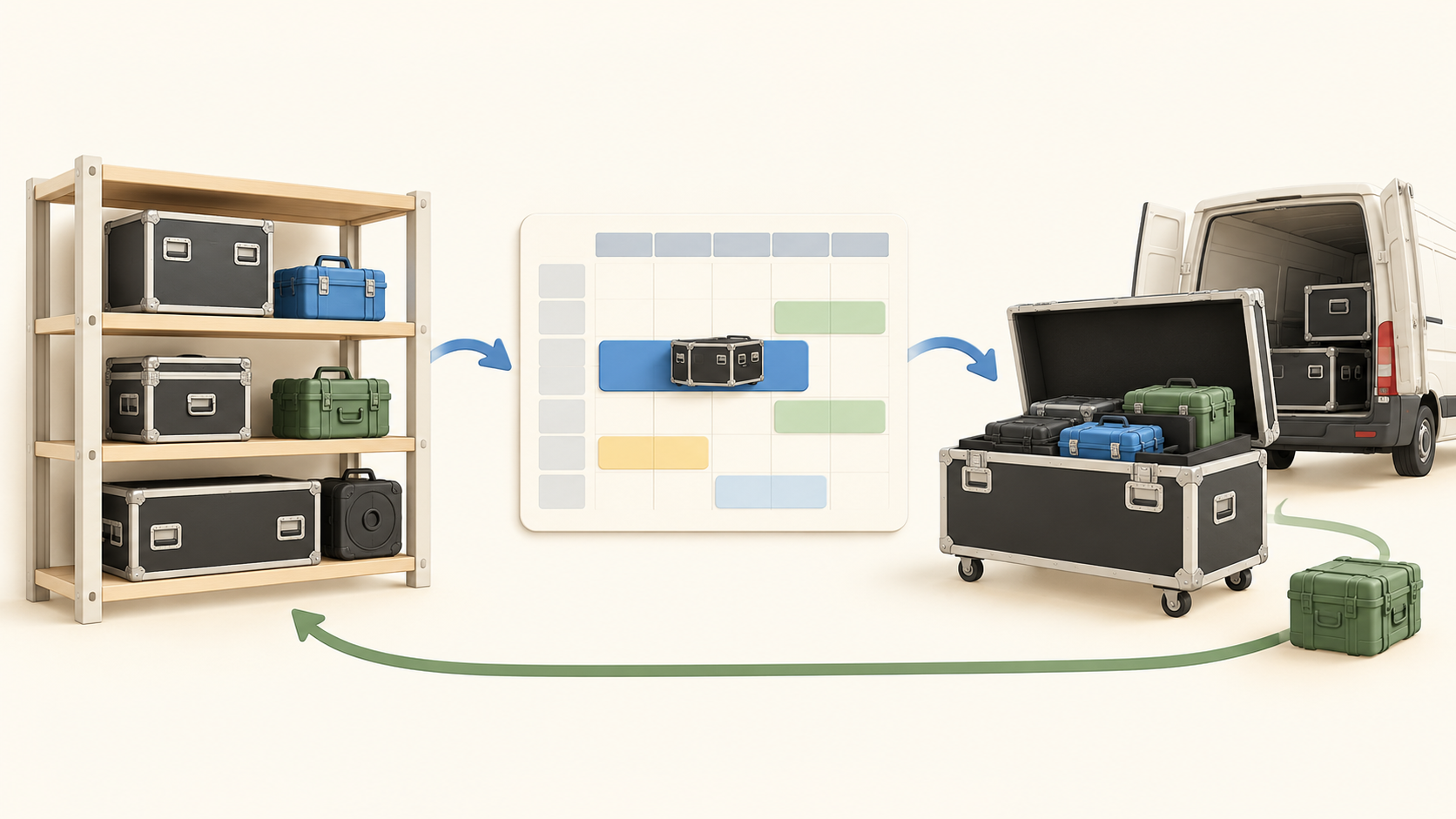
Start with an equipment list or import one. A record can carry shelf location, price, photo and maintenance history. Group frequently rented items and accessories into a case or kit, then test whether a planner can find the right combination without assembling the list from scratch each time.
Use the equipment timeline or quick lookup to check availability before assigning gear to a project. Serial-level visibility helps prevent the same specific item being scheduled twice. Rehearse two overlapping projects with a scarce item to see how dates and equipment quantities behave.
When a requested item is unavailable, the scheduling view can surface the shortage and suggest an alternative or a subrental. A useful pilot should include a last-minute change and a replacement choice, then check that the project equipment list reflects the decision.
Generate a virtual or printed packing list for what needs to leave or be collected. Rentman describes project equipment lists updating with plan changes, which can help the warehouse work from the current request. Test a late item addition and the return path with sample gear.
The optional Equipment Tracking add-on extends the workflow to QR/barcode scanning, warehouse movements and scan-based packing status. The marketing pages describe this in detail, while the pricing page lists it as separately priced and available only with Inventory. Confirm entitlement before expecting scanning during check-out or return.
Rentman mobile presents packing context and can let warehouse staff report a repair or lost item. If the business wants to move gear among multiple storage locations, the pricing page also lists an additional warehouse add-on available with Inventory Pro. Test the intended warehouse and mobile steps under the actual quote.
Understand the offer
Pricing and getting started
Rentman presents a platform base fee plus an Inventory plan charged for power users. Crew and Rental are separate plan families. The captured pricing text mixes EUR and USD selectors and plan rows, so request a current quote in the buyer’s region and billing term instead of relying on a single displayed number.
Power users can create and edit projects and schedule equipment; execution-focused warehouse staff and technicians are described as free basic users. Verify role permissions and the number of paid planners needed, since every power user carries the plan charge regardless of the exact modules they access.
Equipment Tracking and Quoting & Invoicing are separate add-ons. An additional warehouse is restricted to Inventory Pro and separately priced. Build the quote around the exact scan, billing and location functions needed, rather than assuming every feature shown on the inventory marketing page is in the base plan.
Rentman advertises a 30-day free trial without a credit card. Its pricing FAQ lists monthly through yearly subscription periods and says cancellation ends the subscription after the last invoiced period, without refunds for cancellation or downgrade. Confirm the selected term and trial-to-paid transition before signup.
Look a little closer
Before you choose
Pilot one representative rental project from equipment import through availability, reservation, packing and return. Include two competing bookings and one shortage to see whether the team can make the right allocation before gear leaves the shelf.
Separate the Inventory planning workflow from the paid tracking workflow. If serialized check-out, QR/barcode scans or real-time warehouse status are essential, include Equipment Tracking in the quote and test those exact steps with harmless sample cases.
Count planning staff, basic warehouse users, storage locations and any crew or invoicing use before comparing plans. Check the selected region, currency, subscription period and refund terms in the written order.
6 distinct sources behind this profile. Research observed Oct 21, 2026. Features and offers can change.
View sources and research →
