Find your fit
Who it is for
Students facing large bodies of material can outline lecture notes, make basic question-and-answer cards directly in the notes and practice what is due. Researchers or professionals may use the connected knowledge base for reference material, even when they do not need every exam tool.
RemNote fits people willing to maintain a review habit. The software selects due cards and also offers Practice All for a chosen topic, but the vendor’s claims about grades, time saved or guaranteed retention should not be treated as outcomes for an individual user.
The work it supports
Core capabilities
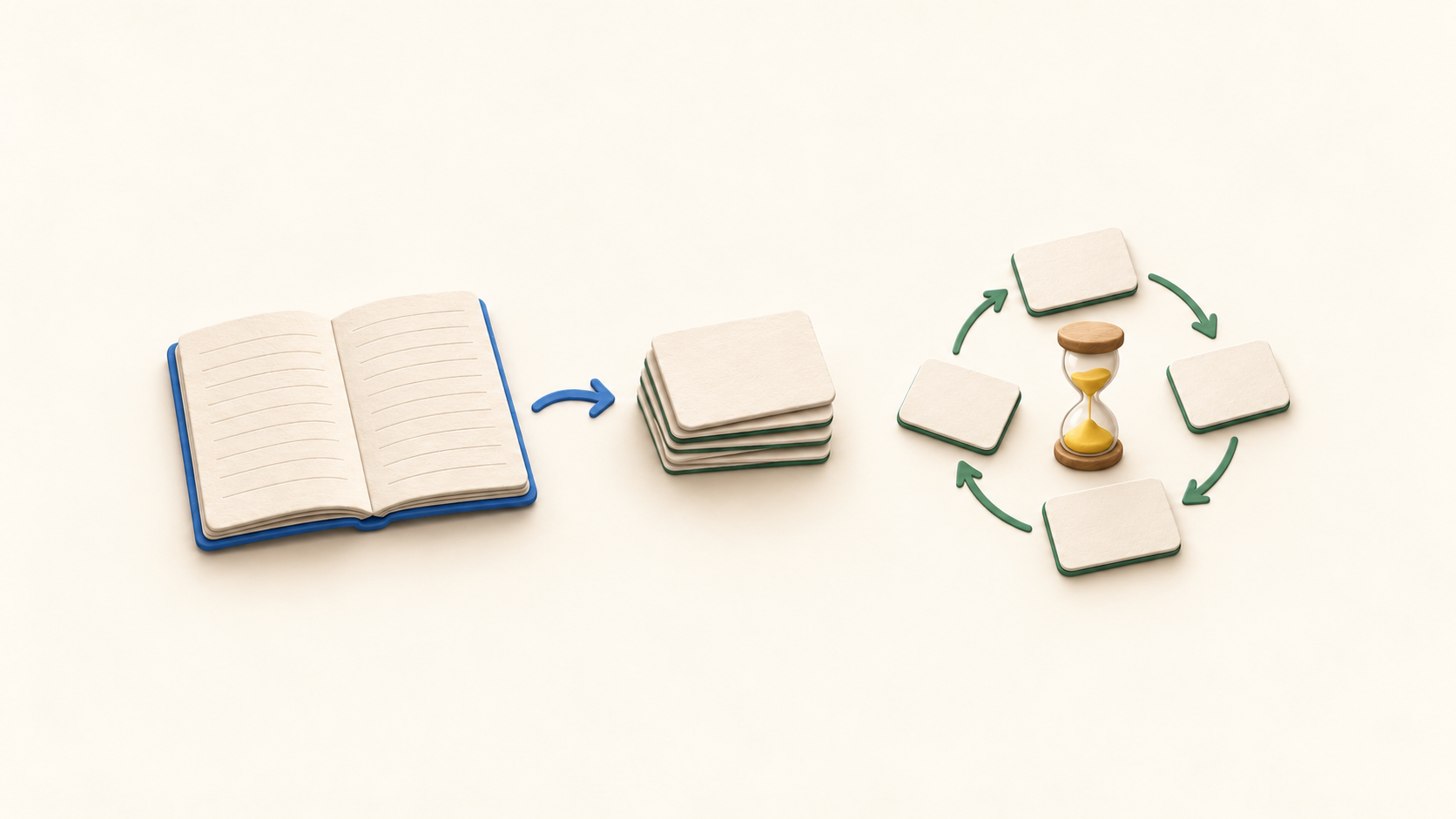
Write in an outlining editor and connect related ideas. Turn a selected bullet into a basic front-and-back flashcard inside that note; other supported formats include fill-in-the-blank, multi-line and image-occlusion cards. Start with a small sample before building a large deck.
Spaced repetition schedules reviews over time, and Practice All allows extra review of a topic regardless of the due date. Exam Scheduler can adjust timing to a chosen date; check its plan entitlement before using it for a full course.
You can attach and annotate PDFs alongside notes. PDF annotation is identified as a Pro feature, with three PDFs available on Free as limited-use access. Check the volume of material you intend to bring in before relying on a free plan for a course.
AI can help generate cards and study materials from notes or PDFs, but each use consumes credits. Some note content is sent to external AI providers when these tools are used. Disable AI if that processing is unsuitable for your material.
Desktop and mobile apps can edit notes and review cards without a connection after setup, then sync progress later. The web app needs its already-open tab to stay open; desktop stores images and PDFs locally more completely than web or mobile. Test the files you need on the intended device before going offline.
Export a document or entire knowledge base to the format needed by another tool. Native RemNote, OPML, Anki, HTML, Markdown and text are listed, but Anki export omits note bullets without cards and the native complete export does not itself carry images or PDFs. Test the chosen export with representative notes and media.
Sharing a document creates a snapshot. Updating that shared view requires sharing it again, which keeps the same link; unsharing can revoke the link. Inspect what is included before distributing study notes or source material.
Understand the offer
Pricing and getting started
Free lists unlimited notes and flashcards and unlimited synced devices, plus limited access to annotated PDFs, image-occlusion cards and handwriting. It is a workable way to try the notes-to-cards flow, while larger PDF or handwritten collections require checking paid rights.
Pro lists PDF annotation, image occlusion, tables/templates, Exam Scheduler, handwriting and 1,000 AI credits a month. The October 20, 2026 pricing capture displayed $8 per month with $96 billed yearly. That is an annual-billing display, not a month-to-month quote.
Pro with AI lists 20,000 credits monthly and advanced AI study tools. The captured annual-billing display showed $18 per month with $216 billed yearly. Credit use resets on the plan’s renewal date; confirm the billing selector, currency, taxes and any regional or education discount at checkout.
RemNote describes limited-use access to Pro features on Free rather than a timed trial. Work made with Pro remains in the account after downgrading, but creating new Pro content or editing some existing Pro items may require resubscribing. Check that behavior for the features you actually use.
Look a little closer
Before you choose
Build a small set of real notes and simple cards, then compare due reviews with Practice All. This tests whether the review routine and note-card connection suit the material without assuming any promised grade or memory result.
Before importing a PDF library or handwritten archive, count documents and check the Free allowances against Pro and Pro with AI. If AI is relevant, estimate credits using your own sample material and review the content sent to model providers.
For long-term portability, export a sample knowledge base and confirm the destination understands its note hierarchy, card data and media. For travel, verify that the desktop or mobile app has the needed material offline; the browser and mobile media caches have different limits.
11 distinct sources behind this profile. Research observed Oct 20, 2026. Features and offers can change.
View sources and research →
