Find your fit
Who it is for
An IT team lending laptops or other equipment can see who holds each device and its location, use checkout and return history, and follow up on outstanding loans. Import a small sample of real records first to check identifiers, staff access and duplicate handling.
A school, nonprofit or shared-equipment team can tag assets, set loan periods and audit what is physically present. Test one loan and one missing-tag audit before depending on the records for a wider equipment count.
An IT procurement or license team can compare hardware inventory with software seats and renewals. The separate Software Asset Management and Complete ITAM pricing makes plan scope important, especially if application discovery is the primary need.
The work it supports
Core capabilities
Build a hardware record with an assigned person, location, department, cost and lifecycle information. Reftab advertises device sync from Intune, Jamf, Kandji and other tools; verify field ownership before allowing a connector to change existing records.
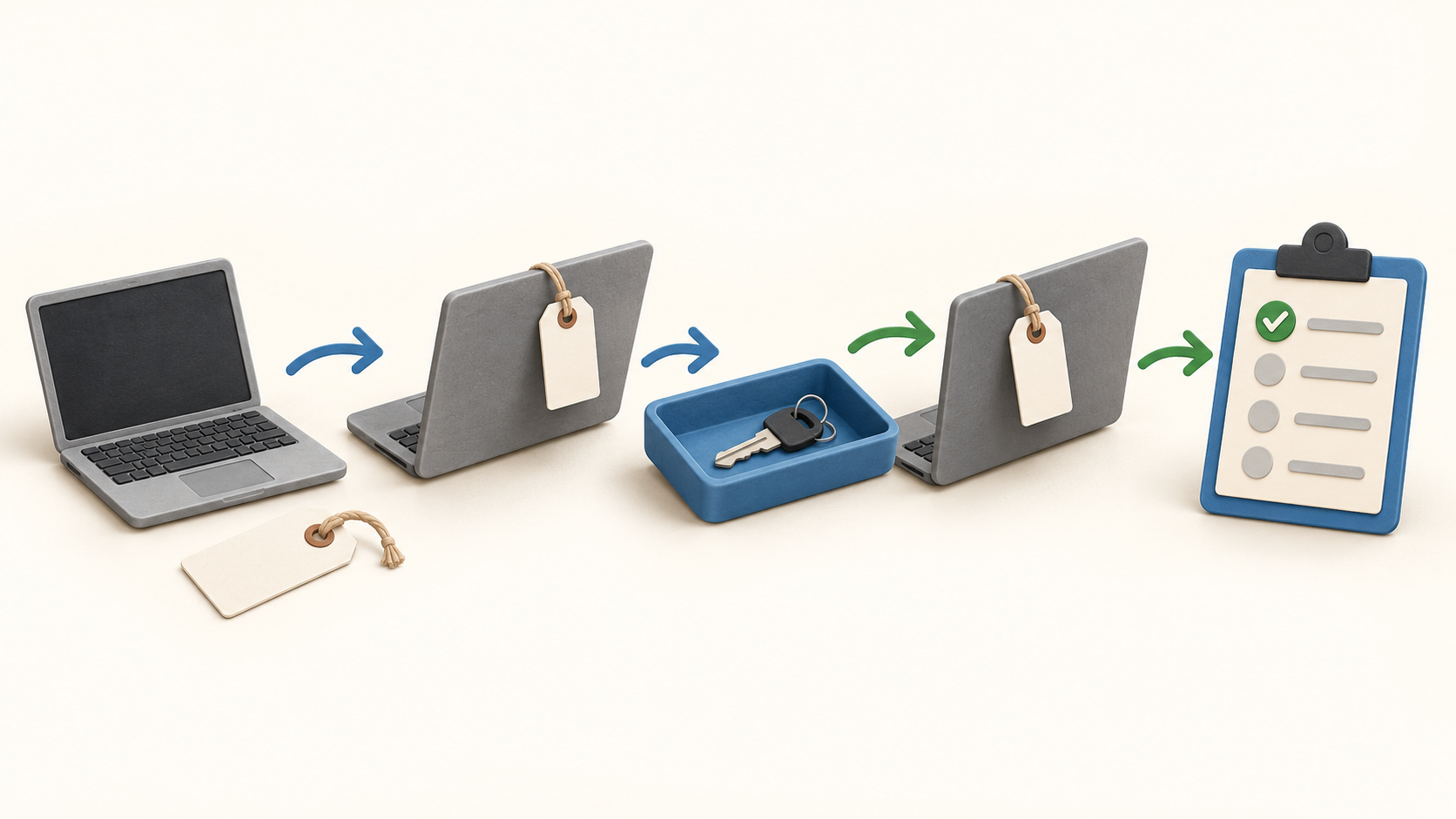
Attach a barcode or QR label, then scan it in the mobile app to find and update the asset. For physical check-out and return, test the same tag on the intended phone and verify that staff can identify the correct item without relying on a name alone.
Loan history records the loanee and the check-out and return events. The asset and loan lists also support checking multiple items back in, including a scan-based path. A team should count the physical devices before bulk-closing loans.
Reservation settings can limit loan length, choose a default due date and limit active loans or reservations. These controls are useful for shared devices; confirm what each role can reserve and what overdue users can do.
For an audit, an administrator selects assets and assigns auditors. Staff scan tags to verify items, while the reconciliation phase calls out missing or misplaced records for review. Keep a clear process for resolving discrepancies rather than silently changing locations.
The separate software module tracks applications, licenses, seats, users, usage and renewals. Check the connector and access rights needed for each source before treating its inventory as complete.
Understand the offer
Pricing and getting started
The Free offer covers up to 50 assets with no time limit. Reftab’s FAQ says accessories and licenses do not count as assets, and archived assets barred from checkout do not count toward the active quota. Verify the current counting rule with a sample inventory.
The viewed pricing page shows Hardware Asset Management at $125 per month with unlimited users, and Software Asset Management at $9 per tracked software user per year. It does not give a currency code beside these cards; confirm the currency, asset allowance, user count and actual billing term.
Complete ITAM combines hardware and software management with a custom quote based on assets and software users. Reftab advertises a 14-day trial, and its FAQ says using advanced features from Free prompts a two-week trial; check what remains available afterward.
Look a little closer
Before you choose
Start with a few asset types and one representative employee loan. Check import fields, barcode quality, assignment history and the check-in path, including what happens when a device is missing or returned late.
Before a full audit, decide who can scan, who reconciles discrepancies and which records may be changed. A tag scan is one part of verification; compare the final exception list with devices actually seen.
Price the real inventory: active hardware assets, excluded accessories, tracked software users, and any integrations or advanced controls needed. The public cards and subscription guide do not establish a universal total for every organization.
10 distinct sources behind this profile. Research observed Oct 26, 2026. Features and offers can change.
View sources and research →
