Find your fit
Who it is for
Teams managing client or internal projects with several owners can use assignees, due dates, statuses and subtasks to make responsibilities visible. Comments keep decisions beside the work. This works best when the team maintains task dates and statuses as plans change.
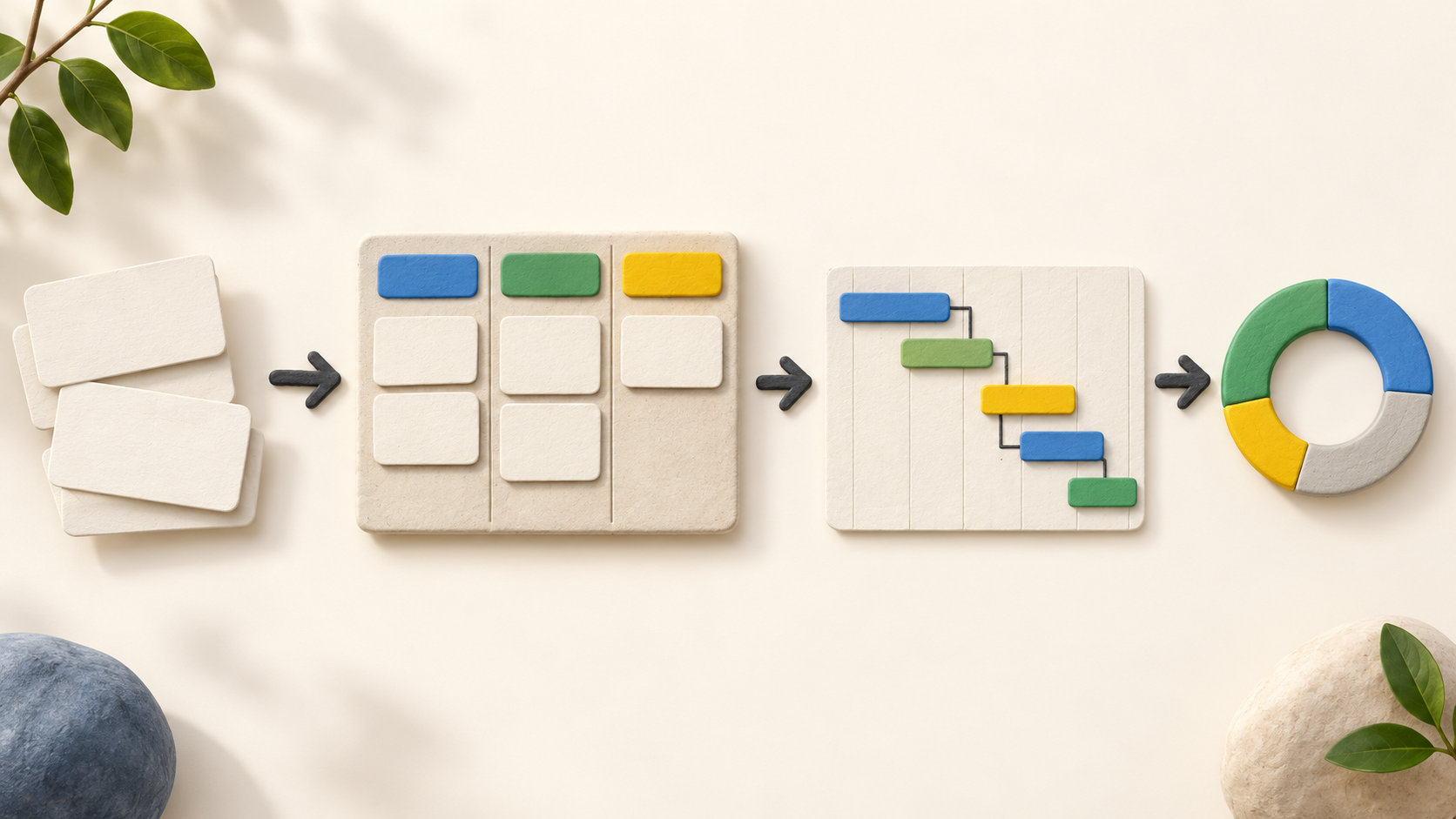
Project leads who need a visual schedule can use the board for stages and Timeline for a dated Gantt view. Gantt viewing is listed on every plan, including Free, while dependency links start on Pro.
Managers comparing work across people and projects should check the reporting tiers: Task Overview and Calendar are on every plan; Pro adds Workload and Tasks by User; Business adds Workspace and User reports, Timelines and Swimlanes.
The work it supports
Core capabilities
Task management. Give a project task an owner, date and status, then track it as the work advances.
Project planning. Place the project on a Gantt timeline and make task order visible.
Project reporting. Review project progress through reports.
Understand the offer
Pricing and getting started
The Free plan supports two users, two workspaces and 2 GB of storage. The pricing page’s short label says “two projects,” while its detailed limits and downgrade FAQ say “two workspaces”; verify how workspaces and projects count during signup.
The current US-dollar display lists Pro at $9 per user per month with annual billing or $12 with monthly billing. Calculate the invoice from the seat count and billing term.
Business is displayed at $15 per user per month with annual billing or $18.75 with monthly billing. Enterprise is quoted for the team; verify taxes and the checkout total before purchase.
The 14-day no-card trial exposes Business features. At the end, the pricing FAQ says the team can choose a paid tier or move to Free while keeping its work, but an account must fit Free limits to downgrade. Everyone in one subscription uses the same plan.
Look a little closer
Before you choose
Build one representative project with tasks, subtasks, due dates and owners. Switch between board and Timeline to check whether the plan reads clearly, then test dependency links during the trial if order-sensitive scheduling matters.
Run a reporting pilot with sample work. Compare basic due-date views with Pro workload views and Business cross-workspace reports; broader reporting is valuable only if the team keeps task data current.
Count all internal users and external collaborators before choosing a tier. Pro and higher plans allow limited-access external users without paid seats; Free does not. New paid seats are billed for the remainder of the subscription term.
If time estimates, task time capture or chat matter, check those controls in the intended tier. Task time tracking and workspace chat start on Pro, while the feature page lists task time estimates from Business.
No Redbooth account, project, task, report, client invitation, trial or checkout was exercised. This profile uses official public pages captured in October 2026; confirm critical behavior and current prices in a representative workspace.
5 distinct sources behind this profile. Research observed Oct 16, 2026. Features and offers can change.
View sources and research →
