Find your fit
Who it is for
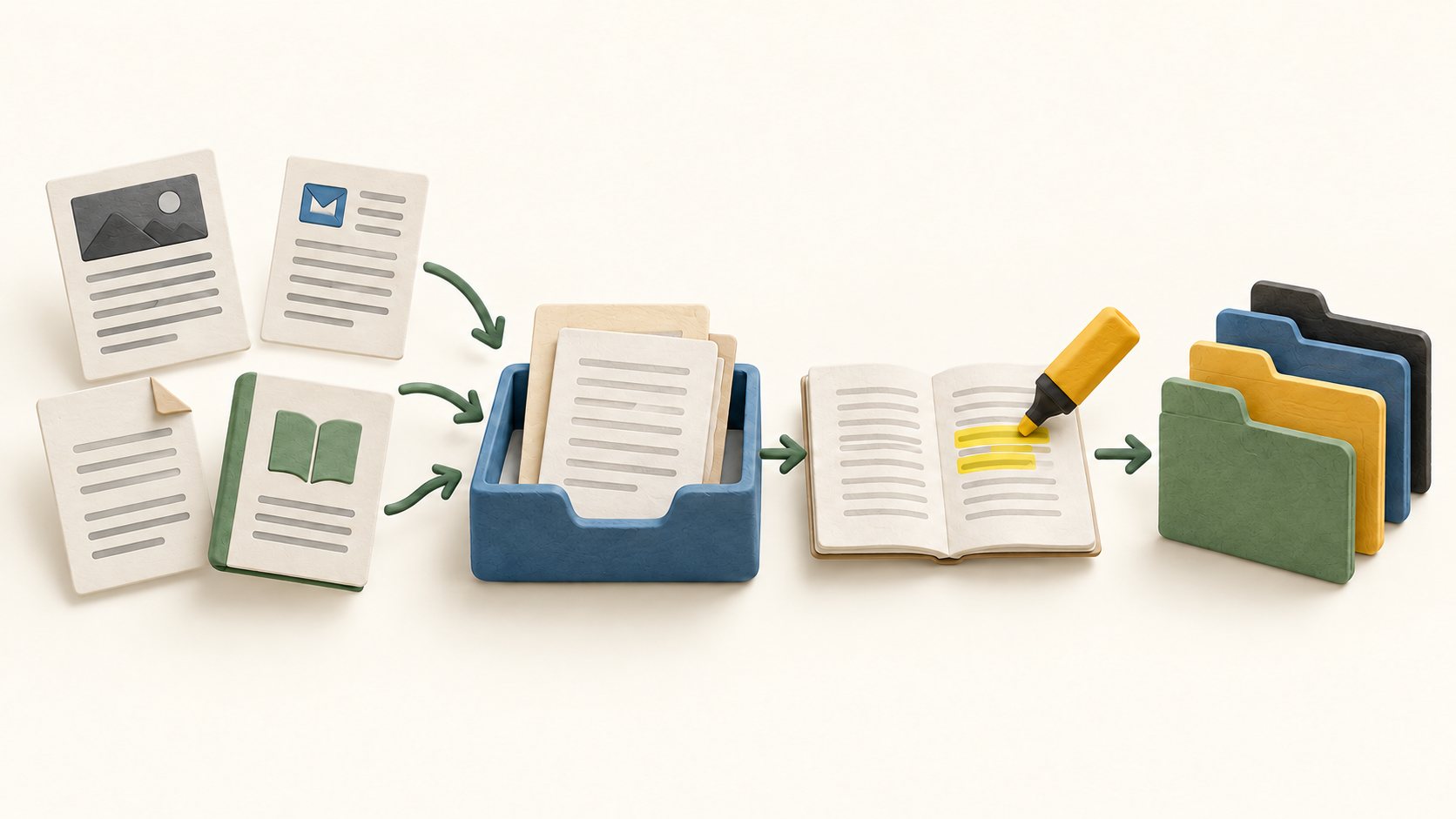
Reader suits someone who regularly saves research articles, long newsletters or documents and wants one place to read them later. The browser extension, mobile share sheet and RSS subscriptions offer several intake paths, while tags and filtered views help keep a growing library navigable.
It is especially relevant when the useful output is an annotated reading collection rather than a general note database. A buyer who also wants imported Kindle highlights, Daily Review or automated note-app export should compare Full Readwise with Reader only before subscribing.
The work it supports
Core capabilities
Save an article from a browser with the Reader extension; it captures a cleaner reading version and can optionally highlight the live page. On mobile, use the share sheet to add a document. A practical trial starts with a few different sites and one file to check parsing quality.
Reader accepts multiple formats in the same library, including newsletters, EPUBs and PDFs. RSS subscriptions can bring new items into a feed. Keep the feed distinct from saved Library items when planning how material will be searched or archived.
As you read, add highlights and notes. Tags can apply either to an entire document or to an individual highlight, which helps separate a broad subject from a specific idea inside a long source. Filtered views can then bring related documents back together.
Full-text search covers Library documents, titles and authors. The default online search runs across the server-side Library; offline search narrows to documents synced on the device. Items left in Feed are not full-text indexed until moved to the Library.
Reader supports offline reading when the required content is cached ahead of time. On web, the page should be open before disconnecting; the desktop app can open offline; on mobile, open the app long enough to cache documents. Selective offline caching can pin sections, while Feed is off by default.
For a local handoff, Reader can copy or download a document’s annotations as text or Markdown. It also offers CSV library metadata, OPML feed export and a ZIP of uploaded files and saved article content. Test a small export with a PDF, web article and highlights before treating any one format as a complete backup.
Reader highlights synchronize with the connected Readwise data system. The Reader feature list also includes optional Ghostreader assistance and text to speech; use those only when they fit the material and check the current plan and data-handling choices before sending sensitive content into an AI workflow.
Reader offers web and mobile access plus Mac and Windows desktop apps and browser extensions. A short cross-device pilot should check whether the selected reading, highlighting and offline paths behave consistently for the devices the buyer actually uses.
Understand the offer
Pricing and getting started
The current pricing page has three distinct choices: Reader only, Full Readwise, and Highlights only. Reader only includes the reading app but excludes access to the separate Highlights app. Full combines them; Highlights only excludes Reader. Select by the work you need, not just the shared Readwise name.
The captured default yearly-billed view showed Reader only at $7.99 per month and Full Readwise at $9.99 per month. The page also has a monthly billing selector, so these are not month-to-month prices. Confirm the currently selected plan, currency, tax and checkout total for your region before buying.
Readwise advertises a 30-day trial and says there is no ongoing free plan after it. Use the trial to decide on the paid tier before relying on the library as a long-term archive.
Look a little closer
Before you choose
Reader-only and Full Readwise should not be treated as interchangeable. Reader annotations sync into the shared Readwise data system, but the current Reader-only pricing grid explicitly excludes access to the separate Highlights app. If Daily Review, imported third-party highlights or note-app export matter, confirm those Full rights in the current plan comparison.
Paywalled and app-shared articles may arrive incomplete. The vendor says mobile capture of the full paywalled article depends on saving from logged-in iOS Safari; other app or Android share paths can send only a URL and yield partial parsing. Test a harmless example from the publications you use.
Offline access needs preparation. Open or cache the sections and documents needed for travel, then test airplane mode. Search will cover only documents synced to that device, and Feed content is not full-text indexed until moved into Library.
Before migrating a large read-later collection, verify exit paths with a few sample documents. Reader offers annotation Markdown, library CSV, feed OPML and a full-content ZIP, but each carries different parts of the library. Check files and highlights outside Reader before discarding an old archive.
9 distinct sources behind this profile. Research observed Oct 26, 2026. Features and offers can change.
View sources and research →
