Find your fit
Who it is for
A researcher, writer or designer gathering web references can separate projects into collections while tagging a link across topics. The Unsorted inbox catches links saved before a destination is chosen.
A small team can curate selected collections together without making the entire account visible. Free collaboration exists, but the owner must decide which collections and nested material to expose.
The work it supports
Core capabilities
Capture a URL from the browser extension, add it in the web or desktop app, or use a mobile share sheet. A bookmark gets a preview and can be labeled during capture so it is easier to retrieve later.
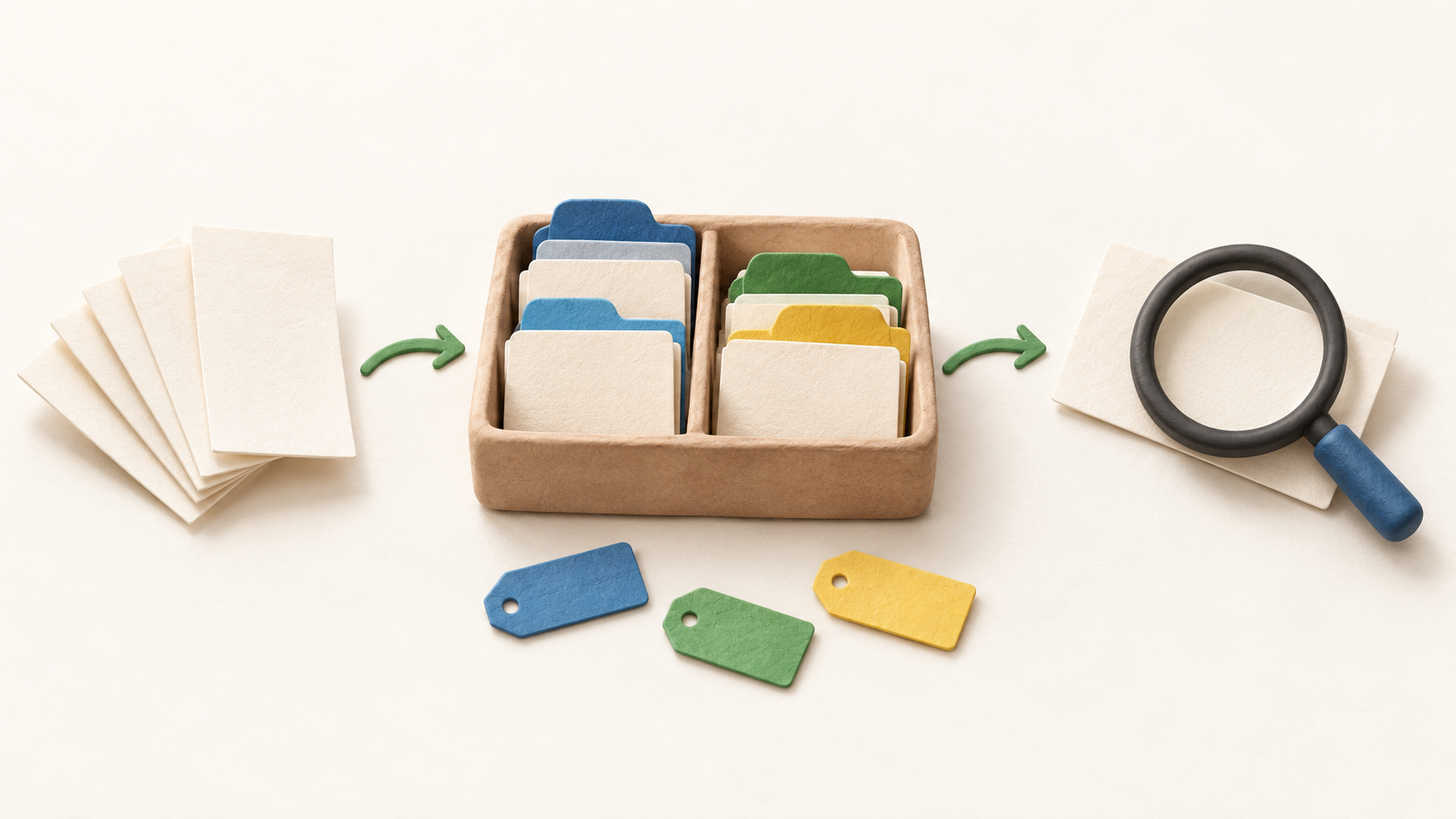
Use a collection for a project or topic and move loose items out of Unsorted when reviewing them. Collections can be nested, while each bookmark belongs to just one collection.
Add several tags to the same bookmark for other views of the library. This gives a cross-topic route to an item without duplicating it into multiple collections.
Search titles, descriptions, URLs, tags and notes across saved items, or limit the search to the current collection. This basic retrieval is distinct from searching inside the full contents of the saved page.
Pro full-text search can look inside archived web pages, PDF and EPUB files and YouTube transcripts. Check whether the needed item was successfully captured and whether the desired format is covered.
Save and color-code passages from web pages, PDFs or EPUBs for later review. Highlights are free; adding notes to the highlights is a Pro feature, and the browser extension can need website-access permission to show marks on a revisit.
Pro web archive saves a private copy of supported page content when a bookmark is created. It can help if the original page changes, but it strips some page elements and does not capture embedded video, audio or iframes.
When Pro ends, the archived copies become inaccessible and are deleted after roughly a month, though the bookmark records remain. Export or separately save material that must outlive the subscription.
Invite people into a particular collection as editors or read-only members. Nested collections come with the shared parent; other collections remain private. A separate public page can expose a collection read-only to anyone with access.
Export the account, one collection or selected bookmarks in HTML, CSV or TXT. For a complete move, download uploaded files separately as a ZIP because they are excluded from the ordinary account backup.
Pro automatic backups are created on days when the account changes, with up to 30 recent backups kept. This is separate from choosing to export a portable file manually.
Stella is a beta Pro assistant for asking about saved material and proposing organization changes. Inspect its linked sources and confirm any major edits before letting it rearrange a library.
Understand the offer
Pricing and getting started
Free is advertised without a time limit and allows unlimited bookmarks, collections and devices; sharing selected collections is also free. Those limits do not grant Pro indexing, archival copies or backup.
Pro is the tier for full-text search, permanent copies, added upload capacity, automatic backup and the currently beta Stella assistant. Decide whether those specific rights are necessary before upgrading.
The official FAQ offers monthly and yearly billing, with the annual option described as cheaper. Its static page did not provide a reliable current total, so confirm currency, tax and actual renewal amount at checkout.
The FAQ says cancellation leaves Pro active through the billing-cycle end. Plan an export before that date if archived copies or Pro-only retrieval will be needed later.
Look a little closer
Before you choose
Test retrieval with a few harmless sample links: save one in Unsorted, move it into a collection, add tags and a highlight, then search for it by title and by a phrase inside the content. The second search tests the Pro boundary.
Before sharing a research set, check the entire collection tree and choose edit or read-only membership deliberately. A public page is a different, broadly visible distribution choice.
If the library is a long-term archive, verify exactly which pages, files and transcripts are copied, how quickly new captures arrive, and what will be lost after Pro expires. Keep an independent export of irreplaceable material.
If using Stella, try it first on non-sensitive material, check its source links and treat organization changes as proposals to review. Beta features and plan rights may change.
11 distinct sources behind this profile. Research observed Oct 26, 2026. Features and offers can change.
View sources and research →
