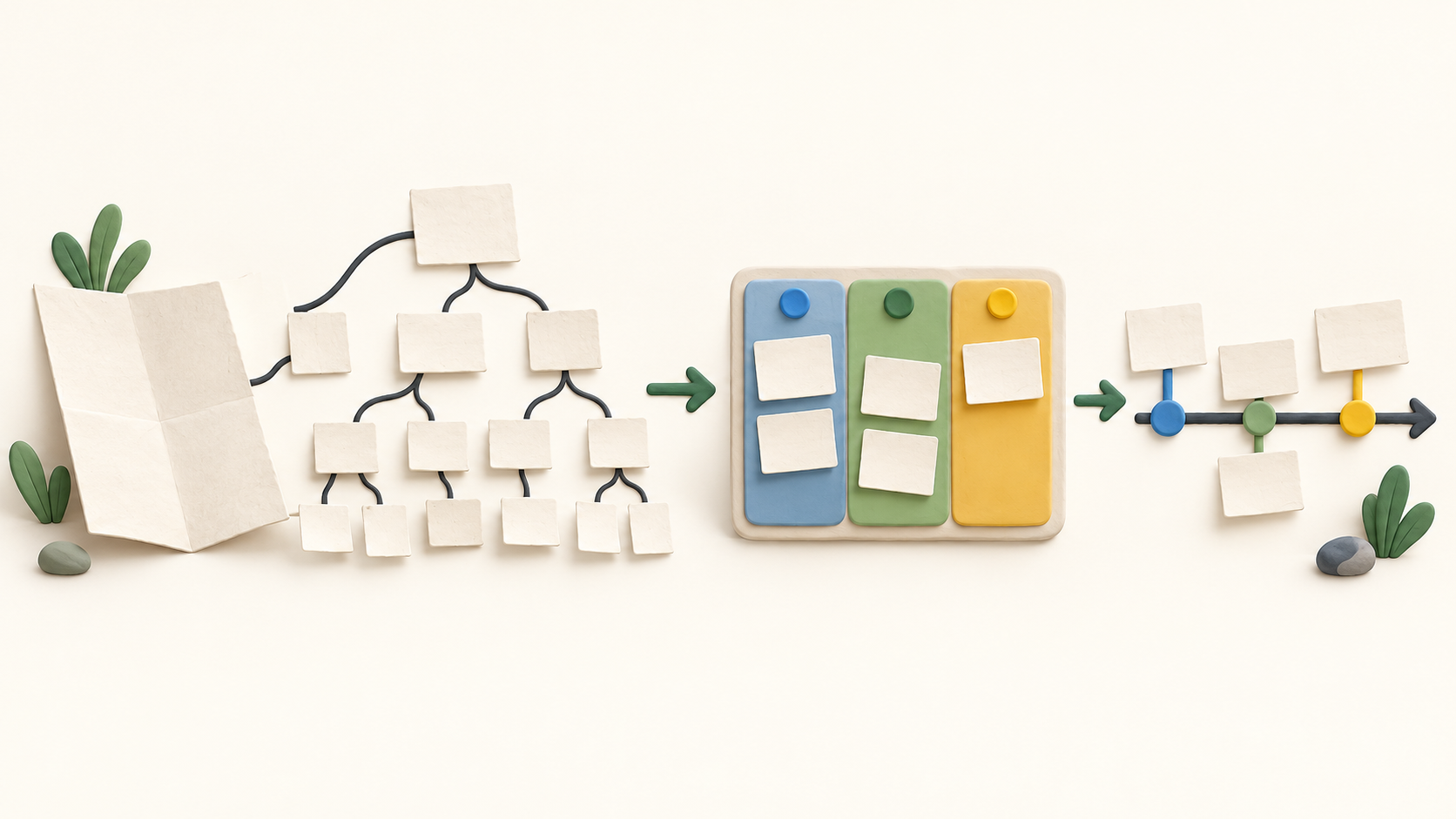
Find your fit
Who it is for
Small teams can start with Tree and Board on Free. The published Free limits are ten members, four projects and 1,000 tasks per project; external team members count toward seats. A larger or multi-project team should model those limits before migrating a backlog.
Project managers can give each deliverable a task hierarchy, add assignees and dates, then use Board for the active workflow. My Tasks gathers each person’s assigned and personal work across projects, while keeping personal tasks private.
Teams needing a visual schedule, dependencies or dashboard reporting should compare Professional and higher plans. Quire’s current pricing table and guide put these views behind a paid plan, although one Quire blog article says Free includes Timeline; confirm access in a representative workspace.
The work it supports
Core capabilities
Task management. Break a project into nested tasks and subtasks, with assignment and due-date details.
Project planning. Place dated tasks in Timeline and inspect a project schedule; dependency links can expose order and date conflicts.
Project reporting. Review project progress in Overview’s fixed widgets; a paid Dashboard View adds configurable widgets for deeper status checks.
Understand the offer
Pricing and getting started
Quire offers a Free plan with its nested list and Kanban board. The current price table caps Free at ten members, four projects and 1,000 tasks per project. It also counts external team members toward the member total.
Professional adds Timeline, Table, Calendar, Dashboard and dependencies according to the current pricing table; the guide independently labels these as paid. A recently updated Quire blog says Timeline is free, so verify the exact view access in your workspace before choosing a plan.
Paid billing is per member and the site offers monthly and yearly choices. The price table shows several amounts at once, so confirm billing term, member count and final checkout total. Quire advertises a 30-day paid-plan trial but says it does not raise storage or member quotas.
Quire says cancellation takes effect at the end of the subscription term and it does not refund the unused part of an early cancellation. Check this policy before purchasing seats for a short-lived project.
Look a little closer
Before you choose
Build one representative work breakdown first. The nested list can support very deep subtask trees, but choose a depth that your team can actually scan and maintain.
Try the Board with parent tasks and subtasks. It displays subtasks as separate cards by default; Task Bundle can restore parent-child grouping, so check its plan availability and whether that view suits the team.
Test a real predecessor and successor in Timeline. Quire documents Finish-to-Start dependencies only, and blocking task completion on open predecessors is a separate project setting controlled by an admin.
Compare the included Project Overview with a sample paid Dashboard before treating either as your reporting solution. Overview has fixed widgets; Professional allows seven widgets per configurable dashboard. Check that they answer your actual status questions.
Check My Tasks with an assigned task and a personal task. It combines several sources of work, but personal tasks do not belong to a shared project.
No Quire account, task, board, timeline, dashboard, trial or checkout was exercised. This profile is based on Quire’s public official pages captured in October 2026; confirm disputed plan access and current terms in the product.
12 distinct sources behind this profile. Research observed Oct 15, 2026. Features and offers can change.
View sources and research →
