Find your fit
Who it is for
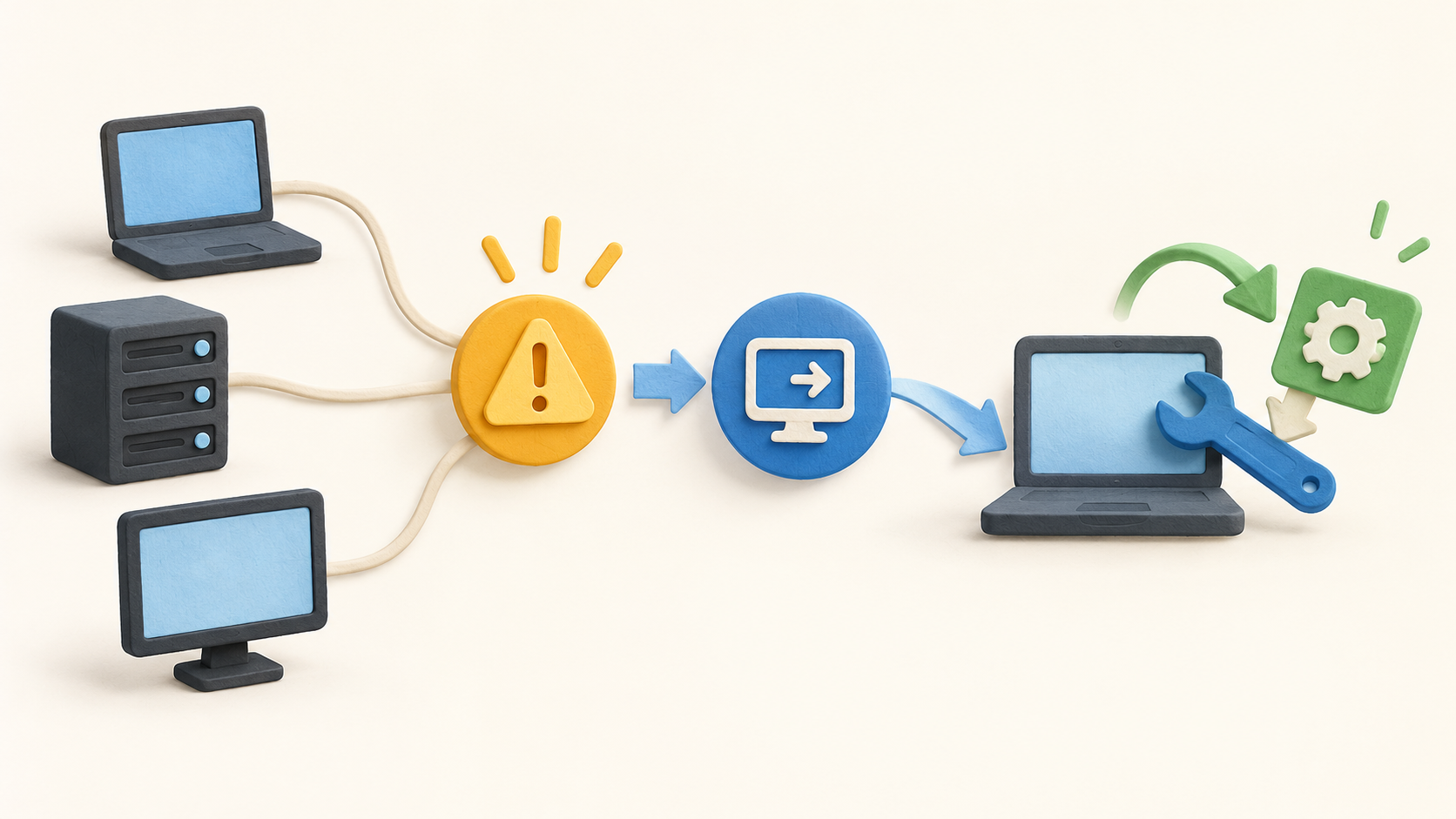
An internal IT team can use the RMM view to watch workstations and servers, receive alerts, remotely inspect a device and run a response without going on site. Start with a representative group of devices and confirm the alert thresholds before broad deployment.
An MSP can manage endpoints across clients, use policy-based patching and review device health reports. Check how customer boundaries, device groups, remote permissions and reporting requirements map to the quoted setup.
A team that also needs a help desk should evaluate Pulseway PSA or another connected ticketing system separately. RMM alert integration is described, but ticketing, CRM, quoting and billing belong to PSA rather than the verified base RMM scope.
The work it supports
Core capabilities
Monitoring and alerts. Pulseway presents device status across servers, networks, workstations and mobile devices. Custom alerts can point the operator to a problem and trigger follow-up commands or scripts; tune noisy rules with a small pilot group.
Discovery and deployment. The vendor describes network discovery and mass deployment of monitored endpoints using preconfigured policies. Check supported networks and agent prerequisites before assuming every device will be found or managed.
Remote troubleshooting. Native remote control reaches Windows and macOS devices from desktop or mobile. The mobile app can show actionable notifications and run commands or scripts, allowing an operator to investigate without returning to a workstation.
Patching. Policies can schedule and automate operating-system and third-party application updates and skip problematic patches. Validate the coverage for the actual application list and test maintenance windows before applying broadly.
Automation. Workflows can run scripts, restart services and automate routine remediation. Review permissions and action history so an alert-driven response does not affect the wrong device or customer.
Reports and service-desk connection. Pulseway offers report templates and customization for device health and performance. RMM alerts can connect to Pulseway PSA ticketing; confirm that the PSA subscription and mapping are part of the proposed implementation.
Understand the offer
Pricing and getting started
The public RMM pages currently point buyers to a demo or contact route. The former pricing URL redirected to the homepage during this research, so this listing does not state a live subscription rate, device minimum or trial term. Request a current quote with endpoint count, billing period and support scope.
Pulseway labels security, ticketing and backup under add-ons. Ask which components are included in the quote and which need separate licenses or onboarding.
Look a little closer
Before you choose
Run a small operational test: enroll a sample endpoint, trigger a harmless alert, use permitted remote control, schedule a patch and inspect the resulting report. The public pages describe those steps; no customer environment or device was operated for this listing.
Confirm the exact boundary between RMM and service desk before comparing prices. The RMM page describes integrations for alerts and tickets, while ticket management, CRM and billing are attributed to Pulseway PSA.
For a multi-client deployment, verify device grouping, permission boundaries, alert volume and patch exclusions with the vendor. For a mobile-heavy team, test the required commands and remote sessions on the devices the technicians actually use.
6 distinct sources behind this profile. Research observed Oct 18, 2026. Features and offers can change.
View sources and research →
