Find your fit
Who it is for
It suits an organization that wants project tracking close to its existing Microsoft 365 accounts, Teams conversations, SharePoint documents and Outlook calendars. A buyer without that tenant should first confirm the required Microsoft subscription and administrator permissions.
A project lead can use the project dashboard for scope and status, while team members work from assigned tasks. Portfolio views then give a manager a cross-project view without treating a health label as proof that deadlines will be met.
The work it supports
Core capabilities
Start from a blank project or template, record the project context, and divide the work into sections and assigned tasks with due dates. For a pilot, build one real project and check whether the template, task fields and permissions suit the team's process.
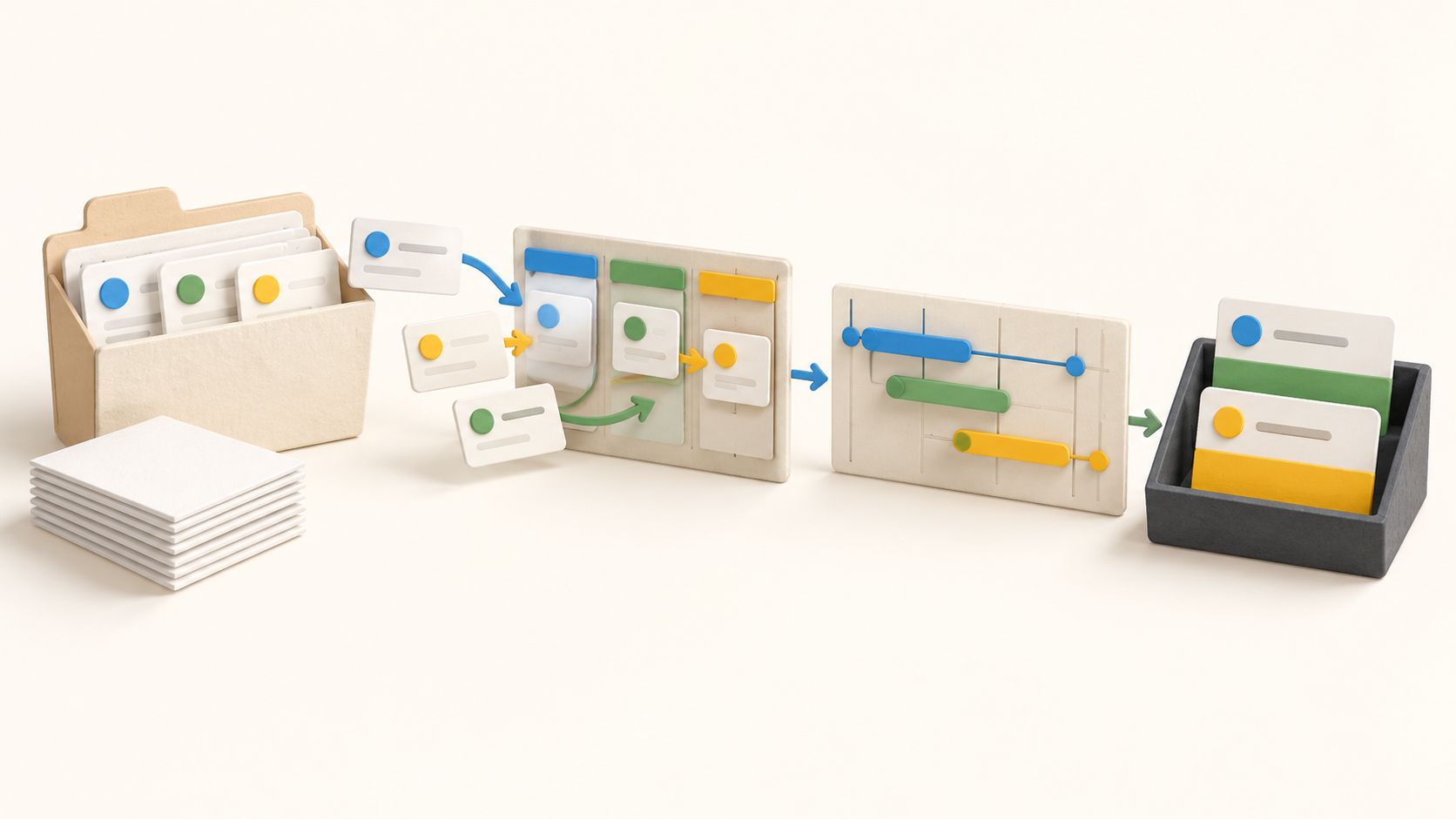
List, board and Gantt views support different ways to update the same work: a task list for ownership and dates, boards for status movement, and Gantt for a timeline. Check the scheduling behavior with a few dependent tasks before using it for a complex plan.
Within a task, teammates can use checklists, comments and mentions, and keep relevant files close to the work. My Tasks and reminders help an assignee find open work across projects; confirm notification settings in the pilot to avoid assuming every update reaches every person.
Project dashboards carry status comments, percent complete and a health indicator. An Activity Feed records changes to status, health, completion and tags. Set a clear owner for these updates so that a green health marker means something to the people reading it.
Portfolio filters group projects, and card or list views surface project metrics. The list can support export and sharing of reports. Test the actual fields and format before depending on it as a full project-data migration path.
Microsoft 365 work-account sign-in and Azure Active Directory provide the account path. Projects can link to SharePoint Online document libraries, with files remaining in SharePoint. The vendor also describes a Teams app and Outlook Calendar connection for task dates. Confirm tenant consent, document access and calendar behavior with an administrator.
Understand the offer
Pricing and getting started
The current pricing page displays $49 per month when signing up for 12 months and $65 per month on the monthly path, excluding taxes. It describes one account fee rather than per-user billing, with unlimited users and projects. Verify the currency, term, taxes and Microsoft 365 licensing separately in the actual quote.
A 14-day trial is offered. Before relying on it for a production project, confirm the signup requirements and what happens to access and data at expiry. The Terms list email and in-app cancellation channels; ask for the effective date and export route before a renewal.
Look a little closer
Before you choose
For an evaluation, ask a Microsoft 365 administrator to approve a small test workspace. Build a template-based project, assign and move tasks across views, connect a non-sensitive SharePoint library and check the portfolio report export. Record any missing fields or tenant permissions before expanding to live projects.
Confirm the current 12-month versus monthly billing choice, tax, cancellation timing and data retrieval in writing. If external collaborators are essential, validate their eligibility and permissions in the actual account before buying.
9 distinct sources behind this profile. Research observed Oct 20, 2026. Features and offers can change.
View sources and research →
