Find your fit
Who it is for
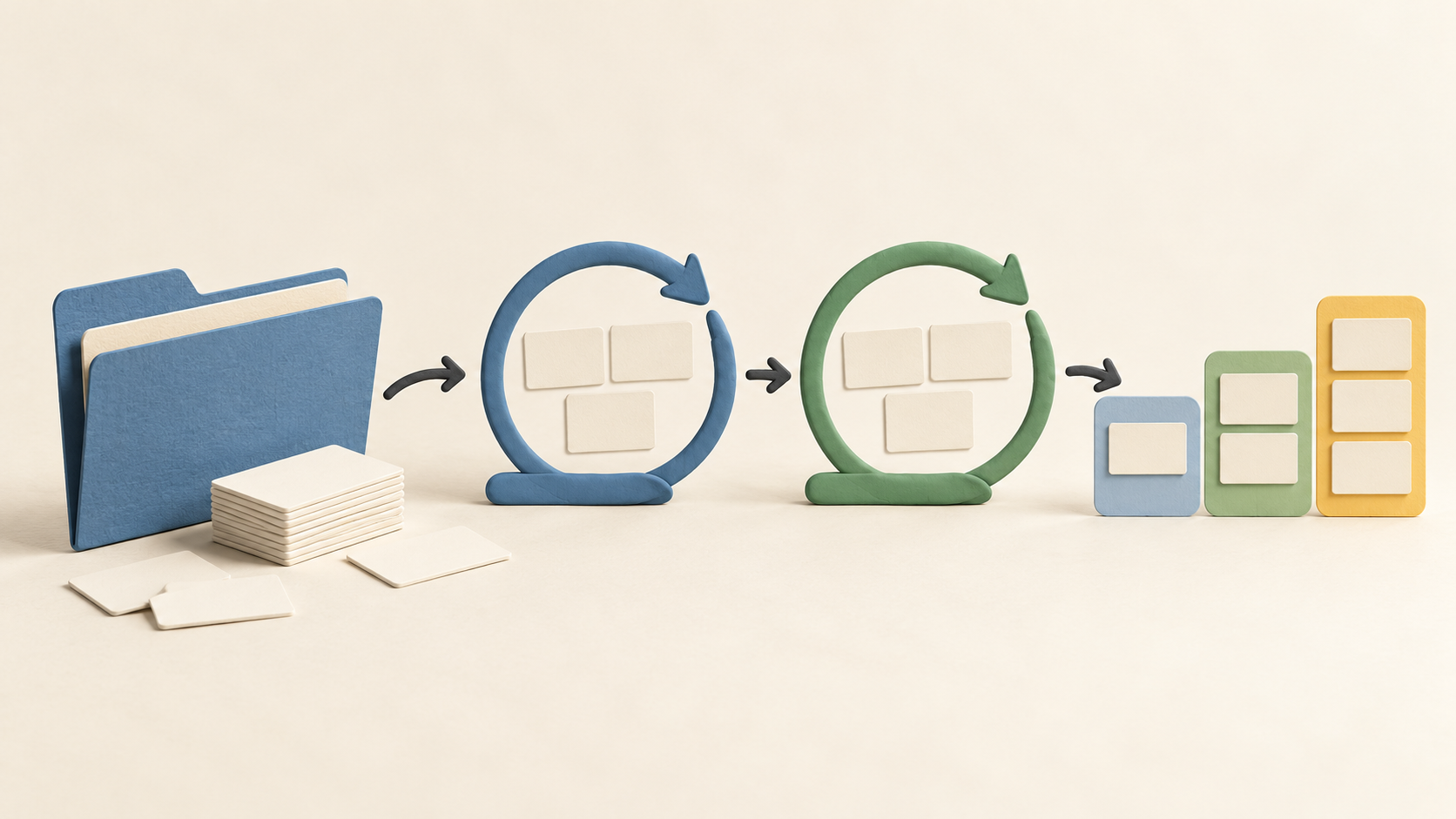
Product, engineering and operations teams that plan in cycles can place work items in a project, assign owners and move the items through the project's states. Pilot one real workflow with a small team before building a larger workspace.
A team whose deliverables span several themes can use modules for feature areas and cycles for time periods. A work item may sit in several modules but only one cycle, so agree which grouping answers which planning question.
Organizations that need to run project data on their own infrastructure can compare Community, Commercial and Airgapped editions. Assign an operator for backups, upgrades and license connectivity before treating self-hosting as a simple hosting switch.
The work it supports
Core capabilities
Projects and work items. Create a project, add items for tasks, bugs or requests, and set an owner and state. Keep the item description and relationships clear so the team can see what is blocked or complete.
Cycles. Group work items into a set work period, similar to a sprint. Because an item belongs to only one cycle, decide where unfinished work should go at a cycle boundary.
Modules. Group related work by feature or area, even when those items span more than one cycle. This gives a second planning view without duplicating the work item.
Views and layouts. Use List, Board, Calendar, Gantt or Spreadsheet layout and save sort/filter/display choices as views. Test which view helps each team review work, rather than copying one view everywhere.
Pages. Keep project documentation near the work. Check whether Pages on the chosen plan are sufficient for specifications and decisions, and link the relevant context to work items.
Work-item state. A project defines its own states; assignees move items through them. Choose a small set of states that represent actual handoffs, and sample how incomplete items appear in the team's views.
Understand the offer
Pricing and getting started
Cloud Free includes the core project/work-item planning path; Cloud Pro and Business add further capabilities. The vendor's pricing grid puts custom work-item types/properties and time tracking in Pro, with project templates and recurring work items in Business. Confirm the current seat price, billing period and exact entitlements at purchase.
The pricing page advertises a two-week trial for paid Cloud plans. Verify which features remain when the trial ends before setting up a process that depends on Pro or Business.
Self-hosted Community is AGPL v3.0 and has Cloud Free feature parity. Commercial also starts with a Free tier and can unlock paid plans through a license; Airgapped is a separate edition for isolated environments. Compare edition rights and the infrastructure work as well as the subscription quote.
Look a little closer
Before you choose
Set up a sample project with a few work items, owners and states. Add one cycle and one module, then check whether the chosen views make overdue, blocked and finished work clear to the people who need it.
For self-hosting, plan backups and upgrades and verify how the selected edition handles license activation and connectivity. Standard Commercial uses outbound calls for activation, synchronization and updates; isolated deployment has a separate Airgapped edition.
Compare Cloud Free, Pro and Business against the actual workflow before purchasing. Custom work-item types, time tracking, templates and recurring items have different plan scope; test a needed paid feature during the trial.
6 distinct sources behind this profile. Research observed Oct 18, 2026. Features and offers can change.
View sources and research →
