Find your fit
Who it is for
Teams that need an accessible shared task system can create spaces for departments or initiatives, boards for streams of work, and item groups for stages. Each item can carry status, assignee and due date fields, while My Tasks gathers a person’s assigned work.
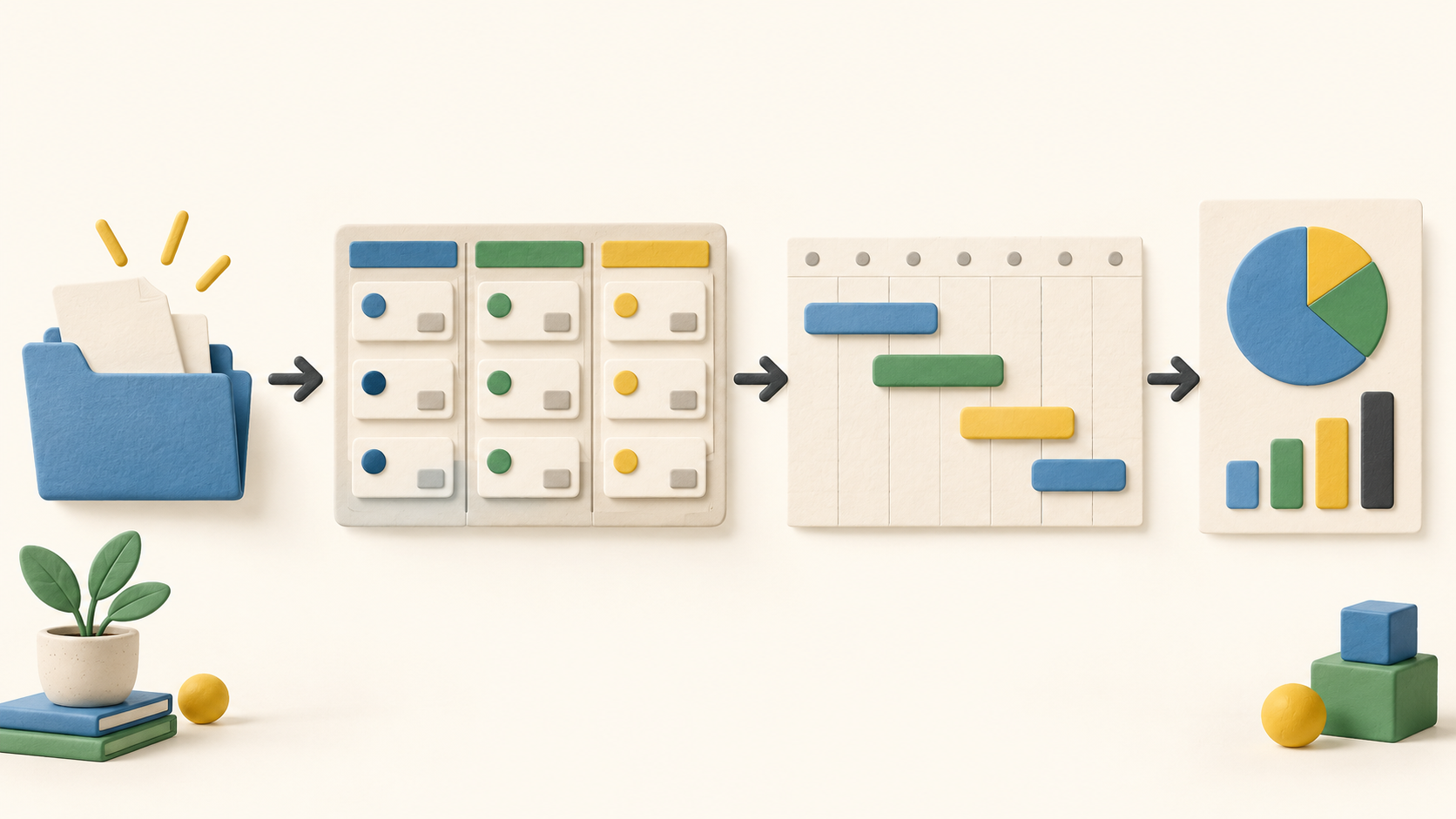
Project leads can move between Table, Kanban and Chart views, then use paid Gantt to see dates and durations on a timeline. The Gantt guide documents visual scheduling; it does not establish automatic dependency recalculation.
Operations managers can create dashboards with pie or bar widgets to compare connected boards. The number of boards per dashboard depends on the plan, so a multi-project overview needs a capacity check.
The work it supports
Core capabilities
Task management. Organize tasks on boards, assign members and discuss the work in its item cards.
Project planning. Place dated tasks on the Pro or Enterprise Gantt view to see the project timeline.
Project reporting. Track progress through project views and connected-board dashboards.
Understand the offer
Pricing and getting started
Plaky offers an ongoing Free plan with unlimited users, spaces, boards, items and views. Free has six fields per board, a seven-day activity log and a 10 MB per-file limit. Its dashboard can connect one board; the Gantt view and private boards require a paid plan.
The vendor says a seven-day trial of most paid features starts automatically. SSO and custom domain are excluded. When the trial expires, the workspace returns to Free unless an admin upgrades it; check the effect on private boards or other paid settings before trial end.
The current vendor pricing guide lists Pro at $3.99 per seat per month with annual billing or $4.99 with monthly billing. The pricing page says active and invited users occupy paid seats; confirm taxes, currency and final seat count in checkout.
Look a little closer
Before you choose
Set up a representative board with your real item groups, status values, owners and dates. Check whether Free’s six fields per board are enough before designing a complex workflow.
Test the Gantt view with real due dates and timeline spans. Plaky shows dates and durations and lets users adjust bars, but we did not verify automatic dependency links or downstream rescheduling.
Build a sample dashboard using one board on Free or several on a paid plan. The current widgets are pie and bar charts and refresh every 15 minutes, so check whether that view meets your reporting cadence.
Review board visibility and roles before sharing work with clients or separate departments. Private boards and views require paid plans; Free boards are public within their space.
For day-to-day follow-up, verify that assignment lands in My Tasks and that comments, mentions and notifications keep decisions with the item. Custom automations can reduce repetitive updates, but their trigger/action setup needs testing.
No workspace, task, trial, automation, dashboard, paid view or checkout was exercised. This profile is based on official public pages checked in October 2026; confirm the offer and any business-critical workflow in your own account.
14 distinct sources behind this profile. Research observed Oct 15, 2026. Features and offers can change.
View sources and research →
