Find your fit
Who it is for
A maker or electronics team can catalog a component once, describe its footprint and manufacturer, then record quantities in drawers or shelves. When a project needs that component, its bill of materials can link design demand to the stock on hand.
Part-DB fits groups willing to operate a web application and manage their own access, backups and updates. A shared makerspace can use user groups and permissions; an organization considering public access should plan HTTPS before exposing the installation.
The work it supports
Core capabilities
Create a part record for a type of component, with a required name and category. Add tags, manufacturer details, a manufacturer part number, footprint and supporting files such as datasheets. This makes the part searchable by more than the label on a drawer.
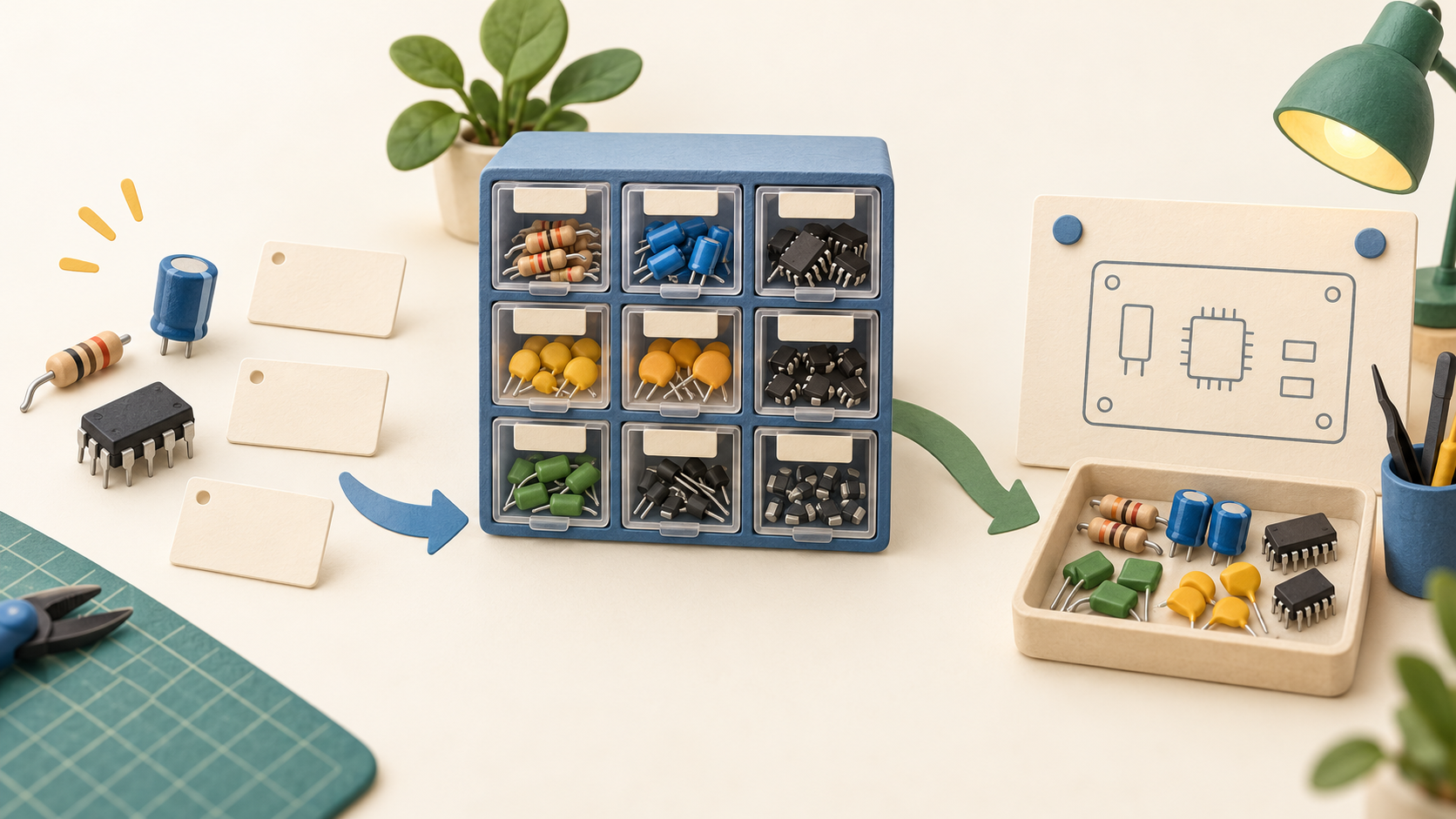
Store quantities as part lots tied to physical locations. Locations can form a hierarchy such as shelf, box and compartment, so the catalog can show where stock sits instead of only reporting a total count.
Keep purchase information alongside a part: suppliers, the name used to order it and price details such as bulk discounts. This is a reference for sourcing a replacement, although the documented data model should not be mistaken for a full purchasing system.
Use numeric or text parameters for specifications and filter parts by those values, including ranges. A team can search for a usable substitute by technical characteristics when a precise part name is unknown.
Associate parts with a project bill of materials to see how many builds the current stock can support and withdraw the required components. This connects a design's component list to the bins where the real parts are kept.
Import a project BOM from supported ECAD or CSV formats. The process is semi-automatic: after file import, a person still needs to match imported entries to Part-DB records, especially when naming in a schematic differs from the inventory catalog.
Generate labels for parts, lots and storage locations, then scan a barcode by camera, keyboard-style scanner or manual entry. With the right permission, a scan can resolve to a part, lot or location page for a quicker physical-to-digital lookup.
Import and export part data to seed or move an inventory. If the engineering team uses KiCad, the documented integration can expose Part-DB as a component data source; its HTTP library setup requires KiCad 8 or newer and a reachable server.
Groups and detailed permissions help divide inventory work among users. Optional two-factor authentication is documented, so a shared instance can be configured with more control than a single common login.
Understand the offer
Pricing and getting started
Part-DB is open-source software published under AGPL v3.0 or later. The project says commercial use is permitted under that license; organizations that modify or redistribute it should review the license terms for their own deployment. There is no vendor subscription price in the captured documentation.
The documented path is self-hosted. Budget for server operation, HTTPS when exposed beyond a trusted local network, and regular backups of configuration, attachments and database. Those duties remain with the operator even when the software license has no subscription fee.
A public demo is offered for exploration, but the docs say it tracks master-branch changes and may be unstable. Use it to see the workflow, not as evidence of production hosting, data durability or a service commitment.
Look a little closer
Before you choose
Pilot a handful of harmless sample components: give each a category and footprint, place lots in two nested locations, then look up one item from its physical label. The result should make it easy for a new user to find the right drawer and quantity.
Import a small sample BOM and check every match to the inventory before withdrawing components. The documented import needs manual assignment, so test the names and quantities that your ECAD export actually produces.
Before using real inventory, assign roles, test a backup and restore path, and decide how the server will be reached. The example Docker setup lacks HTTPS; internet access needs the documented reverse-proxy protection.
9 distinct sources behind this profile. Research observed Oct 19, 2026. Features and offers can change.
View sources and research →
