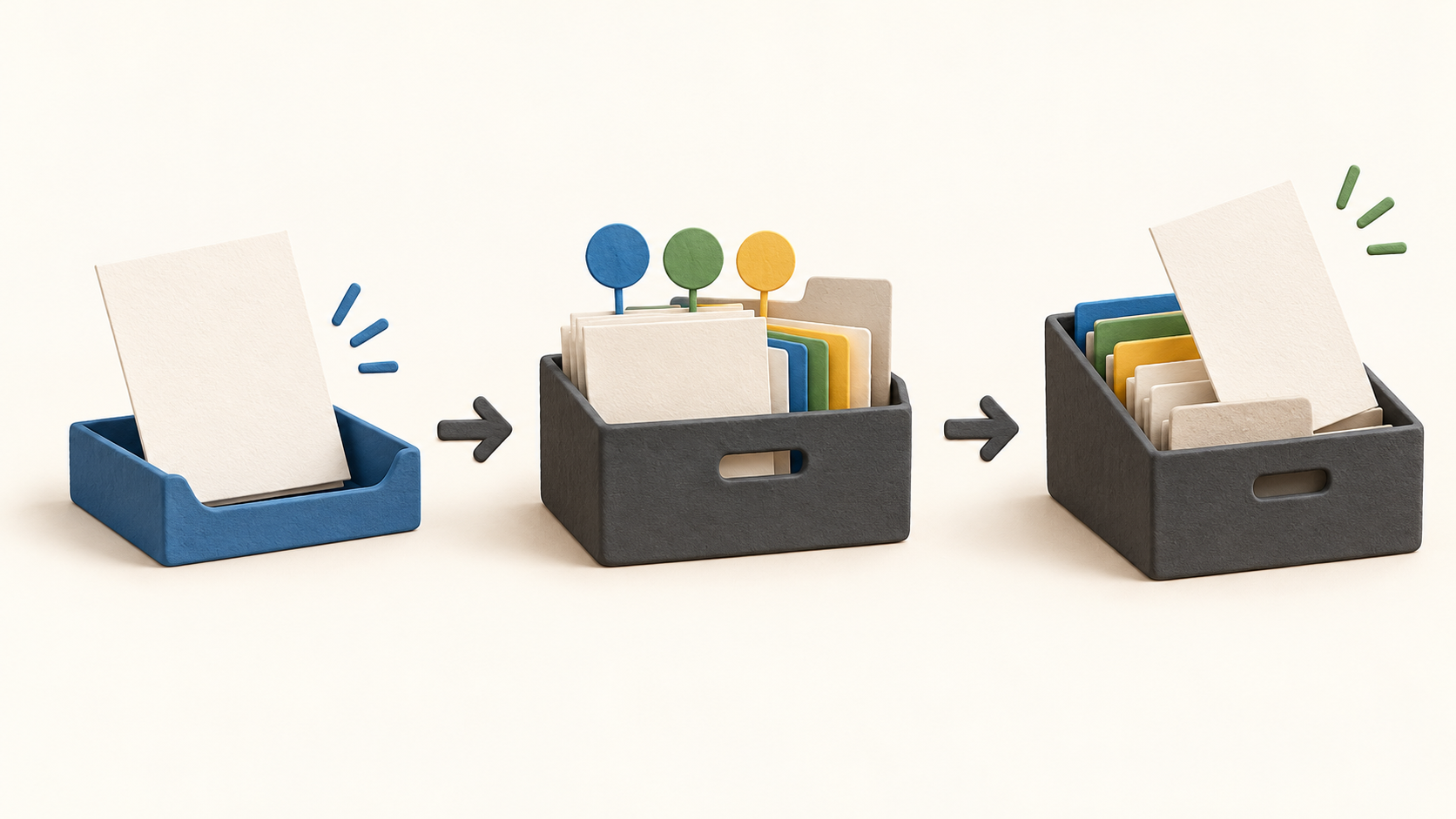
Find your fit
Who it is for
A solo operator with receipts, contracts or other reference files can use categories to apply consistent fields instead of relying on folders and filenames alone. That makes a later search by date, amount or supplier more practical when the information has been entered accurately.
A team considering shared records should evaluate the Team offer separately and verify when signup is available. Solo is expressly a one-user account without user, group, role or shared-cabinet administration; a Solo login is not a multi-user workspace.
The work it supports
Core capabilities
Upload a PDF or scan through the browser, or use the documented inbound-email and API paths when those are configured. A file with the same name in a folder becomes a new document, so establish naming and duplicate-review habits before a bulk import.
New documents start as Drafts. In that state, a user can adjust pages, change metadata and remove an unwanted file. The first-steps guide describes rotating or reordering pages from bulk scans before archiving; that is the moment to check the file's legibility and page order.
Assign a category such as invoice, contract or receipt. The category presents its metadata template, can carry a retention period and can apply a filing rule that moves the document into a target folder. Configure categories around the records you actually retain, then test the destination with a harmless example.
Metadata fields hold structured values such as dates or amounts apart from the page itself. Advanced document search can filter by these values, while the header's quick search handles basic document ID and title searches. Search quality depends on the fields being filled consistently.
Archiving requires a category with retention and deletion-approver settings. Once archived, a document is not directly editable or deletable. If it needs a correction, the described Supersede action creates a new Draft version and retains the prior archived version for the history.
When a retention period ends, Expired means eligible for deletion rather than already removed. The lifecycle guide says the designated approver still must sign off. A business should verify those roles, dates and exceptions in a small pilot before trusting automated retention for regulated records.
The documentation describes version history, audit entries and a per-document change history. A Solo full-data export is described as a background job producing a ZIP after email notification. Test the export and inspect whether files, metadata and history meet your actual migration or audit needs.
Understand the offer
Pricing and getting started
Papermerge currently directs individuals to a free single-user Solo cloud account with no credit card or upfront payment. It cannot add users, groups, roles or cabinets; do not count on Solo for shared team administration.
The project says cloud pricing is undecided ahead of its planned November 11, 2026 release, and its documentation is still being completed. Treat any preview Team limits or paid figures on public marketing pages as provisional until the live offer and terms are published.
Look a little closer
Before you choose
Try a small batch of harmless documents. Upload one born-digital PDF and one scanned image, assign categories and metadata, then test both title/ID lookup and a structured metadata filter. Do not assume that searchable text will be extracted from an image-only scan; verify that behavior in the exact hosted account or deployment you select.
Before archiving real records, check the retention period and deletion approver configured for each category. Archive a sample, supersede it with a correction and confirm that the earlier version and change history remain visible as documented.
Request a Solo export with test data and inspect the downloaded ZIP before relying on it as a migration path. If several staff need access, recheck Team availability, permissions and pricing rather than trying to share a single-user Solo login.
11 distinct sources behind this profile. Research observed Oct 19, 2026. Features and offers can change.
View sources and research →
