Find your fit
Who it is for
It suits a WooCommerce merchant adding a physical counter, pop-up or mobile selling. A shop can use a tablet at the till or a phone on the floor, while online and in-store work feeds the same WooCommerce store. Teams operating several outlets should compare plan limits before assuming location-specific stock is included.
The fit depends on the existing WooCommerce catalogue, tax setup, payment provider and internet conditions. A buyer using a different ecommerce platform would need to account for the WooCommerce requirement; a Woo merchant should test current plugins and checkout rules with fictional sales.
The work it supports
Core capabilities
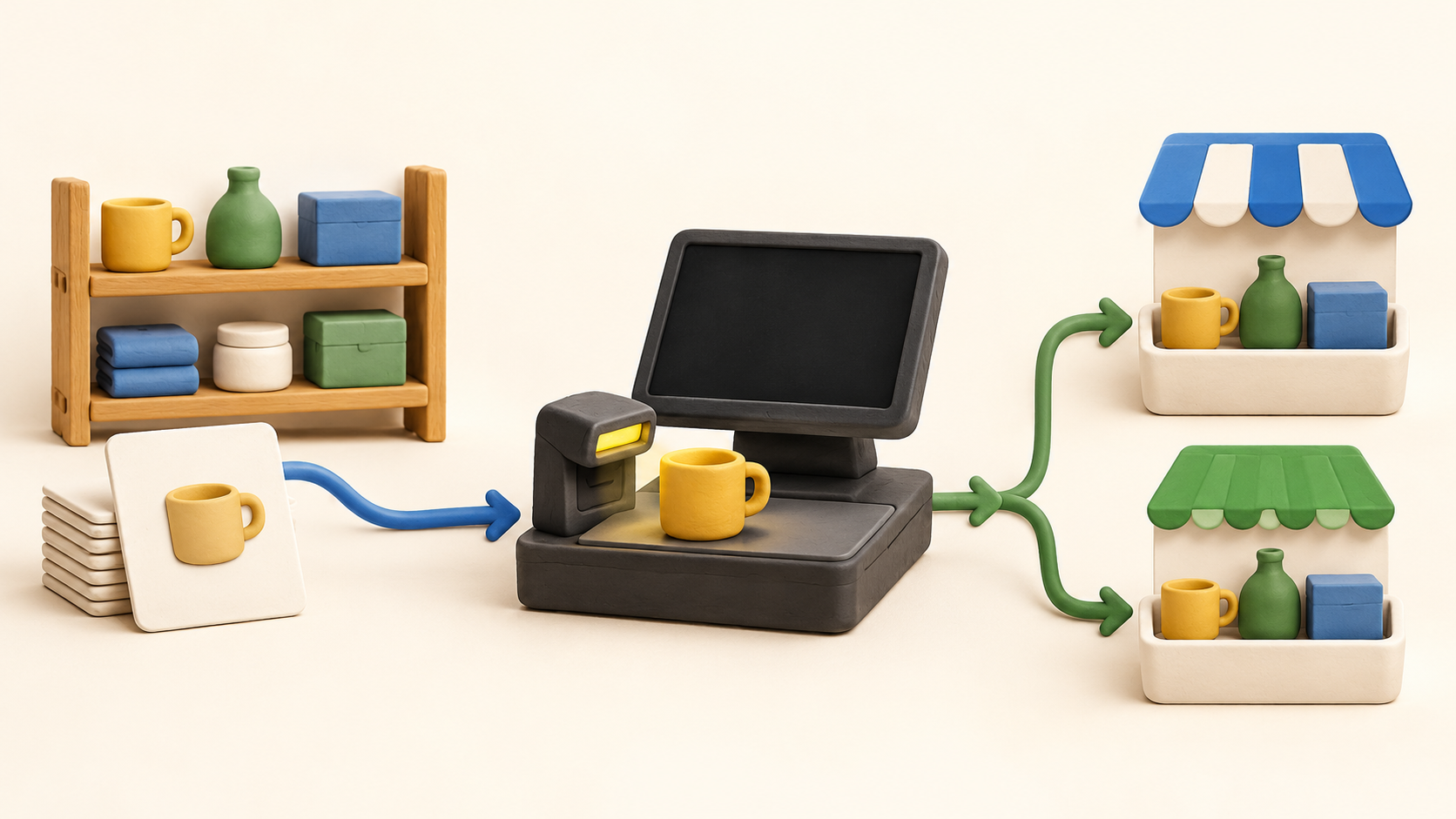
At the counter, a cashier can scan or search products, take split payments and print a receipt. For a realistic trial, create a small fictional basket with a product variation and a discount, then inspect the resulting WooCommerce order and stock movement.
The mobile register is presented as a way to sell in the aisle or at an event with the same catalogue. Tap to Pay and basket sync are described, but device eligibility and payment availability should be checked in the merchant’s country before relying on a phone as the only checkout.
Oliver says product, customer, stock, order and refund data sync both ways with WooCommerce. Use one sample sale through the web shop and one through the register to check timing, variants, tax and refunds; a marketing claim of real-time sync is not a substitute for that test.
For a network interruption, the vendor says the register caches the catalogue and queues sales until reconnection. Test a fictional offline order, then inspect whether it appears exactly once and whether stock conflicts are surfaced. Offline card authorization is a separate payment question.
The product page describes a shared fulfilment board for web orders and in-store collection. Check how a pickup order moves from paid to ready and collected, and which staff can change its status before enabling customer notifications.
Customer profiles are described across online and counter purchases. Before importing or matching real records, check whether the same person can be found consistently and whether staff access, consent and saved payment options work as intended.
The vendor describes stock visibility by outlet, transfers, end-of-day reports and CSV exports. Multi-outlet inventory is listed in Enterprise on the pricing page, so a shop with more than one location should confirm its tier and test a sample transfer and report.
Understand the offer
Pricing and getting started
The viewed pricing page lists Free, Starter, Pro and Enterprise for one WooCommerce site per licence. Free is limited to one outlet, one station, one staff seat, 20 products and 50 transactions per month. Starter expands stations, staff and product/transaction capacity; Pro and Enterprise add broader outlet and workflow rights.
With the annual selector shown, Starter displays $89/year, Pro $289/year and Enterprise $489/year. The captured cards use a dollar sign without a currency code even on the UK route. The page also presents monthly and Lifetime choices; confirm local currency, tax, term, renewal and any second-site licence cost in the actual checkout or quote.
Pro lists two outlets, unlimited stations and 15 staff seats; Enterprise lists unlimited outlets and multi-outlet stock/transfers. Pricing says Pro and Enterprise have no extra per-terminal software fee, but hardware, staff seats and processor charges are separate considerations. Check the full plan matrix for custom payment methods and reports.
The current Pro price card advertises a 14-day trial, while a product FAQ still says seven days for annual plans and refers to a Basic plan. These conflict. Use the current pricing page as the working plan reference, and confirm the actual trial length and feature access before signup.
Oliver Pay has a separate UK rate page with online and in-person card fees and stated uplifts for premium, international or Tap to Pay transactions. Those UK rates are an example rather than a global subscription price; ask about the merchant’s country, processor, terminal purchase and card mix.
Look a little closer
Before you choose
Before installing on a live store, test a fictional product variation through counter sale, refund, web order and offline/reconnect paths. Compare the WooCommerce order, stock quantity and customer record after each step, and check how a failed sync is reported.
Get the exact number of sites, outlets, stations and staff seats in writing. Confirm whether your required gateway, multi-outlet inventory, receipt/refund options and reports are in the selected tier, and separately price payment processing and hardware in your market.
4 distinct sources behind this profile. Research observed Oct 26, 2026. Features and offers can change.
View sources and research →
