Find your fit
Who it is for
An IT administrator replacing manual lists can install a few agents on harmless test machines, inspect what hardware and software the server reports, and compare each record with the device. This exposes missing agents and stale reports early.
A network team can use IP and SNMP discovery to inventory a test subnet and compare the results with its known switch, router and printer list. The scans need explicit scope and device access, especially on segmented networks.
An operations team can consider remote package distribution from the console, but should first test a safe package on a small isolated device group and examine deployment status.
A team already using GLPI or another service tool can treat OCS Inventory as a data feeder and verify the actual connector and API versions. OCS itself is primarily an inventory platform rather than a full ticket workflow.
The work it supports
Core capabilities
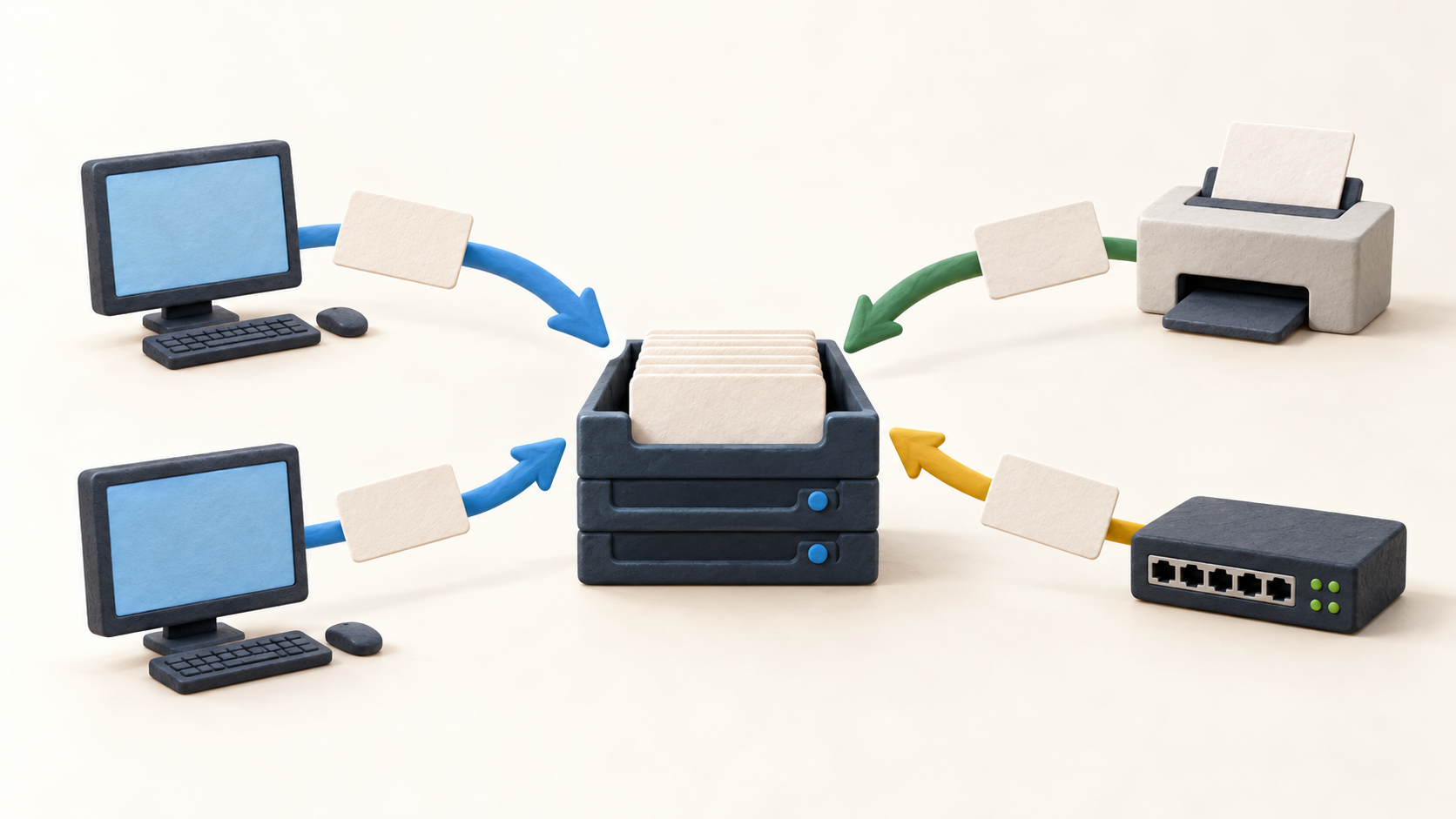
Endpoint agents run inventory on client computers and send results to the management server. Check the deployment method, schedule, permissions and how long a missing device remains visible in the console.
The console brings together inventoried computers, software details and detected network hardware. Use one asset record to compare reported fields with the source machine instead of assuming every field is current.
IP discovery looks for responding elements in a subnet; SNMP can then add details for supported switches, routers, copiers and other devices without agents. Confirm credentials and limit scans to approved ranges.
Remote deployment lets an administrator create a package, target computers and use endpoint agents to download and launch it. Treat this as a separate change process with a staged test and rollback plan.
The vendor describes REST integration and connections to GLPI, iTop and other tools. Check the current release documentation and ownership of records before using OCS data to update a service desk or CMDB.
Plugins can extend inventory fields and reporting. Test plugin maintenance and compatibility before depending on an extension for a critical inventory attribute.
CVE Search can cross-reference reported software versions with known CVEs and group results by severity, software or computer. It is a separate subscription; use findings to start verification, not as proof a machine is vulnerable.
GreenIT estimates power use and related costs using inventory data and supplier information. Verify local electricity coverage and compare estimates with measured use before making budget or environmental claims.
Understand the offer
Pricing and getting started
OCS Free is listed at €0/month with the complete software, community support, plugin access and unlimited agents. Plan for server operation, agent deployment and internal support effort.
OCS Cloud is displayed at €250/month with hosting and publisher support. Obtain the current offer for agent capacity, hosting region, service levels, taxes and renewal.
OCS Pro is an on-premises supported offer. The page combines a per-agent amount with a base annual charge up to 10,000 agents and custom pricing beyond that; request a written calculation for your estate.
CVE Search and GreenIT are listed as separate subscriptions, while FactorFX also offers training and consulting. Keep these costs outside the basic inventory plan comparison until the scope is agreed.
Look a little closer
Before you choose
Before a full rollout, inventory two nonproduction test endpoints and one approved network segment. Compare agent and SNMP results, duplicates, timestamps and unreachable devices against a known reference list.
If package deployment or third-party synchronization is in scope, test each on a disposable target and define who can trigger changes, which system owns each field and how failures are reversed.
Choose Free, Cloud or Pro from operating responsibility and the real agent count, then add required plugins, training or support. Check the final quote rather than relying on a mixed billing display or a plugin price that does not render clearly.
8 distinct sources behind this profile. Research observed Oct 27, 2026. Features and offers can change.
View sources and research →
