Find your fit
Who it is for
Starter is sized for one person managing a few profiles; Team and Agency increase user, profile and monthly credit allowances. This makes Ocoya relevant to creators, small brands and agencies that plan content across several channels and need a visible draft-to-approval path.
The fit depends on the actual channels and account types a buyer needs. Ocoya's official Help distinguishes Instagram Business from Creator accounts for direct scheduling, and the Business setup requires a linked Facebook Page with the right administrator. Test each required connection before planning a full calendar.
The work it supports
Core capabilities
A post can begin as an AI-generated caption draft in Ocoya's composer. The editor keeps that draft editable, including separate wording and character counts for different networks. A team can prepare one idea and still adjust the final copy for each destination rather than assume the same text fits everywhere.
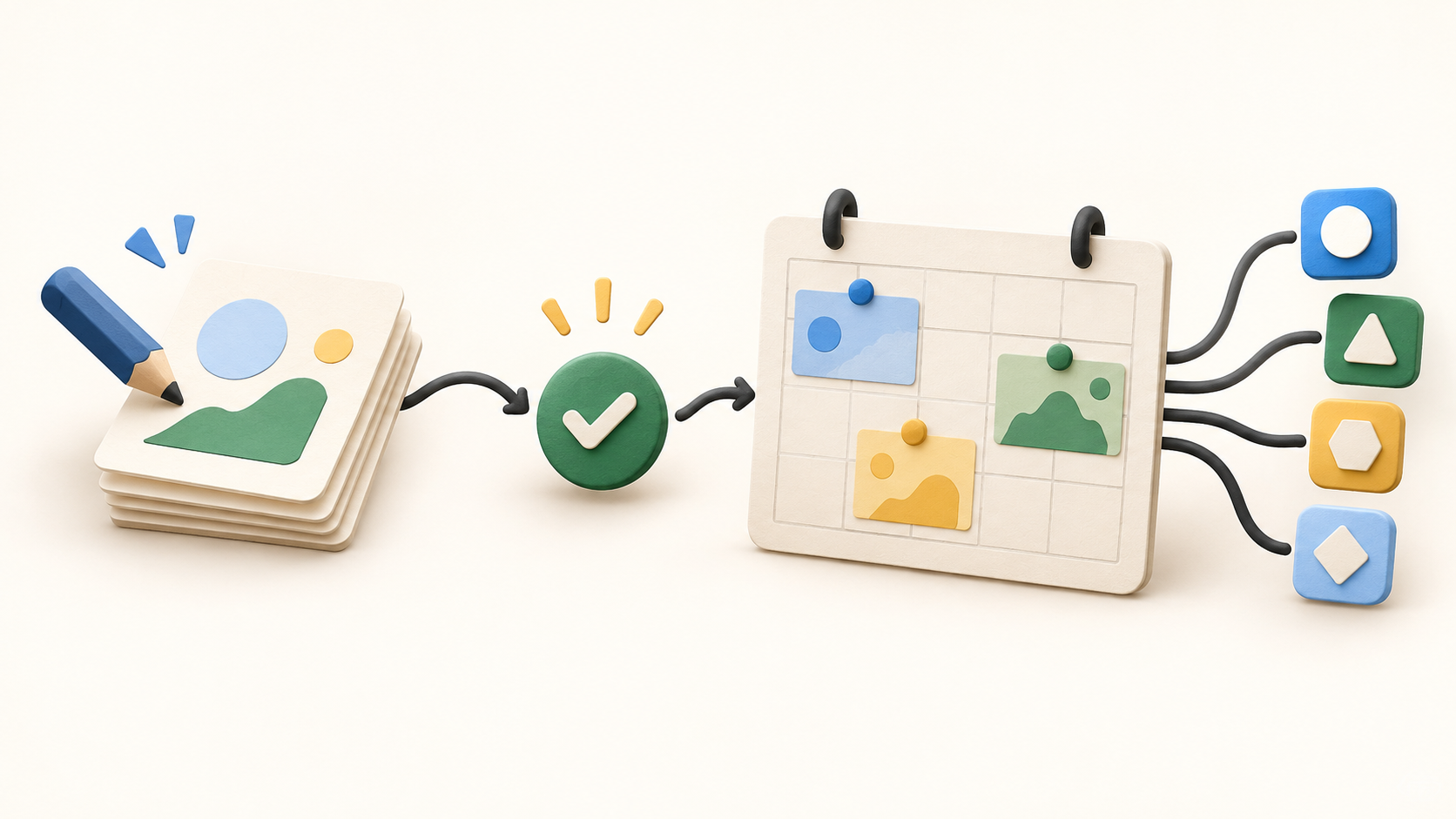
Scheduled posts for connected profiles appear on a shared calendar. Moving a post to a new slot also moves the networks it targets. Internal comments and teammate mentions keep feedback beside the draft, which is useful when a marketer handles several clients or channels.
A reviewer can be chosen for an individual post, and Ocoya says held posts do not publish before approval. Its current publishing page says approvals are available on every plan; Help says declined work returns to draft while approved work can be scheduled or posted. Check who is authorized to approve a live brand before connecting its accounts.
Ocoya tracks post status from draft and approval through scheduling and publication for each network. That gives the team a place to distinguish waiting work from finished content. When reviewing a multi-network post, confirm the destination and status of each version.
Design Studio is a drag-and-drop canvas for social assets. It can begin with a template or blank canvas and keeps text, images and shapes in editable layers. This helps prepare a visual alongside the caption, though the published post should still be checked at the dimensions required by its destination.
Ocoya's social campaign tool plans a run of posts around a goal, audience and calendar span; a separate blog-campaign path prepares articles for connected publishing destinations. The output arrives as drafts for review. The current campaign page says each generated post or article uses one credit, so a large proposed run should be compared with the plan's monthly allowance.
Visual workflows can chain a trigger to actions for routine publishing or responses. One documented example starts when a new RSS item appears, then generates a caption and image before posting to a connected channel. Set up a small harmless test before enabling a workflow that could publish automatically.
Instagram setup needs special attention. Ocoya Help says Business accounts can connect through a linked Facebook Page, while Creator accounts may connect but fail on direct automatic publishing from the dashboard. The person authenticating must have the required Page administrator rights.
Understand the offer
Pricing and getting started
The current captured monthly USD prices are $29 for Starter, $79 for Team and $199 for Agency, plus VAT where applicable. The corresponding allowances are one user/five social profiles/300 credits, five users/20 profiles/1,500 credits, and 20 users/100 profiles/5,000 credits. Ocoya also offers a custom plan above Agency.
The pricing page offers monthly and yearly billing and says AI credits refresh each month. The numerical prices quoted here come from its monthly state; select the intended billing period and confirm the actual payable amount, VAT and account limits before subscribing.
Each paid plan advertises a seven-day trial, but a card is required. Ocoya says the trial charges nothing during those days, then becomes a paid renewing subscription unless canceled before the trial ends. The Terms say paid plans renew automatically and that cancellation in Settings > Billing takes effect at the end of the paid period.
Look a little closer
Before you choose
For a pilot, use a test brand and a nonpublic or harmless draft: connect one intended account, create a post, adapt its caption for two networks, request review and check the resulting calendar/status. This tests the actual approval path without treating a connected channel as permission to publish real content.
Confirm every target network and its account type before paying for more profile slots. Instagram Business accounts require Facebook Page linkage and the right admin access; Creator direct scheduling is described as unsupported in Ocoya Help. Similar platform-specific publishing rules may affect other channels, so test the exact post format on each one.
Estimate the number of users, connected profiles and campaign items before choosing Starter, Team or Agency. A generated post or article consumes a credit and credits reset monthly; a large multi-brand campaign can use the allowance quickly. Confirm whether the selected billing period, VAT and any custom entitlement change the final quote.
If using the trial, record its end date and cancellation route before entering a card. Ocoya's current Terms say the plan renews automatically unless canceled, and the paid period continues to its end after cancellation. No trial, charge or cancellation was tested for this listing.
8 distinct sources behind this profile. Research observed Oct 26, 2026. Features and offers can change.
View sources and research →
