Find your fit
Who it is for
A researcher, writer or small team can build a personal or shared reference library by connecting notes instead of placing every idea in a rigid folder tree. Local files and offline access suit people who want to keep writing when a network is unavailable.
If the goal is multi-device or team use, evaluate the optional Sync service and its vault limits. If the goal is a public knowledge base or documentation site, Publish is a separate subscription with its own hosted-data boundary.
The work it supports
Core capabilities
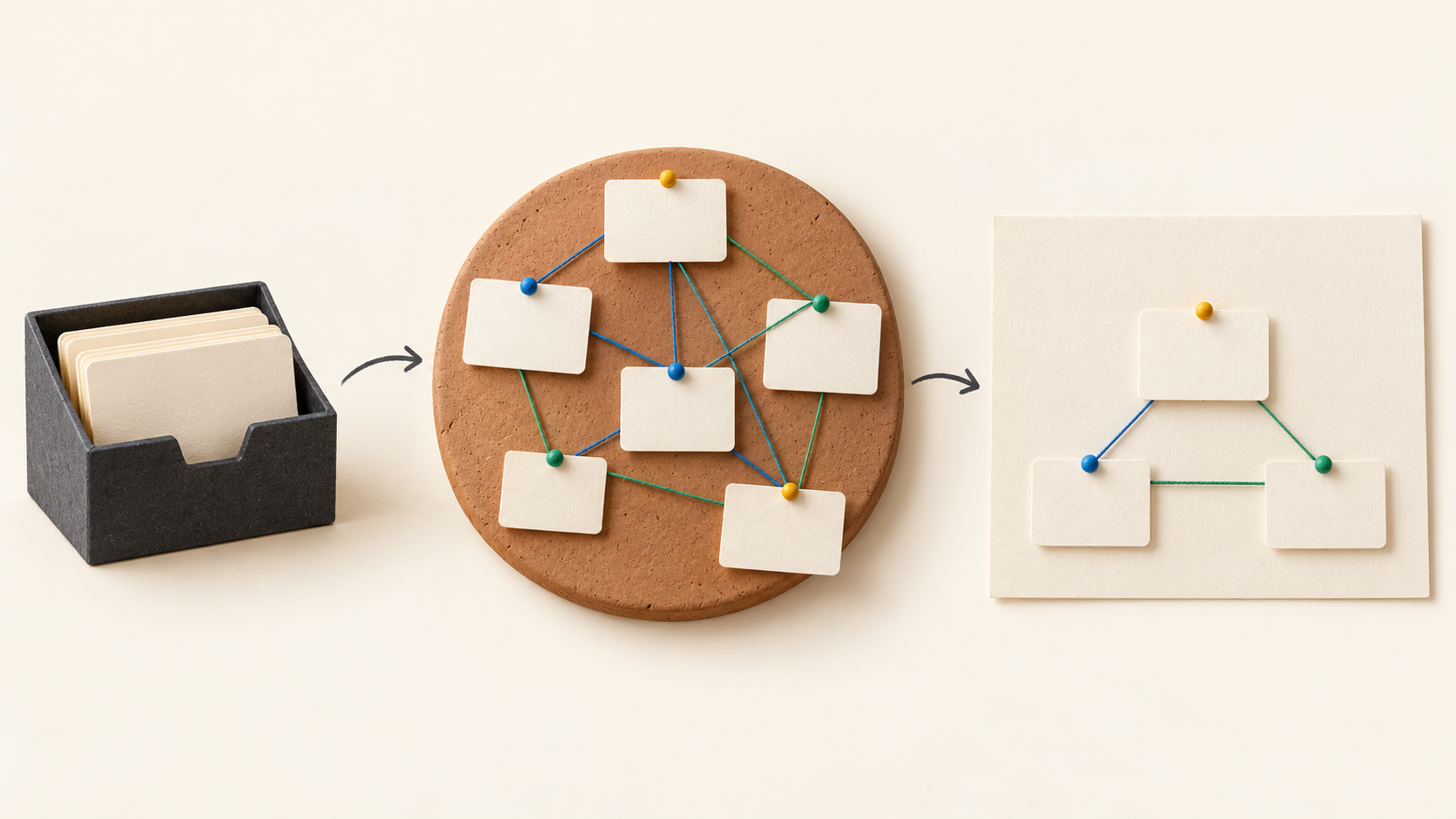
Write locally stored Markdown notes and link related pages together. Graph view visualizes those relationships, helping a reader move between ideas and spot connections across the collection.
Canvas adds a spatial work surface for notes, images, PDFs and other media. Its files use the local JSON Canvas format, so a team can pilot a visual map without making the underlying note collection dependent on a hosted canvas service.
Plugins and an open API let users tailor the writing environment. Start with a small set of needed extensions and check how they affect the actual vault workflow before relying on a heavily customized setup.
The free iOS and Android apps bring notes to mobile devices. The separate Sync service is the vendor's cross-device synchronization option; the local app and paid synchronization are distinct choices.
Obsidian Sync uses end-to-end encryption and includes note version history. Standard and Plus have different vault, storage, file-size and history limits, so select a plan after checking the size and age of files that matter to your recovery needs.
Selective Sync controls which folders, file types and preferences are copied to a device. Shared vaults let invited team members work on common notes, but test a small shared space and device-specific settings before treating Sync as a complete access or backup policy.
Obsidian Publish turns selected connected notes into a hosted site. Reader tools include linked-page previews, graph view and backlinks; a documentation pilot should check which notes and linked material become visible to visitors.
Publish can restrict a site with passwords and disallow search-engine indexing. Check those site settings and the published note set before using it for material that should not be open to every reader.
Understand the offer
Pricing and getting started
The local Obsidian app is free for personal, commercial and nonprofit use without signing up. The optional Commercial license is listed at $50 USD per user per year to support development; the vendor says it is not required for work use.
Sync Standard is listed at $4 USD per user per month with annual billing or $5 USD with monthly billing. It includes one synced vault, 1 GB total storage, a 5 MB maximum file size and one month of version history. Sync Plus is $8 USD annually billed or $10 USD monthly, with ten vaults, 10 GB, 200 MB files and twelve months of history. Confirm current totals and taxes before purchase.
Publish is a separate $8 USD per site per month with annual billing or $10 USD monthly, with up to 4 GB of site hosting on the captured page. Obsidian lists a seven-day refund window for Sync and Publish, while Commercial and Catalyst licenses are nonrefundable.
Local-only notes stay on the user's device. Adding Publish hosts selected site data with Obsidian; Sync uses an encrypted remote service. Decide where the material may live before enabling either add-on.
Look a little closer
Before you choose
Create a small local vault first: write several linked Markdown notes, inspect their graph, and arrange one Canvas. Keep a copy of the local files and check how they open on a second device before selecting a synchronization path.
For a team, measure vault and attachment sizes against Sync Standard or Plus, then try a shared vault with a few non-sensitive notes. Include version restore, selective file syncing and mobile use in the trial so the plan limits and collaboration flow are visible.
Before publishing a knowledge base, review the exact notes that will become a site, any linked references, password settings and search-index setting. Publish changes the data location and audience, so a fictional pilot page is a safer way to test the public result.
8 distinct sources behind this profile. Research observed Oct 18, 2026. Features and offers can change.
View sources and research →
