Find your fit
Who it is for
Small teams needing shared tasks, issues, meetings and timesheets can start on the ongoing Basic plan with up to five people. Teams that need projects, Gantt or dependencies must evaluate Premium, Business or Enterprise instead of assuming Basic includes project management.
Project leads can organize workspaces, assign tasks to several members and connect tasks on a Gantt timeline. The chart needs a project, tasks and planned dates; milestones and capacity settings can add context to the plan.
Teams that also track bugs, risks or time can keep those records near project work. Timesheet approvers need a project-manager or workspace-owner/admin role, and an approved sheet cannot be edited under the current support guidance.
The work it supports
Core capabilities
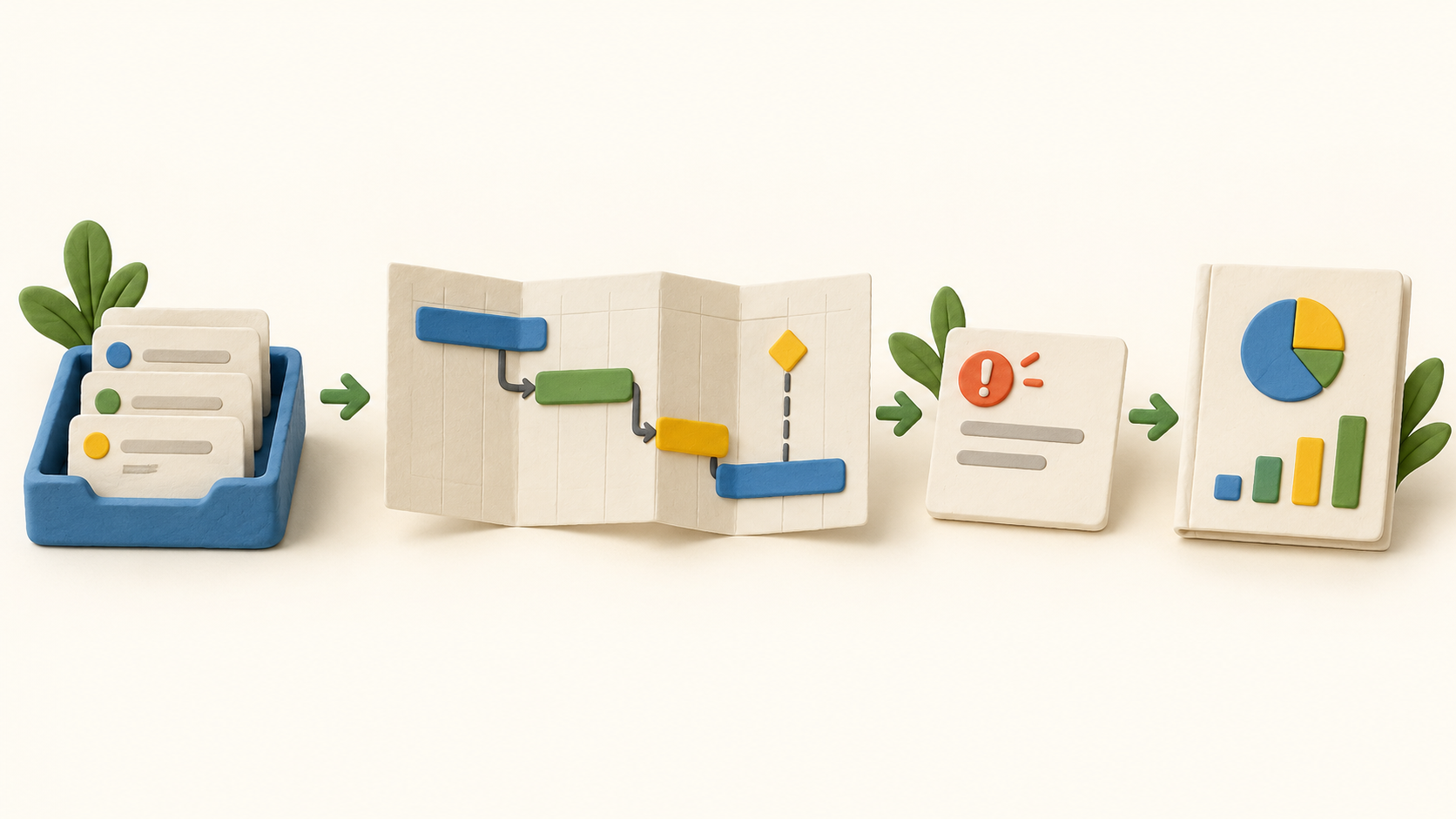
Task management. Create and assign tasks to team members.
Project planning. Set task dependencies in project work.
Project reporting. Track project progress.
Understand the offer
Pricing and getting started
Basic is free beyond the trial for up to five team members, with unlimited tasks and workspaces plus meetings, issue tracking and timesheets. The plan comparison excludes projects, Gantt and dependencies from Basic. The seven-day paid-feature trial is separate from continuing Basic use.
At the selected yearly billing setting, the current pricing page displays Premium at $3 and Business at $8 per month, and says the total depends on user count. Enterprise is sales-led. Confirm your selected team size, billing term and resulting checkout total; separate teams can carry separately billed plans.
nTask advertises a no-card seven-day Premium or Business trial. Its FAQ says that paid features end at the close of a subscription and the team returns to Basic; it states no refunds. The current FAQ says sales tax and VAT are included in the billing amount.
The comparison table marks advanced reporting as Beta and places it outside Basic and Premium. Check the exact Business or Enterprise report access in a trial before making that feature central to your process.
Look a little closer
Before you choose
Create tasks with owners, priorities and planned dates before assessing Gantt. The project Gantt appears after tasks have planned start and end dates, and dependencies can connect tasks; test a representative schedule to see whether the view fits your team.
nTask supports multiple assignees and Kanban boards. Use the trial to check whether your task statuses, board layout and ownership conventions work for actual handoffs; the Basic plan does not include the Kanban view in the current comparison.
The project workspace can define resource capacity and permissions, while milestones can have due dates and billable status. Financial summary figures depend on the metrics entered for the project, so review a realistic sample before relying on budget signals.
Issue tracking and timesheets are part of Basic, but project-linked workflows require a paid tier. Time is entered against a selected task; manager or admin roles handle approval. Verify who can change a rejected entry, because approved sheets are locked under the support guide.
The public pages market progress reports, while the pricing table identifies Advanced Reporting as Beta outside Basic and Premium. Confirm the exact report and export you need in the paid trial rather than treating every marketing report example as included in each tier.
No signup, task, Gantt dependency, issue, risk, time entry, report, trial conversion or checkout was exercised. This profile reflects official public pages checked in October 2026.
10 distinct sources behind this profile. Research observed Oct 15, 2026. Features and offers can change.
View sources and research →
