Find your fit
Who it is for
It suits an individual or a small team that wants a simple project-to-task workflow with discussion attached to each task. The Free plan can support a short pilot, while a team with more projects or private project work will need to compare paid tiers.
A team with several departments should model how many spaces it needs. Premium spaces are billed separately; Business advertises unified billing across multiple spaces. Check both member count and project visibility before inviting a whole organization.
The work it supports
Core capabilities
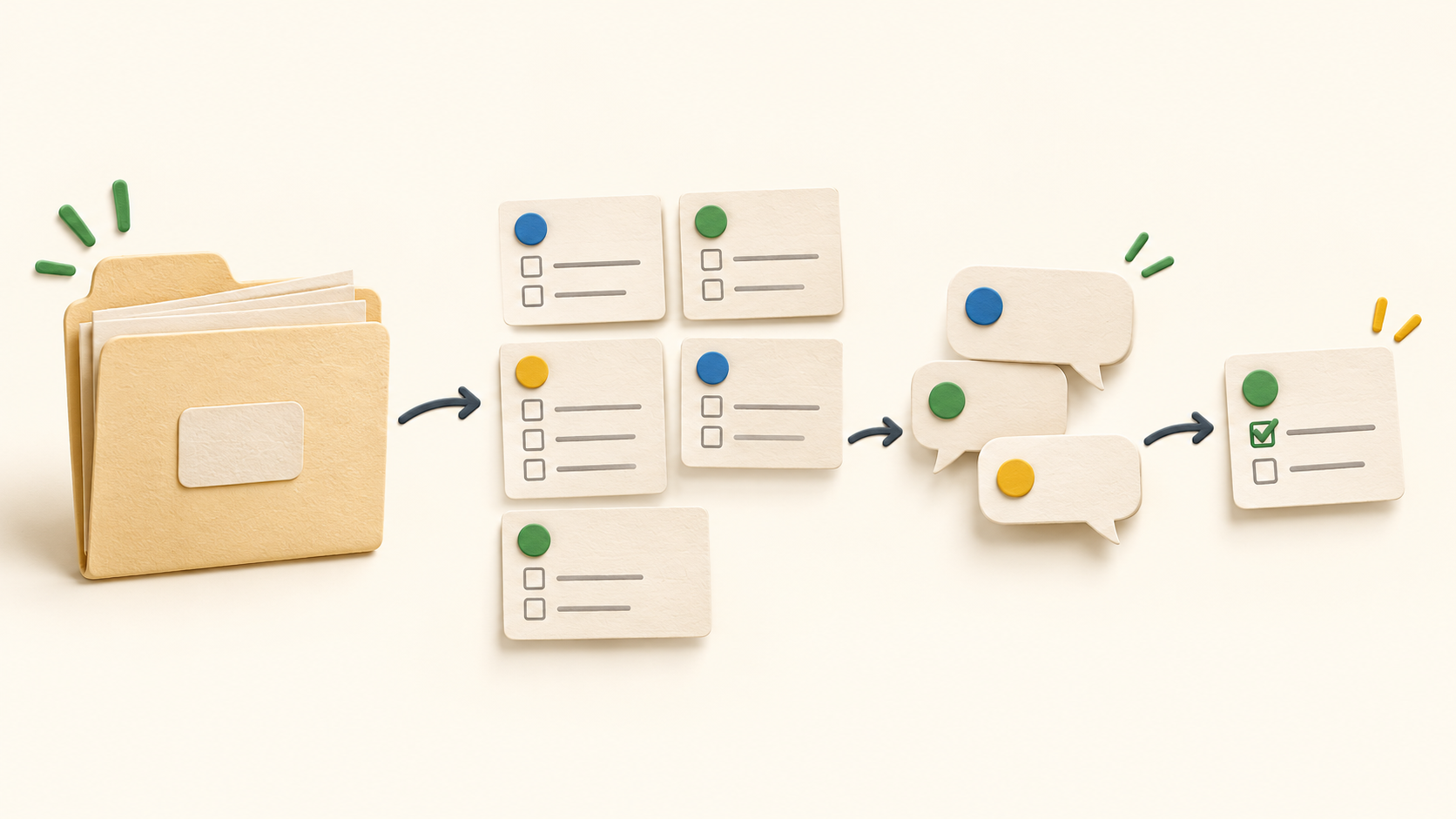
Create a project for a body of work, break it into tasks and assign those tasks to people. Each task can carry a due date, reminder, tag and priority marker; comments keep questions, checklists and attachments beside the assignment.
Project sections group related tasks inside a large project. A team can use them for stages or workstreams without turning every list into a separate project. When a project becomes complex, check whether its sections still make responsibilities clear.
New projects are open to everyone in the space by default. Premium and Business can create private or selected-user projects, and Premium can invite another space into a shared project subject to the other team's access. Set the intended audience before adding sensitive material.
Nozbe supports recurring tasks alongside due dates. Test a representative repeating task and its next occurrence so reminders match the team's expectation.
Paid plans include time-needed and time-spent attributes for tasks. Those are useful for estimating and reviewing effort, but the page does not establish a full timesheet or billing system; buyers needing that should test the actual reporting workflow.
Nozbe's current-app comparison lists a task-list CSV export. That description does not promise a full archive of comments, attachments or every private project. Before a migration, export a sample and check its fields against the work the team must retain.
Understand the offer
Pricing and getting started
The Free tier lists one workspace, up to three members and three active projects, with unlimited tasks and comments within that scope. It also limits storage, file size, tags/sections and completed-task history; check those limits with representative work before relying on it for a long-term archive.
Premium expands project and organization limits and includes private/limited-access projects and task time attributes. Each Premium space is a separate subscription, so count both people and spaces. A second space created alongside an existing Free space starts a seven-day Premium trial rather than another permanent Free entitlement.
Business advertises Premium features plus unlimited workspaces and unified billing. Nozbe's price selector changes by member count and monthly or yearly term, and displayed amounts are before taxes. Confirm the live checkout amount for the team's size and billing country instead of assuming one published rate applies everywhere.
Look a little closer
Before you choose
Pilot one shared project with an owner, several assigned tasks, comments and a recurrence. Check who sees a newly created project, when members are notified, and whether the chosen plan supports the private and cross-space collaboration rules the team needs.
For migration or exit, test a task-list CSV export and compare representative task records with the live space. Ask the vendor how to retain project discussions and attachments if those are required; the cited comparison describes a task-list export only.
If moving from Nozbe Classic, treat this as a product migration. The vendor describes separate apps and different sharing, comments and export behavior; verify the current Nozbe workflow and any imported data before retiring Classic.
3 distinct sources behind this profile. Research observed Oct 20, 2026. Features and offers can change.
View sources and research →
