Find your fit
Who it is for
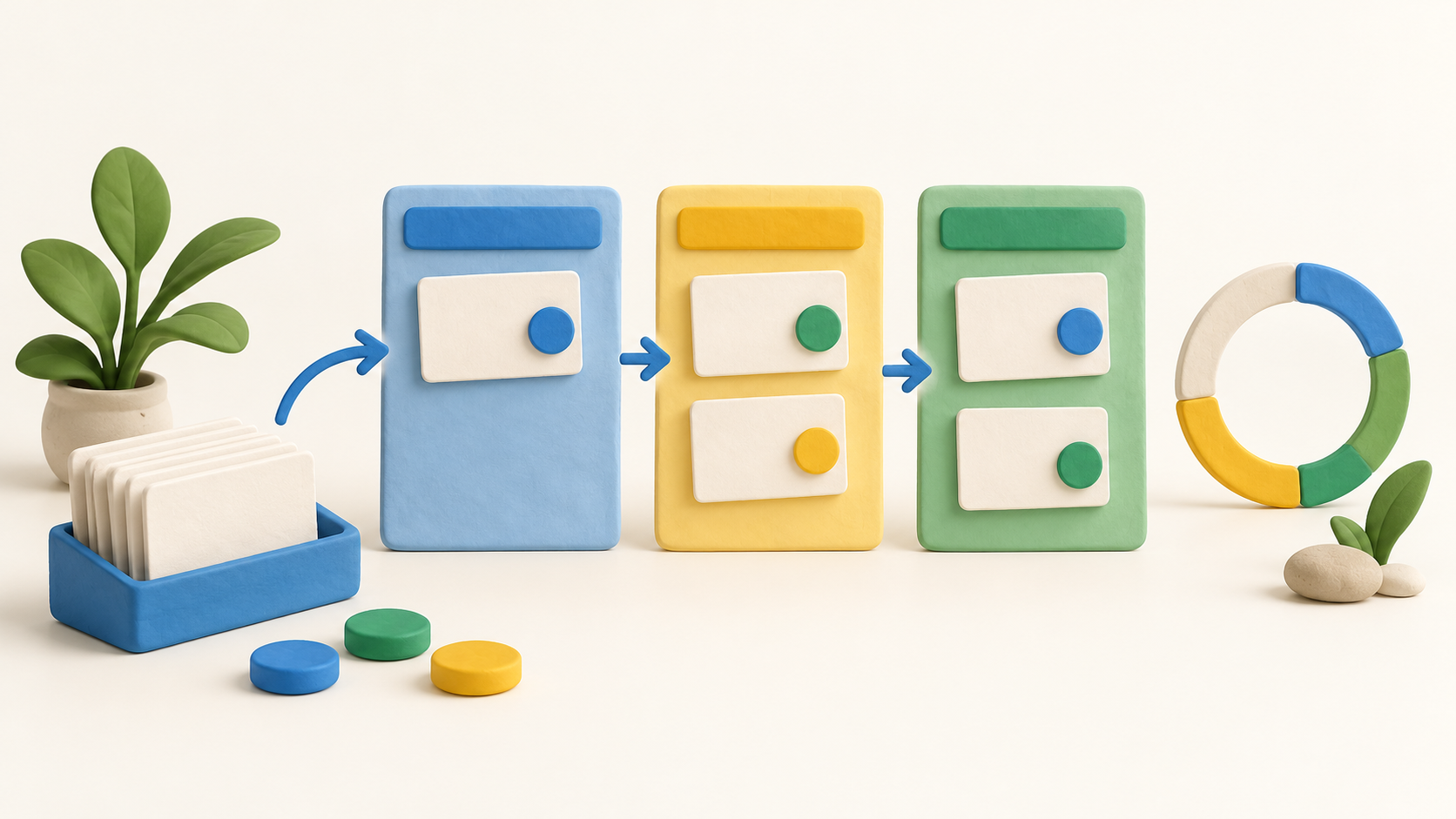
Small teams with repeatable handoffs can start with a board whose sections match their actual steps. Attach a short description and owner to each card, then see whether team members keep the board current.
Teams coordinating deadlines across projects may value the timeline and portfolio views, but those are paid tier features. Match the intended seat count and plan to the exact views needed before rollout.
The work it supports
Core capabilities
Task management. Create and assign tasks with descriptions and due dates. That gives each piece of work an owner and enough context for a handoff.
Project planning. Use the Gantt template to map dependencies and see the intended project sequence. Check the linked tasks when dates or scope change.
Project reporting. Generate quick reports to track project progress and review current status. The underlying board needs regular updates for the report to be useful.
Understand the offer
Pricing and getting started
Free currently lists unlimited tasks, up to three projects and up to five notes. Pro adds unlimited projects, a personal dashboard, private projects, and recurring tasks and automations.
Business adds timeline views, subtasks, roles and custom reports. Enterprise adds workload planning and portfolios. A vendor feature page can describe a tool without showing its tier, so use this plan list for selection.
The pricing page shows per-user monthly amounts with a yearly/monthly selector, and Business offers a requested free trial. Confirm the selected billing period, local currency and final checkout terms before budgeting.
Look a little closer
Before you choose
Boards can be tailored to a team’s workflow, while watchers, comments and attachments keep discussion with a task. Agree on section meanings so a moved card communicates the same status to everyone.
Checklists and subtasks break complex work down differently. Subtasks appear in Business; try both approaches on one project before creating a large hierarchy.
Timeline and portfolio views can reveal overlaps and cross-project workload, but Business and Enterprise gate them differently. Confirm each intended role has the needed view before promising a multi-project dashboard.
Pro includes recurring tasks and automations. Start with one repeatable rule and inspect what happens when an owner or section changes.
A Projects widget can show completion, open tasks and overdue tasks. Treat those numbers as a prompt to inspect the underlying work, especially when tasks are stale.
The official pages establish features and listed tiers, not actual account behavior or final price. No signup, task creation, automation, report, trial or checkout was tested for this listing.
7 distinct sources behind this profile. Research observed Oct 15, 2026. Features and offers can change.
View sources and research →
