Find your fit
Who it is for
It suits operations, service or compliance teams that repeat an inspection, onboarding or month-end procedure. A workflow holds the instructions; separate runs track each execution, so the team can see current work without duplicating the master checklist.
Teams with changing participants can fill roles when a run starts, assign steps and use the inbox to follow work across runs. An occasional participant may fit a Limited role, but that role has a 15-run monthly cap and cannot launch runs or reassign work.
The work it supports
Core capabilities
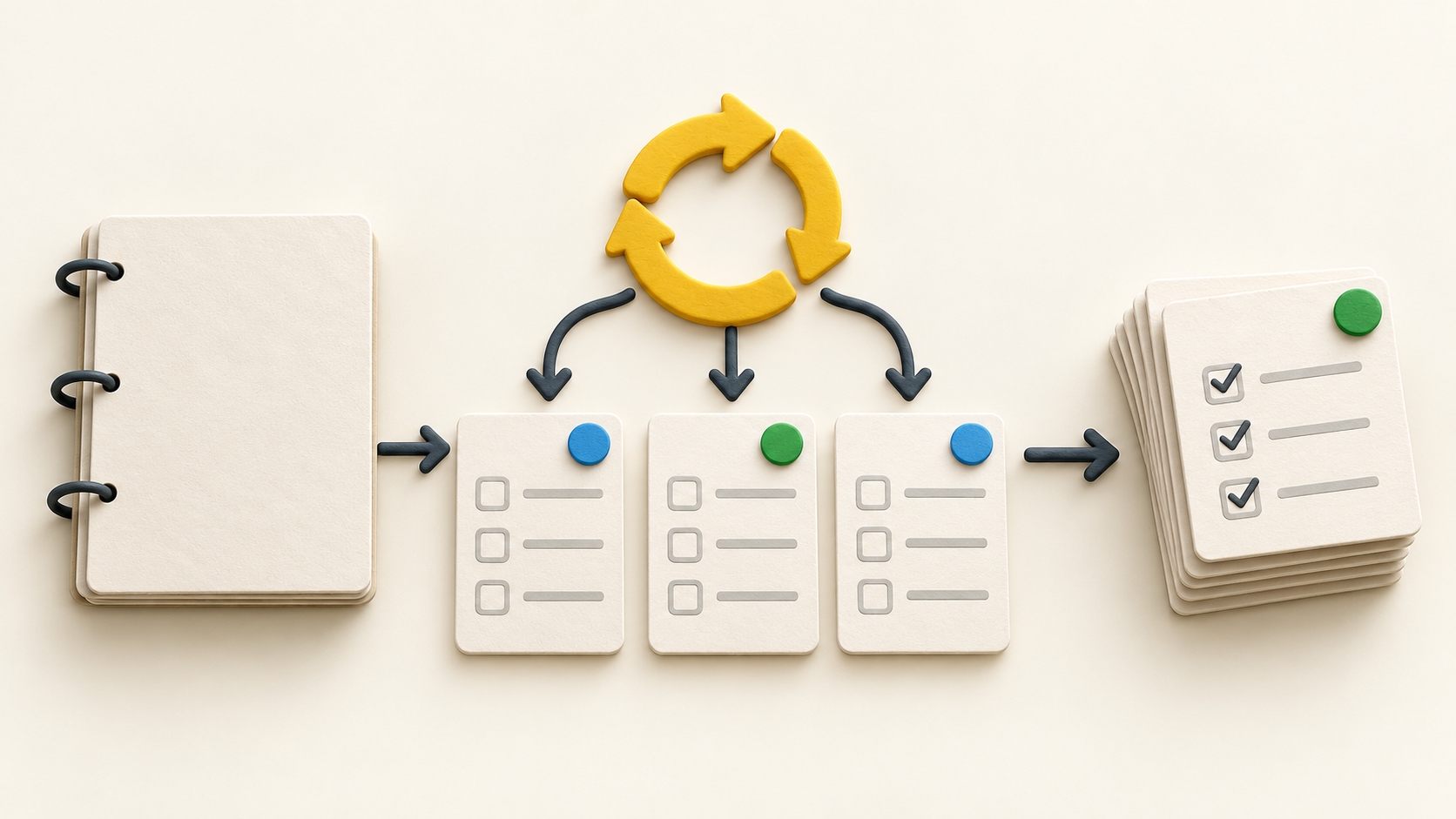
Build the repeatable workflow first: list the steps, instructions, expected data and who owns each stage. Each run is a fresh instance for task completion and data entry. This helps separate editing the procedure from completing a particular case.
For routine work, a schedule can start new runs and preassign people. The vendor describes daily through yearly patterns and custom timing. Test a fictional cycle at the right time zone and confirm the assignees before relying on it for an operational deadline.
Role assignment can change who fills a particular role in each run. The inbox brings together runs, assigned steps and notifications, so a participant can see what is waiting without searching through every workflow.
Conditional logic can show only the steps relevant to an answer or a completed prior step. An approval step can then hold later work for an assigned reviewer. A rejected step can return to its original assignee with the reviewer’s comment for rework.
Workflow versioning separates a working draft from the published procedure used to create runs. Make a change in the draft, test it and publish deliberately so the next run starts from the intended instructions.
Run activity records who completed steps, when they did so, entered data, edits and lateness. A reviewer can inspect the particular run rather than infer completion from a static checklist. Confirm the precise audit evidence required by your own process.
Manifestly treats exporting a procedure and exporting its execution history as separate tasks. It documents PDF export of a single run and spreadsheet export of run lists; large exports are prepared in the background on the Reports Exports page.
Understand the offer
Pricing and getting started
The captured pricing page displays Business at $10 per user per month on monthly billing, or $100 per user per year when billed annually. The page describes the yearly rate as roughly 17% lower. The dollar sign is displayed without an explicit currency code in the captured text, so confirm the quote currency and tax before purchase.
Enterprise is annual only on the current page and starts at $2,000 per year with ten users included. The exact scaled total is quote-dependent. Obtain a written proposal for the number of paid seats and any Enterprise-only controls.
Business lists unlimited workflows and runs, scheduling, assignments, data capture, common integrations, dashboards, history and PDF/CSV exports. Enterprise adds Data Tables, SAML SSO, branding, SMS and onboarding services. Confirm feature rights against the plan you are offered.
The Business trial lasts 14 days according to the current pricing page. Limited users are described as free, but each can join only 15 runs in a calendar month; Members are paid seats without that cap. Model the roles and run volume before counting total seats.
Look a little closer
Before you choose
Pilot one fictional recurring process. Start a manual run, fill different roles, complete a few steps and schedule the next run. Check reminders and the inbox from each participant’s scope before inviting real clients or staff.
Use a test answer that takes the conditional branch, then reject an approval once and inspect the rework path. This is where teams learn whether instructions, assignees and signoff are specific enough for the real process.
Before making a workflow an official SOP, test a draft revision and a new run, then compare them with an older run. Export both the procedure and a sample run to see whether PDF/spreadsheet outputs carry the evidence your retention process needs.
Price the expected mix of full seats and Limited participants against monthly run volume. The published Business and Enterprise figures are starting displays; confirm currency, tax, billing term, ten-user Enterprise inclusion and any plan changes after the trial in the actual order.
11 distinct sources behind this profile. Research observed Oct 26, 2026. Features and offers can change.
View sources and research →
