Find your fit
Who it is for
An individual who struggles with an overflowing Today list can try Now/Later for a smaller current focus and choose another workflow if dates or a Kanban-style progression fit better.
Someone who wants tasks beside habits, mood tracking and private notes may value the combined workspace, but should check the Free limits and migration options before moving a long history into it.
The work it supports
Core capabilities
Create tasks within Areas of Life and goals. In the Now/Later method, choose tasks that are actionable now and let the remaining list wait until it becomes relevant.
Select another task workflow when the list needs different structure: Lunatask documents a Kanban-style arrangement, a Priority List and a date-oriented Plan Your Days mode.
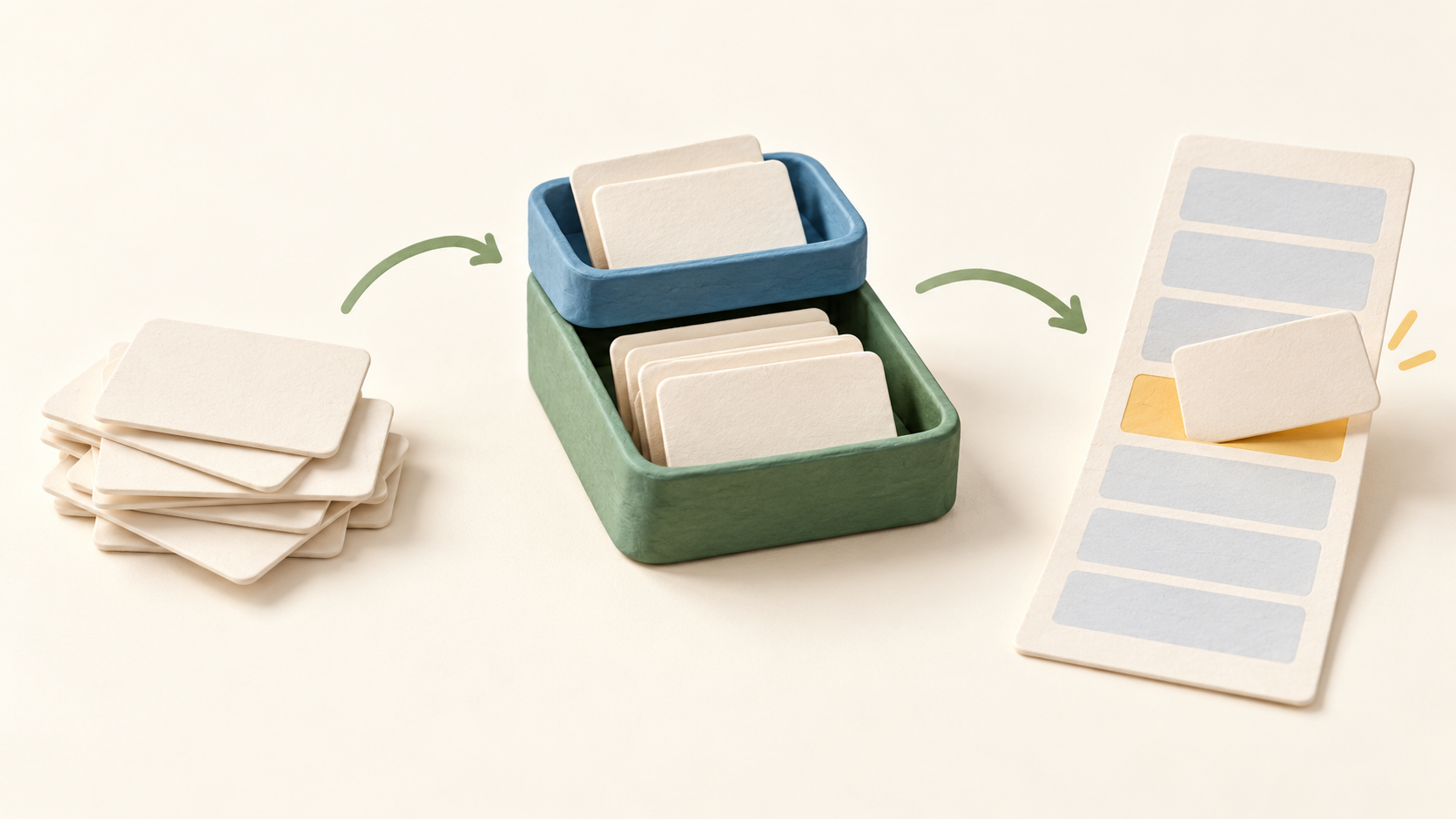
Drag a task into the Today Calendar to reserve a working block. Time blocking is optional; a scheduled block describes intent to work, not proof that the underlying task was completed.
Display calendar events beside task and habit blocks to see the actual day’s capacity. The Today Calendar is a planning surface, while a separate calendar app remains the home for fixed appointments.
Set repeating tasks with natural-language recurrence patterns and optional start or end dates. Test a harmless sample of the rule before relying on it for a recurring responsibility.
Track daily habits alongside planned work. Free and Premium have different habit counts, and weekly habits appear in the Premium feature list.
Keep a journal entry for a day and log mood or emotion where useful. Notes and notebooks provide a separate place for reference material; consider which records you would need to export later.
Forward an email into a task or save a web page through the browser integration. Check the created task and what source material is retained before routing confidential messages or pages into the app.
Lunatask says task and note data are end-to-end encrypted. Protect the master password and check recovery options because encryption changes what the service can restore for you.
Short offline periods can be supported with later sync, but Lunatask describes itself as a cloud-based service rather than a fully offline archive. Reconnect and verify synchronization after working offline.
Desktop export exists for backup or migration, yet current documentation says it omits some entities or properties. A fuller format is planned, so test an export of the data types you actually use before committing a large history.
Current search reaches entity names, while full-text search is still on the roadmap. If finding text within old notes or journal entries matters, verify that need in a small sample before choosing the app.
Understand the offer
Pricing and getting started
Free has no time limit and includes two Areas of Life, seven daily habits and 30 relationships in the captured pricing list. It also lists task timers, time blocking, notes and journaling.
Premium removes the listed area, habit and relationship caps and adds calendar integrations, extra planning methods, weekly habits and some tracking and note-template tools. Confirm the exact feature on the intended platform.
The page displayed Premium at $6 per month when paid annually or $8 month to month, plus a $300 lifetime option. Confirm checkout currency, tax, renewal terms and whether the selected store or desktop installer supports that purchase.
Subscriptions Help says there is no Premium trial; the ongoing Free plan is the way to evaluate the core workflow. One paid entitlement applies across the user’s devices according to the same Help page.
A lifetime purchase is unavailable through the mobile apps or Mac App Store build. For a Mac lifetime purchase, the vendor directs buyers to its downloadable DMG build.
The vendor says cancellation leaves Premium active until the paid term ends, then downgrades the account to Free. Compare existing areas, habits and calendar use with Free limits before cancelling.
Look a little closer
Before you choose
Try a small fictional week: create a task in an area, put some work in Now and some in Later, choose a recurring task, and drag one item onto the Today Calendar. Check whether this helps prioritization without overbooking.
If you plan to store journal or note history, test search, export and a brief offline/reconnect cycle before depending on it. Present search and export are narrower than their announced future replacements.
Choose a purchase path only after comparing the actual device and installer. The monthly, annual and lifetime choices have different terms, and a forthcoming 3.0 release is not part of today’s verified feature set.
14 distinct sources behind this profile. Research observed Oct 26, 2026. Features and offers can change.
View sources and research →
