Find your fit
Who it is for
A product team coordinating several feature launches can put each launch in a project and group related projects under an initiative. Review initiative status and project milestones together so a slipping project is visible before a roadmap update.
An engineering team handling bugs and planned work can give issues clear team ownership, status and project links, then plan a subset into a repeating cycle. Cycles are not releases; define separately what counts as shipped.
A cross-functional team receiving requests from another team or an integration can use Triage to review, prioritize and assign them before they enter the main queue. Test who monitors that inbox so incoming work does not quietly stall.
The work it supports
Core capabilities
Initiatives. Group multiple projects around a company objective and use status, priority and labels to review the roadmap. Keep initiatives for intentional goals and project views for filtered collections of work.
Projects. A project groups issues with an outcome or target completion date and can include multiple teams. Its overview can hold a summary, progress, links and milestones, giving stakeholders a place to understand scope without reading every issue.
Views and milestones. Lists, boards and timelines organize project work; milestones provide named checkpoints and target dates inside a project. Try a project with two teams to check what the views reveal and hide.
Issues. Track bugs, features, follow-ups or requests as team-owned issues with a title and status. Since an issue belongs to only one project at a time, test a cross-project dependency before deciding how to model shared work.
Cycles. Time-boxed cycles let a team select a planned set of issues and repeat the cadence automatically. Configure the team's duration and start day, then decide how unfinished issues and release milestones should be handled separately.
Triage. Incoming issues created by integrations or people outside a team can wait in a special inbox for review. Assign an owner and check the resulting project, priority and team so urgent work is routed correctly.
Project context. Documents and external links can live with a project, and documents can link back to issues. Store a short decision or specification with the work it affects, while checking access for private teams and guests.
Understand the offer
Pricing and getting started
The public Free plan is $0 with unlimited members but limits the workspace to two teams and 250 issues. Those caps make it suitable for trying a small workflow, but a growing backlog or more team separation may require a paid plan.
The viewed annual-billing prices are Basic $10 and Business $16 per user per month. Basic raises the allowance to five teams and unlimited issues; Business adds unlimited teams, private teams and guests plus more triage and insight tools. Confirm currency, tax and the current seat calculation at checkout.
Enterprise is custom-priced and annual-billed on the current page, with SAML/SCIM, more granular administration and migration/onboarding support listed. Ask for a written quote and security or residency requirements if those are deciding factors.
Coding sessions and agent loops use optional prepaid workspace AI credits on eligible paid plans, separate from per-seat subscription pricing. An ad-hoc top-up starts at $10 USD; automatic reload and a separate invoice are described. Check which team members can spend credits and set a budget before enabling them.
Look a little closer
Before you choose
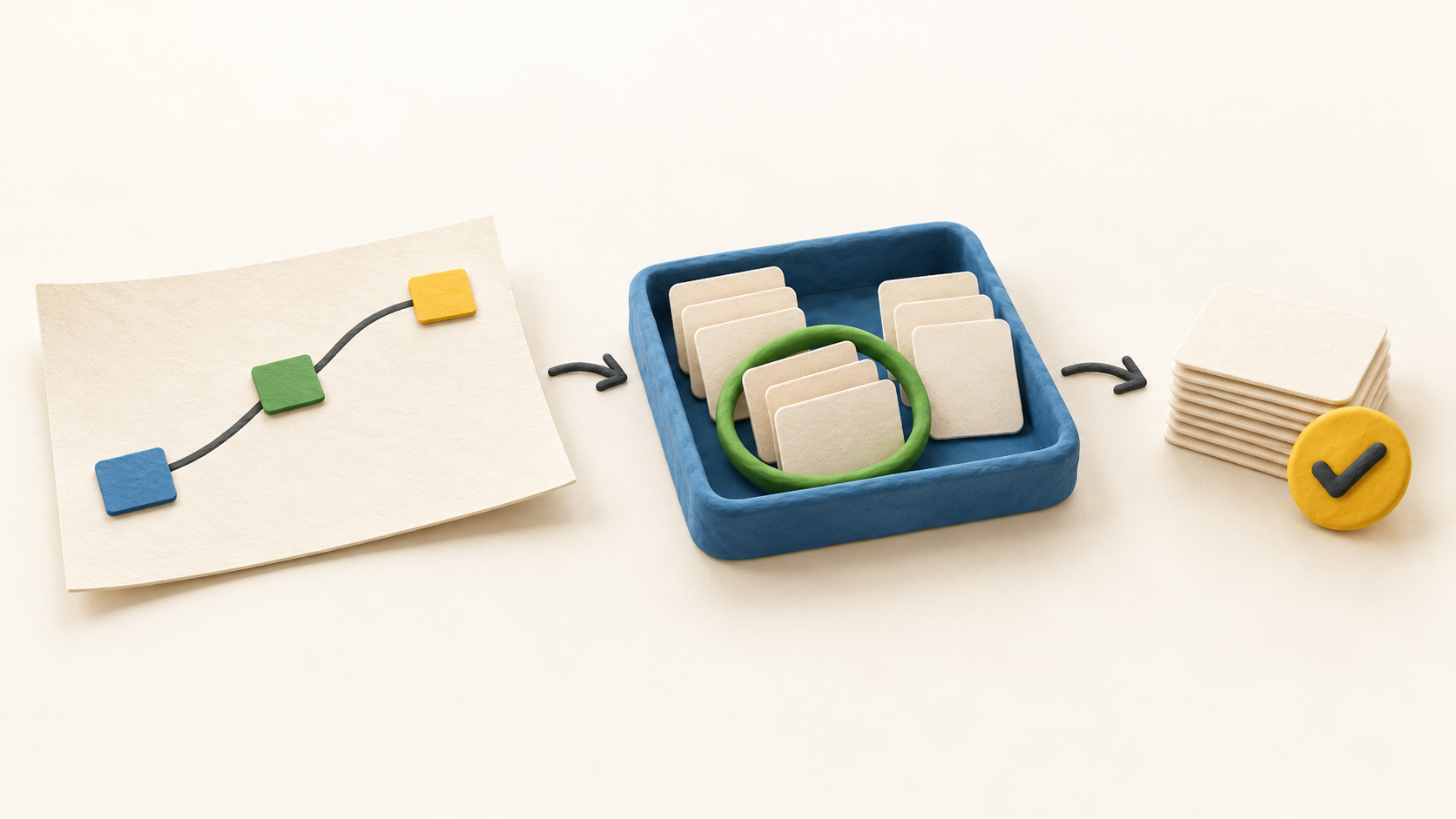
Pilot a real but non-sensitive product workflow: create an initiative, attach a project, add milestone dates and issues, route one external request through Triage, plan a cycle and review what the project timeline reports. That reveals whether the model fits the team's planning cadence.
Count teams, issues, paid seats and any AI-credit work separately. The Free issue limit, Basic team limit and Business access controls can matter more than the advertised per-seat number for a growing organization.
This profile is based on current public Linear pages and help documentation. No workspace, issue, project, cycle, integration, subscription, AI session or credit purchase was operated.
8 distinct sources behind this profile. Research observed Oct 18, 2026. Features and offers can change.
View sources and research →
