Find your fit
Who it is for
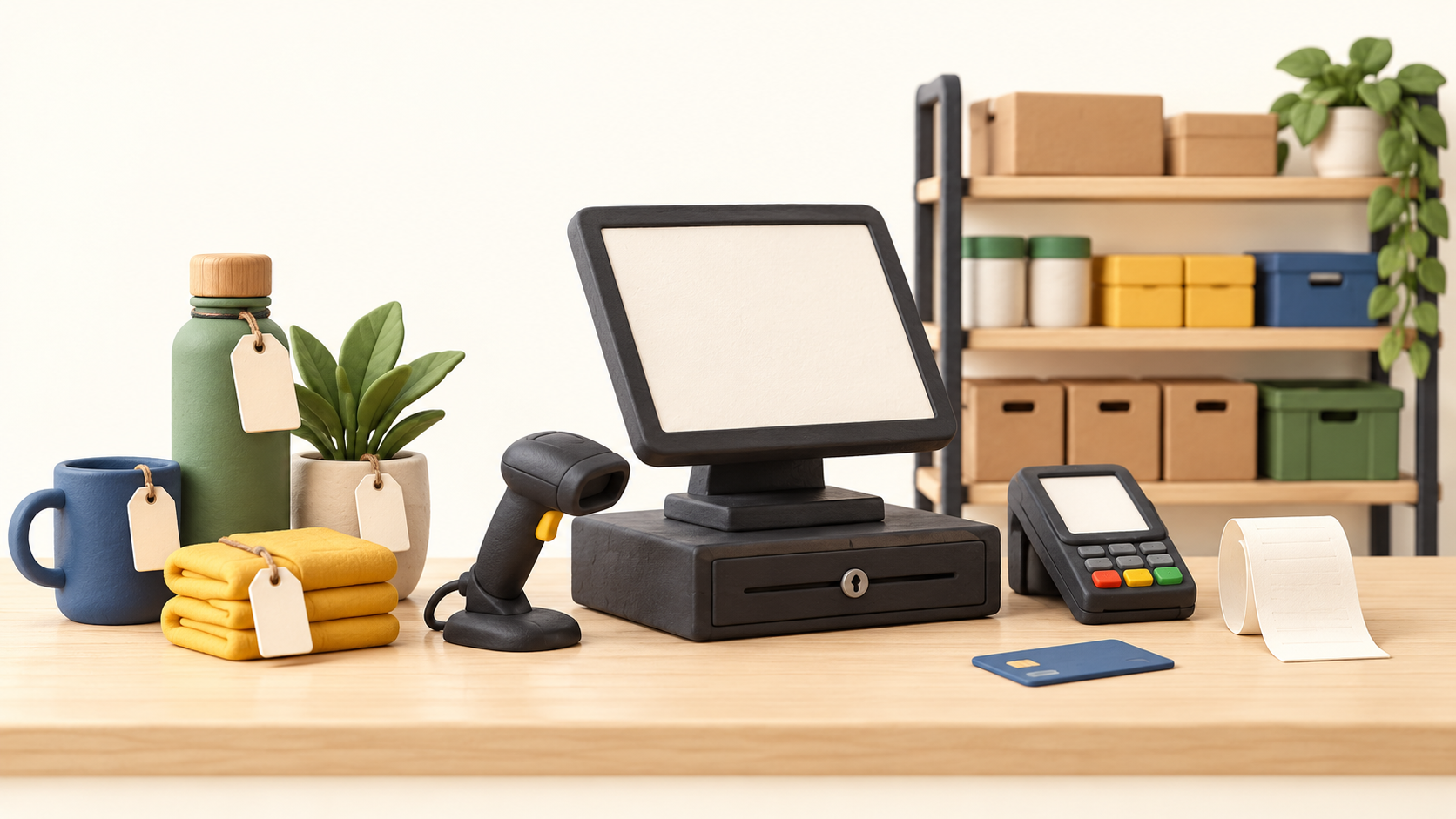
A retailer with a physical checkout counter can assess KORONA POS for register operations, product setup and reports. The documented setup involves compatible terminal equipment, a receipt printer, scanner and payment device. Stores with more than one location or significant supplier ordering should examine the Retail and Plus tiers rather than assuming Core includes all stock tools.
The software is processing-agnostic, so a store can assess its preferred card processor. That flexibility still requires a compatible payment device and a separate processor agreement. Confirm both before replacing an existing register.
The work it supports
Core capabilities
Set up products in KORONA Studio with a group and tax category, then add product codes and prices. A code can be used to ring an item onto a receipt. If a product has no saved price, the cashier must enter one at each sale; test pricing and tax on sample items before going live.
At the register, the cashier adds items, selects Total and chooses a payment method. The manual also documents partial and split payments and a receipt archive for returns, copies, gift receipts and voids. Walk staff through these less common cases during training, especially refund authority and cash reconciliation.
Core covers the basic checkout, product database, sales reports, manual discounts and gift cards. Retail adds inventory counts, stock tracking, barcode automation, supplier ordering and shelf labels. Plus adds multi-location inventory views, ABC analysis and per-store pricing. Confirm the current feature matrix for the particular market and terminal count.
For stock tracking, the setup manual says to enable Track Inventory on the product. Counts can be done at a terminal or in the mobile inventory app, and receipts can be recorded through the back office, POS or app. Pilot one product from purchase receipt through sale and count adjustment before relying on reported stock.
The inventory tools can suggest reorder levels from purchasing history and sales patterns, and the vendor describes one product catalog across multiple stores. A multi-store retailer should confirm which Plus functions it needs for transfers, store-specific prices and stock reporting.
Permitted back-office users can review live stock and reports remotely in KORONA Studio. Use access rights that match the duties of cashiers, managers and owners, then verify a sale and return appear correctly in the reports.
Understand the offer
Pricing and getting started
The captured US pricing page lists Core at $59, Retail at $79 and Plus at $99 per terminal per month. Features build from one tier to the next. Calculate the subscription against the number of active registers and confirm the currency, market and current quote before budgeting.
Optional industry modules have separate monthly charges. The software plan also sits alongside POS hardware and the merchant’s card-processing fees. Existing equipment may be reusable if compatible, so request a hardware list and a full processing quote instead of treating the software subscription as the complete checkout cost.
The current page describes month-to-month service without a forced contract, optional discounted annual plans, an unlimited no-card trial, and included onboarding, training and in-house support. Verify the current written terms for the store’s location, modules and equipment.
Look a little closer
Before you choose
A practical pilot should import a small product catalog, set prices and tax categories, ring a sale and split payment, process a return, receive new stock and check the resulting count and report. Include a product with no configured price to see how the cashier is prompted.
Before choosing a plan, list every register, store, scanner, printer, payment device and optional module. Ask the vendor to confirm hardware compatibility, processor integration, tier entitlement and total monthly and upfront cost in writing. Multi-store reporting and per-store pricing deserve a separate test if they are deciding factors.
6 distinct sources behind this profile. Research observed Oct 18, 2026. Features and offers can change.
View sources and research →
