Find your fit
Who it is for
It suits an individual or technical team that wants to choose its own storage and control backup frequency, retention and encryption. Kopia offers a graphical desktop app and a command line, so a non-specialist can start in KopiaUI while an administrator can automate or inspect advanced operations through the CLI.
The documented scope is snapshots of selected files and directories. Before treating it as a complete recovery plan, list the applications, data and machines that must be recoverable and test a representative restore. The public documentation alone does not establish whole-system or application-consistent recovery for every workload.
The work it supports
Core capabilities
Kopia creates a repository in a storage location you select. The documentation covers local, network, cloud and remote locations. Set up that location and its credentials first; choose storage capacity and availability according to the data you need to recover.
Each repository is encrypted with a password selected by its user, and snapshots are encrypted before leaving the computer. The password is essential to restore data; losing it means the backed-up files cannot be recovered from that repository. Store it through a secure recovery process before relying on the first backup.
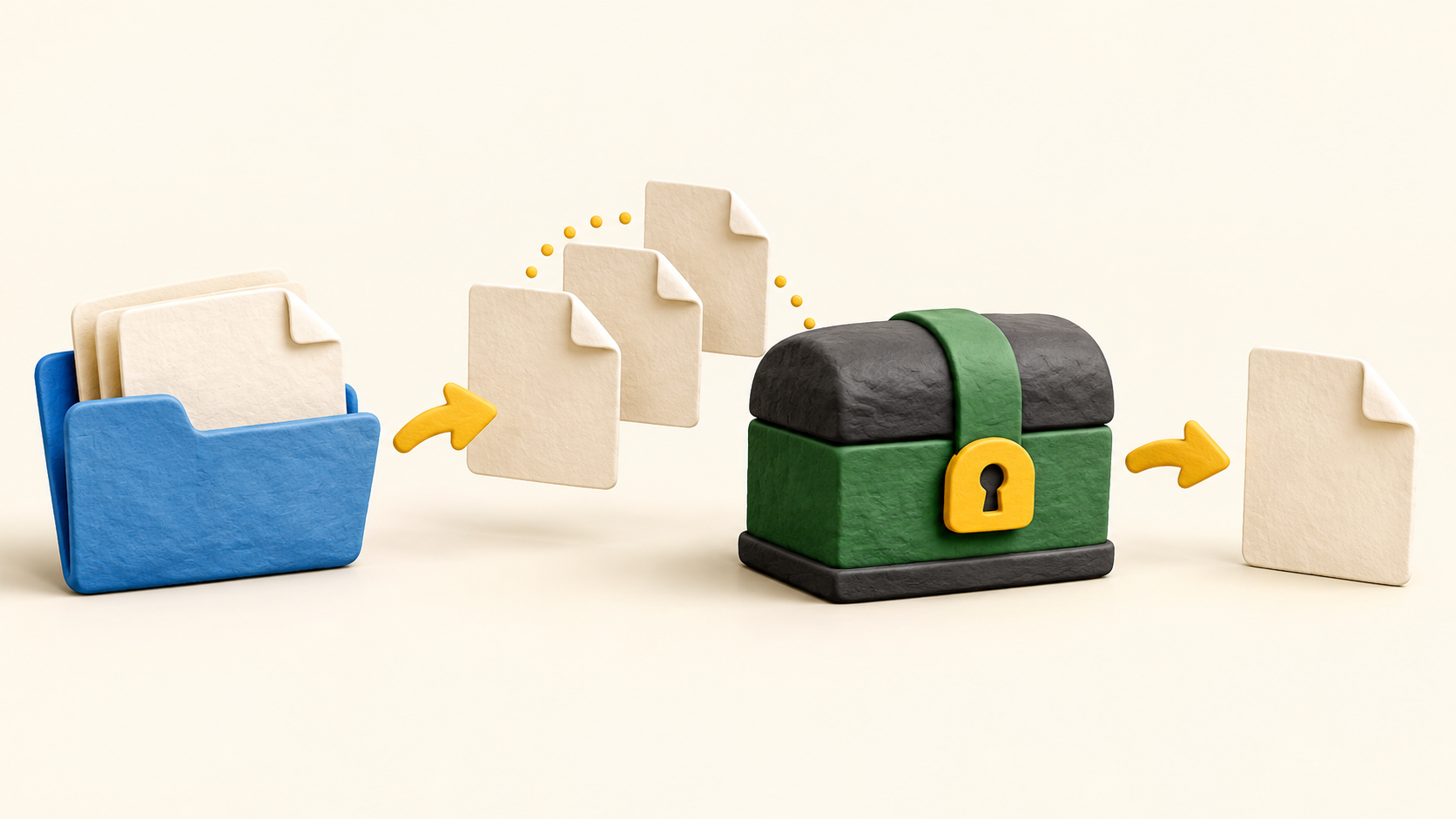
A snapshot records the selected files and directories at a point in time. Subsequent snapshots are incremental, uploading content that is not already in the repository, and deduplication can avoid storing identical content again. Check actual storage use and recovery time with representative data.
Policies control which files or folders are included, exclusions, snapshot frequency, retention and compression. If no frequency is selected, snapshots must be run manually. Review the effective policy after setup so an assumed schedule does not leave a gap.
For recovery, a user can mount a snapshot to browse and copy, restore a full snapshot to a local or network destination, or select individual files. Try a restore to a separate test location and confirm the recovered file opens before calling the setup complete.
KopiaUI covers repository creation, policy settings, snapshots, restore and maintenance. Some advanced checks remain CLI-only. Teams that need a fully graphical workflow should verify whether every required operation is exposed in their chosen installation.
The daily full-maintenance check verifies snapshot structures and blob presence, but does not download, decrypt and decompress every backed-up file. A deeper CLI option can read file content, while an actual restore is the strongest practical test. Set a test schedule appropriate to the importance of the data.
A shared repository uses one password and the documented setup has no access control separating people who know it. Do not treat one shared repository as a private space for users who should not read each other’s data.
Understand the offer
Pricing and getting started
Kopia describes itself as open-source backup software. Its storage is separate: the user must provision, configure and pay the chosen provider. Budget for capacity, storage operations and recovery or download costs using the provider’s terms, and test the repository before committing important files. A software download does not establish zero total backup cost.
Look a little closer
Before you choose
A sensible pilot is a small non-sensitive folder: create a repository, record the password securely, set a scheduled policy, add and change files, then restore one old and one current version to a separate location. Check that the retrieved files open and that the retained snapshots match the intended schedule.
For shared or business-critical data, decide who controls the repository password, how storage credentials are recovered, and how often a full restore is tested. The public documentation describes verification and recovery tools, but this research did not run a backup, inspect a repository or prove recovery from a real failure.
6 distinct sources behind this profile. Research observed Oct 18, 2026. Features and offers can change.
View sources and research →
