Find your fit
Who it is for
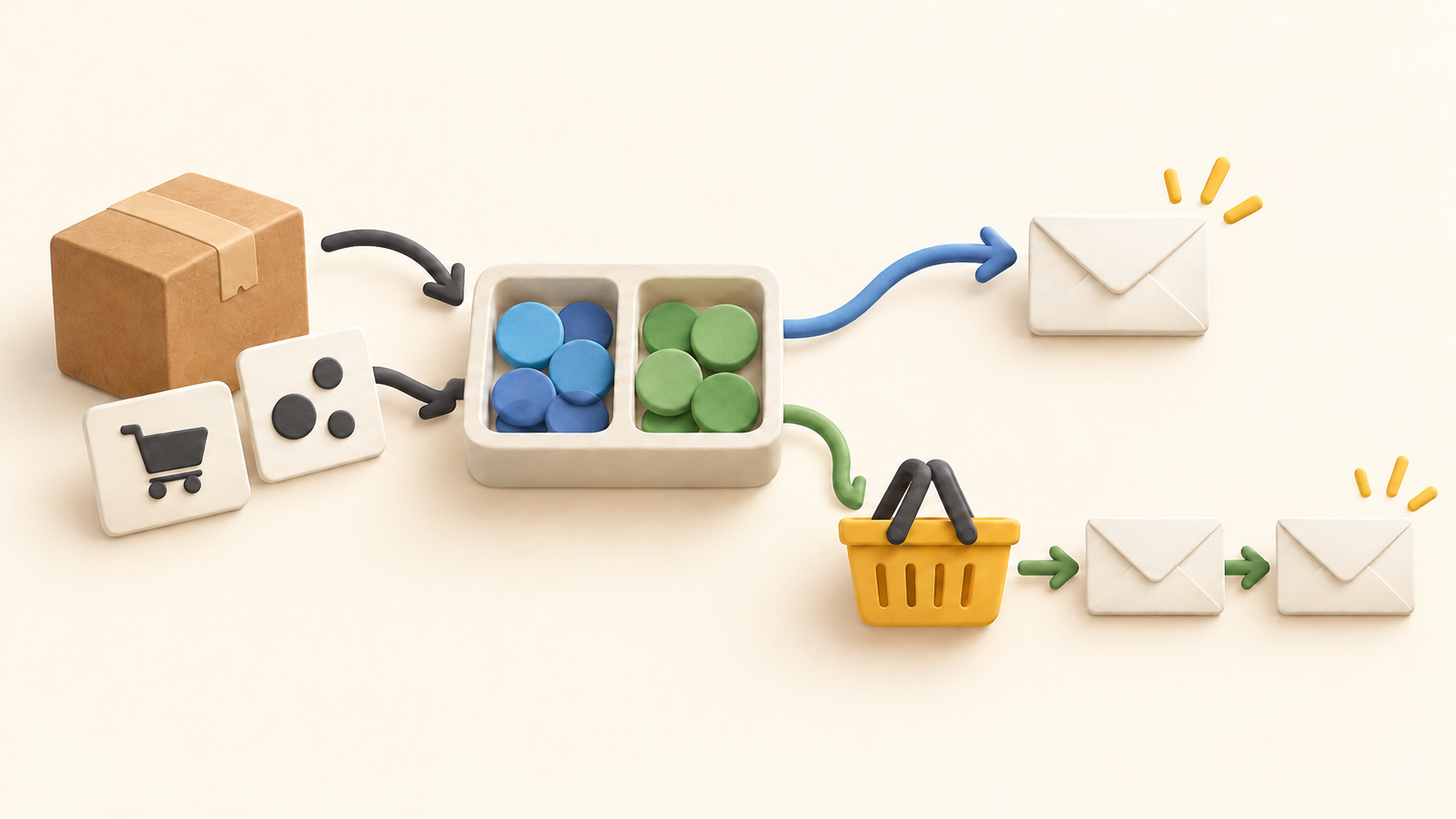
For a newsletter or promotion, a campaign is a one-time send to a prepared list or segment. It can go out immediately or be scheduled. The recipient setup can exclude a group, and Smart Sending can skip someone who recently received another email. Check the expected recipient count and suppression settings before sending.
For an ongoing customer journey, a metric-triggered flow starts when a tracked action arrives. Klaviyo gives abandoned checkout, post-purchase and browse examples. Repeated actions can start the same flow again unless trigger or profile filters narrow entry.
Segments are rule-based audiences that expand or shrink as contact data changes. They differ from a static subscriber list. A segment may contain people without email opt-in criteria, so verify consent in the audience definition before using it for a campaign.
The work it supports
Core capabilities
Email campaigns. Create and send a one-time newsletter or promotion to a chosen audience, immediately or on a schedule.
Audience segmentation. Build groups from available profile properties and ecommerce events, then target more specific contacts.
Email automation. Build event-triggered flows for actions such as checkout starts or completed orders.
Understand the offer
Pricing and getting started
The current free plan is ongoing while the account stays within 250 active profiles and 500 email sends per month. Klaviyo says sending may be restricted when either limit is exceeded. This is a small evaluation or low-volume tier, not an unlimited free email service.
Paid subscriptions raise messaging and profile capacity. Klaviyo describes billing as chiefly based on the number of contacts in the account; its public pricing builder is volume dependent, so confirm active profile count, email allowance, any additional products and the checkout quote for your account.
The free tier provides email support for the first 60 days after signup; the help page says paid users receive email and chat support. Confirm the current support entitlement when choosing a plan.
Look a little closer
Before you choose
Cart and checkout events vary by store integration and sync timing. Test the actual event in your connected store before promising a follow-up window; a delayed sync can shift when the first email goes out.
Klaviyo distinguishes Added to Cart from Started Checkout. If both flows are used, configure filters so a shopper who advances to checkout does not receive both messages.
Review opt-in, suppression and Smart Sending rules on the actual campaign audience. A dynamic segment reflects data conditions; it does not by itself prove permission to email every member.
Research scope: official public pages checked October 15, 2026. No account, store integration, profile import, campaign send, flow activation, support contact or checkout was tested.
9 distinct sources behind this profile. Research observed Oct 15, 2026. Features and offers can change.
View sources and research →
